

Claude & MCP Connector
AlertKick speaks MCP (Model Context Protocol), so AI assistants can create and manage monitoring for you: uptime and SSL certificate checks, DNS and domain-expiry monitors, TCP port checks, cron-job heartbeats - and read or acknowledge alerts, incidents and security events.
 Connect from the Claude directory
Section titled “ Connect from the Claude directory”AlertKick is listed in the Claude connector directory, so there is nothing to install and no API key to paste.
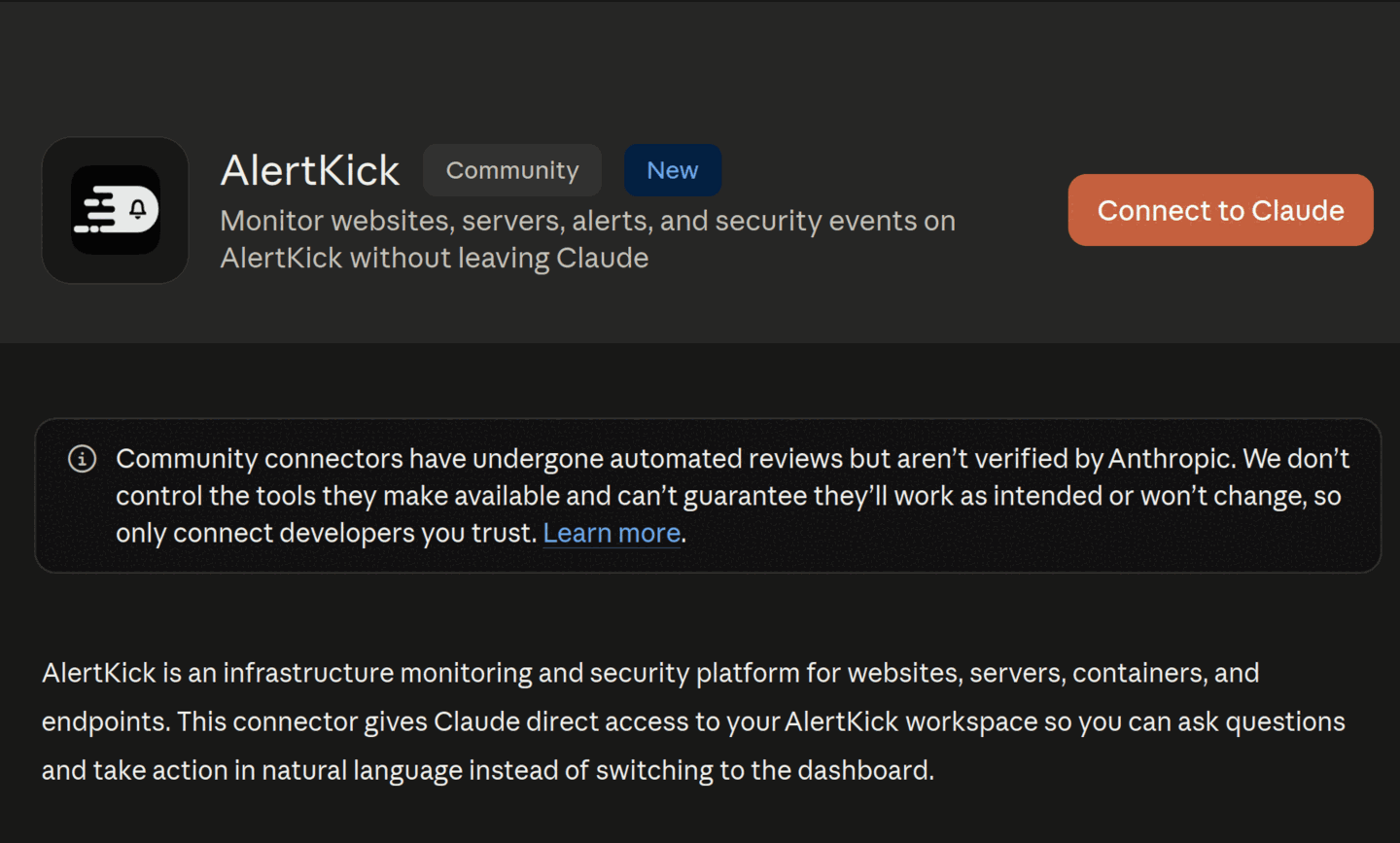
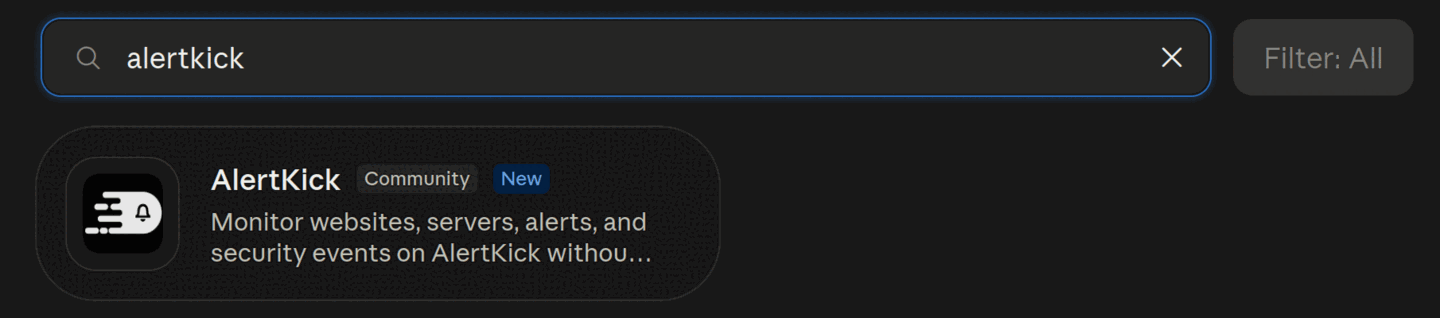
- In Claude, open Settings -> Connectors -> Browse connectors.
- Search for AlertKick.
- Open the listing and choose Connect to Claude.
- Enter your workspace name (the part before
.alertkick.comin your AlertKick URL), sign in if you are not already, and review what access you are granting. - Choose Allow access. You are connected.
Works in Claude on web, desktop, and mobile.
Claude Code
Section titled “Claude Code”claude mcp add --transport http alertkick https://mcp.alertkick.com/mcpClaude Code opens your browser for the same authorization flow.
Other MCP clients
Section titled “Other MCP clients”Any client that implements the MCP authorization specification (OAuth 2.1 with PKCE, dynamic client registration or client-ID metadata documents) can connect to the hosted connector directly:
https://mcp.alertkick.com/mcpDiscovery metadata is served at the standard well-known endpoints.
Access and revocation
Section titled “Access and revocation”- During authorization you grant read and write access; the connection acts as you, in your workspace only.
- Disconnect any time from your AI client, or from AlertKick under Settings -> Connected apps. Revocation takes effect immediately - the next tool call from that connection is rejected.
- Workspace admins can see and remove every connection in the workspace from the same screen.
What it can do
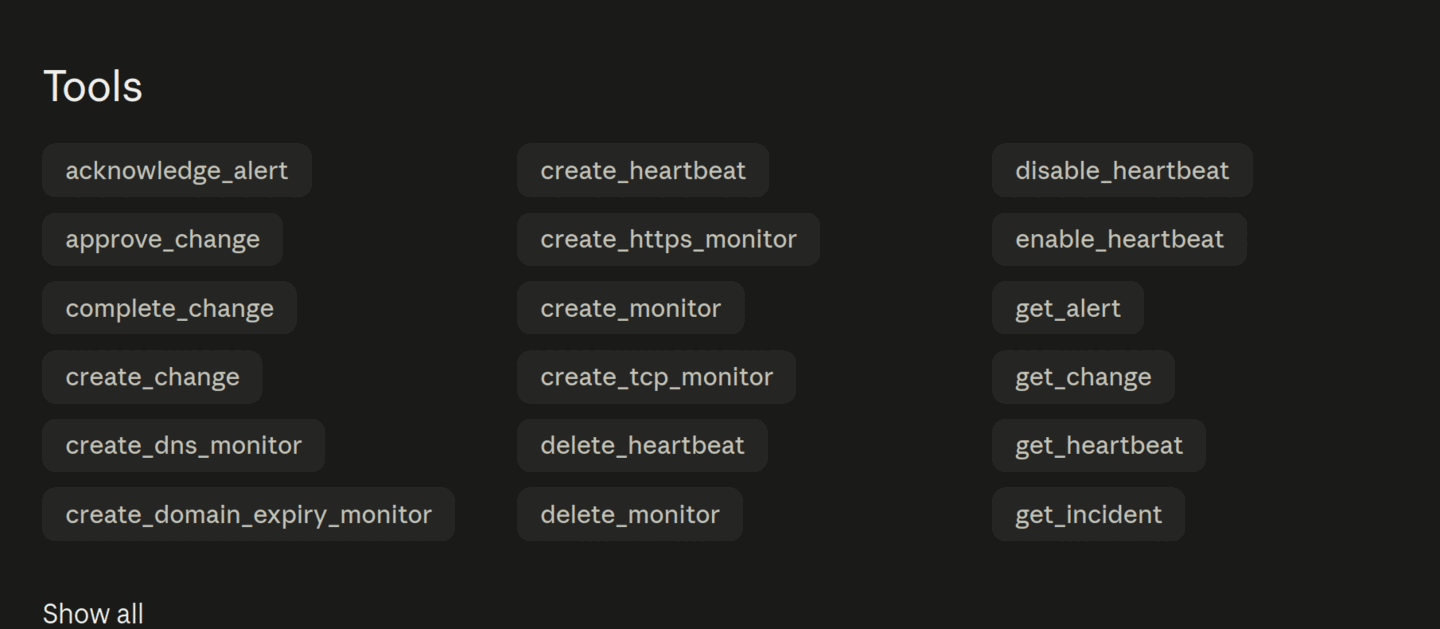
Section titled “What it can do”The connector exposes 39 tools. Every tool that changes state is annotated as a write, so Claude asks before it acts; grant only read access and the writes are refused outright.
| Area | Tools |
|---|---|
| Monitors | list_monitors, get_monitor, list_poller_locations, create_monitor, create_https_monitor, create_tcp_monitor, create_dns_monitor, create_domain_expiry_monitor, create_mail_monitor, create_mcp_monitor, pause_monitor, resume_monitor, delete_monitor |
| Heartbeats | list_heartbeats, get_heartbeat, create_heartbeat, enable_heartbeat, disable_heartbeat, delete_heartbeat |
| Alerts and incidents | list_alerts, get_alert, acknowledge_alert, resolve_alert, list_incidents, get_incident |
| Servers and security | add_server, get_server_install_command, list_servers, get_server, get_server_containers, list_security_events, get_security_event_stats |
| Change management | list_changes, get_change, create_change, approve_change, start_change, complete_change, verify_change |
Some prompts that work well once connected:
- “Monitor https://myapp.example.com and alert me if it goes down or the SSL certificate is about to expire.”
- “Watch the MX records for example.com and tell me if they change.”
- “Create a domain-expiry monitor for example.com.”
- “Add a server called web-1 and give me the agent install command.” Agent-based server monitoring is included in the 30-day trial and on paid plans; on the Free plan Claude gets an upgrade link back instead.
- “My nightly backup cron runs at 02:00 - create a heartbeat for it and give me the ping command to add to the job.”
- “Any open alerts right now? Acknowledge the ones about staging.”
- “Show me this week’s security event stats.”
- “Open a change window on db-1 for the half hour I need to patch it.”
Local binary (API key)
Section titled “Local binary (API key)”Prefer to keep everything on your machine, or need to point at an
on-premise install? Use the open-source
akmcp binary over stdio:
{ "mcpServers": { "alertkick": { "command": "/path/to/akmcp", "env": { "ALERTKICK_API_KEY": "ak_your_key_here", "ALERTKICK_API_URL": "https://yourworkspace.alertkick.com" } } }}Create API keys in AlertKick -> Settings -> API Keys. Keys are
workspace-scoped, so ALERTKICK_API_URL must be your workspace URL.