Ubuntu 24.04 server hardening checklist: from fresh install to defensible
A copy-pasteable hardening checklist for Ubuntu 24.04 LTS: users and SSH, firewall, automatic updates, kernel and shared-memory settings, auditing - ordered by payoff, with the reasoning for each step and how to keep the box hardened after day one.

The AlertKick team
A fresh Ubuntu 24.04 LTS server is reasonably secure the moment it boots - and starts drifting away from that state the moment you begin using it. Hardening isn’t one heroic session; it’s a short list of high-payoff changes, applied before the server does real work, plus a way of noticing when reality diverges from the checklist later.
This is the list in payoff order, with reasoning - because a checklist you understand survives contact with your actual setup, and one you pasted blindly doesn’t. Everything below is copy-pasteable on a stock 24.04 install; run it as a sudo-capable user. (For the distro-neutral version with a verify command per step, see the Linux server security checklist.)
1. Stop being root, and make sudo the audit trail
adduser deploy
usermod -aG sudo deploy
# then log in as deploy and confirm sudo works BEFORE touching sshd
Direct root login means shared credentials and no attribution. A named user plus sudo gives you a log line per privileged action - which matters the day you’re reconstructing what happened.
2. SSH: keys only, root locked out
# On your workstation, if you don't have a key:
ssh-keygen -t ed25519
ssh-copy-id deploy@your-server

# On the server:
sudo tee /etc/ssh/sshd_config.d/90-hardening.conf > /dev/null <<'EOF'
PermitRootLogin no
PasswordAuthentication no
KbdInteractiveAuthentication no
MaxAuthTries 3
LoginGraceTime 20
AllowUsers deploy
EOF
sudo sshd -t && sudo systemctl reload ssh
Test from a second terminal before closing your session - the classic self-lockout is editing sshd config and disconnecting. Password auth off ends the brute-force game outright: the thousands of failed attempts in every internet-facing auth.log stop mattering when there’s no password to guess. (24.04 note: config drop-ins under sshd_config.d/ are the clean way - they survive upgrades that touch the main file.)
Moving SSH off port 22 is optional noise reduction, not security; keys-only is the actual control.
3. Firewall: default deny, allow what you meant
sudo ufw default deny incoming
sudo ufw default allow outgoing
sudo ufw allow OpenSSH
sudo ufw allow 80/tcp
sudo ufw allow 443/tcp   # only what this server actually serves
sudo ufw enable
sudo ufw status verbose
The mental model: the firewall is a statement of intent. Every listening service you didn’t open a port for becomes harmless-by-default - which converts “new listening port” from an emergency into an early warning. Watch the Docker caveat: published container ports (-p 8080:80) bypass ufw by design; treat container port publishing as firewall configuration and review it as such.
4. Updates that apply themselves
sudo apt update && sudo apt upgrade -y
sudo apt install -y unattended-upgrades
sudo dpkg-reconfigure -plow unattended-upgrades   # answer Yes
Ubuntu 24.04 ships with unattended-upgrades handling security updates; the reconfigure confirms it’s on. The overwhelming majority of real-world compromises use known, patched vulnerabilities - automatic security patching is the single highest ratio of protection to effort on this page. Enable reboot alerts for kernel updates (/var/run/reboot-required exists when needed) rather than pretending kernel patches don’t need reboots.
5. Fail2ban: optional now, still useful
sudo apt install -y fail2ban
sudo systemctl enable --now fail2ban
With password auth off, fail2ban is log hygiene rather than a load-bearing wall - it keeps auth.log readable and trims bot noise. Fine to skip on a well-locked box; what it can’t do is tell you about the login that succeeded.
6. Kernel and memory settings worth setting
sudo tee /etc/sysctl.d/90-hardening.conf > /dev/null <<'EOF'
# No packet forwarding on a host that isn't a router
net.ipv4.ip_forward = 0
# Ignore ICMP redirects - MITM primitive
net.ipv4.conf.all.accept_redirects = 0
net.ipv4.conf.all.send_redirects = 0
# No source-routed packets
net.ipv4.conf.all.accept_source_route = 0
# Log packets with impossible addresses
net.ipv4.conf.all.log_martians = 1
# SYN flood resilience
net.ipv4.tcp_syncookies = 1
# Restrict kernel pointer / dmesg exposure to unprivileged users
kernel.kptr_restrict = 2
kernel.dmesg_restrict = 1
# Restrict ptrace to child processes - blunts credential-scraping tools
kernel.yama.ptrace_scope = 1
EOF
sudo sysctl --system
Each line closes a small, real primitive. None will break a normal application server; if this box is a router or debugger host, you’ll know which lines to skip.
7. Turn on the flight recorder
sudo apt install -y auditd
sudo systemctl enable --now auditd
Even default auditd rules give you a tamper-resistant record of privileged actions - the difference between “we think” and “we know” during an incident. Add rules for /etc/passwd, sudoers, and SSH configs as a next step.
8. The honest items most checklists skip
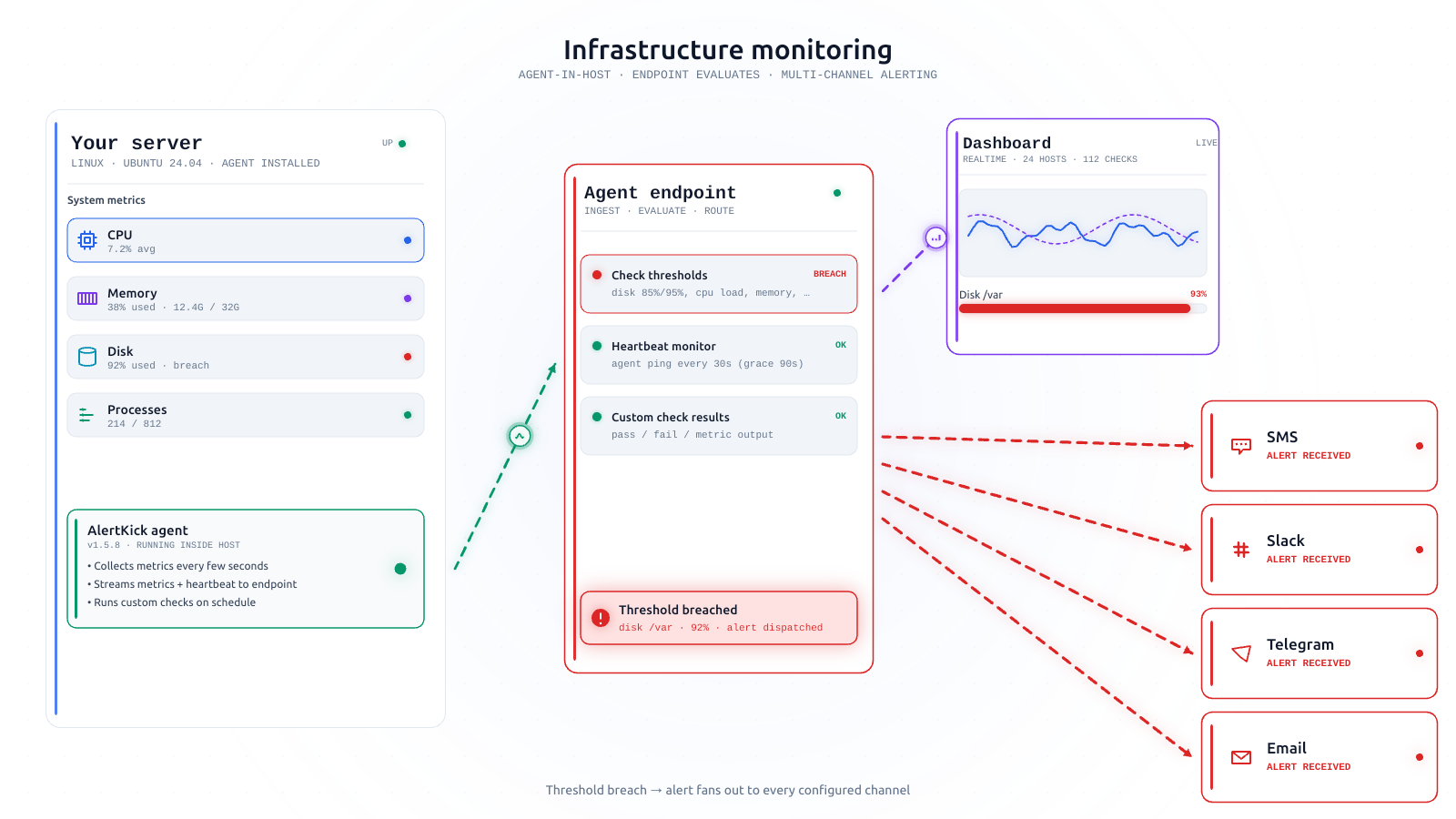
- Backups you have restored. An untested backup is a hope. Test a restore once; then put a heartbeat on the backup job so its silent death gets noticed.
- Secrets out of shell history and env files where possible; at minimum,
chmod 600anything holding credentials. - An inventory answer. Can you say what runs on this box and which ports it should have open? Write it down - it’s the baseline every later “is this normal?” question needs.
Day two is the actual problem
Here’s the uncomfortable truth about every hardening checklist, including this one: it describes a moment. The box is hardened today. Then a teammate temporarily enables password auth for a contractor, a deploy opens a port, a package manager rewrites a config, a cron entry appears that you didn’t write - and the checklist’s guarantees quietly expire. Nobody re-runs the checklist weekly. The gap between “hardened once” and “hardened still” is where servers actually get owned.
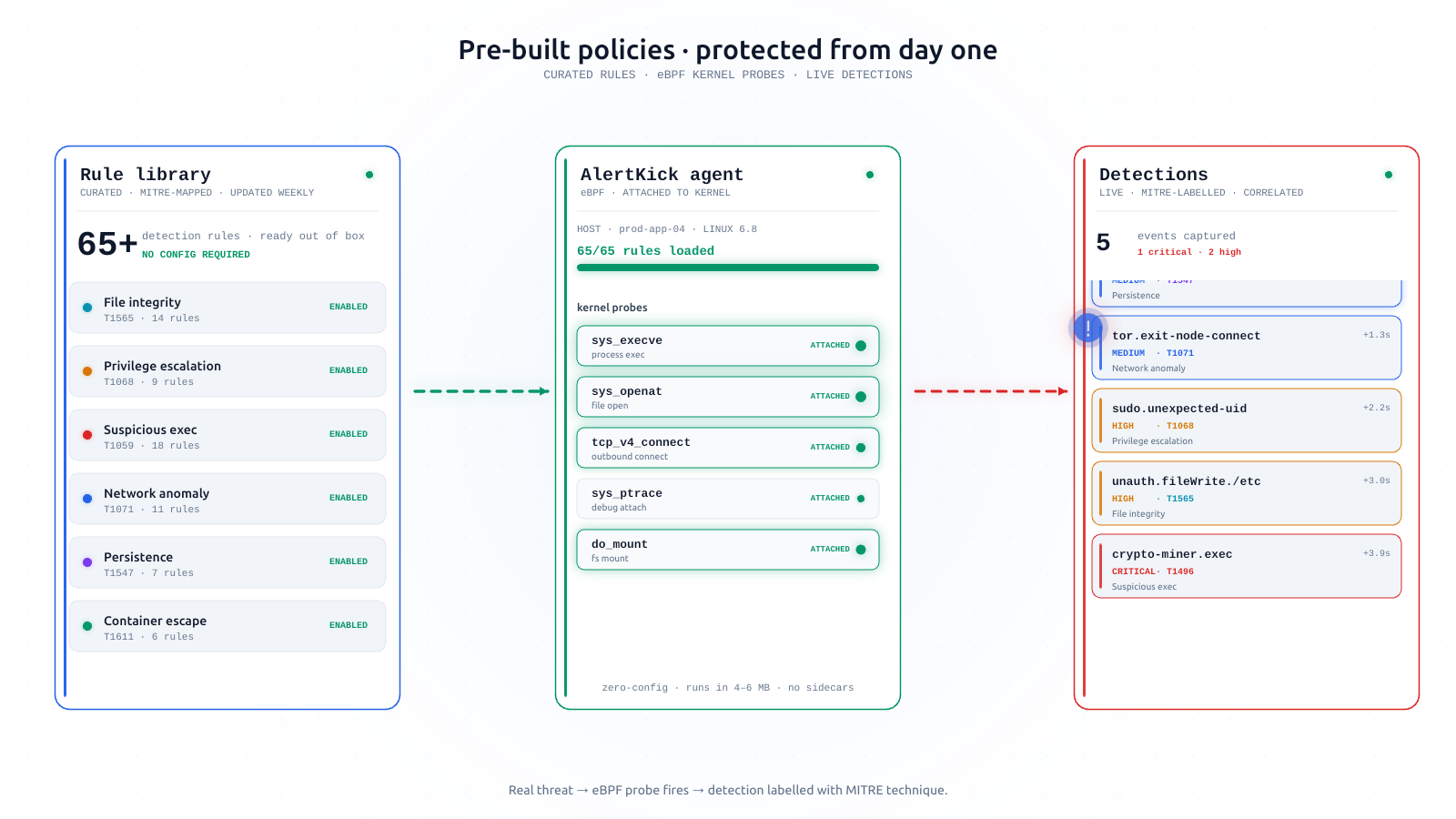
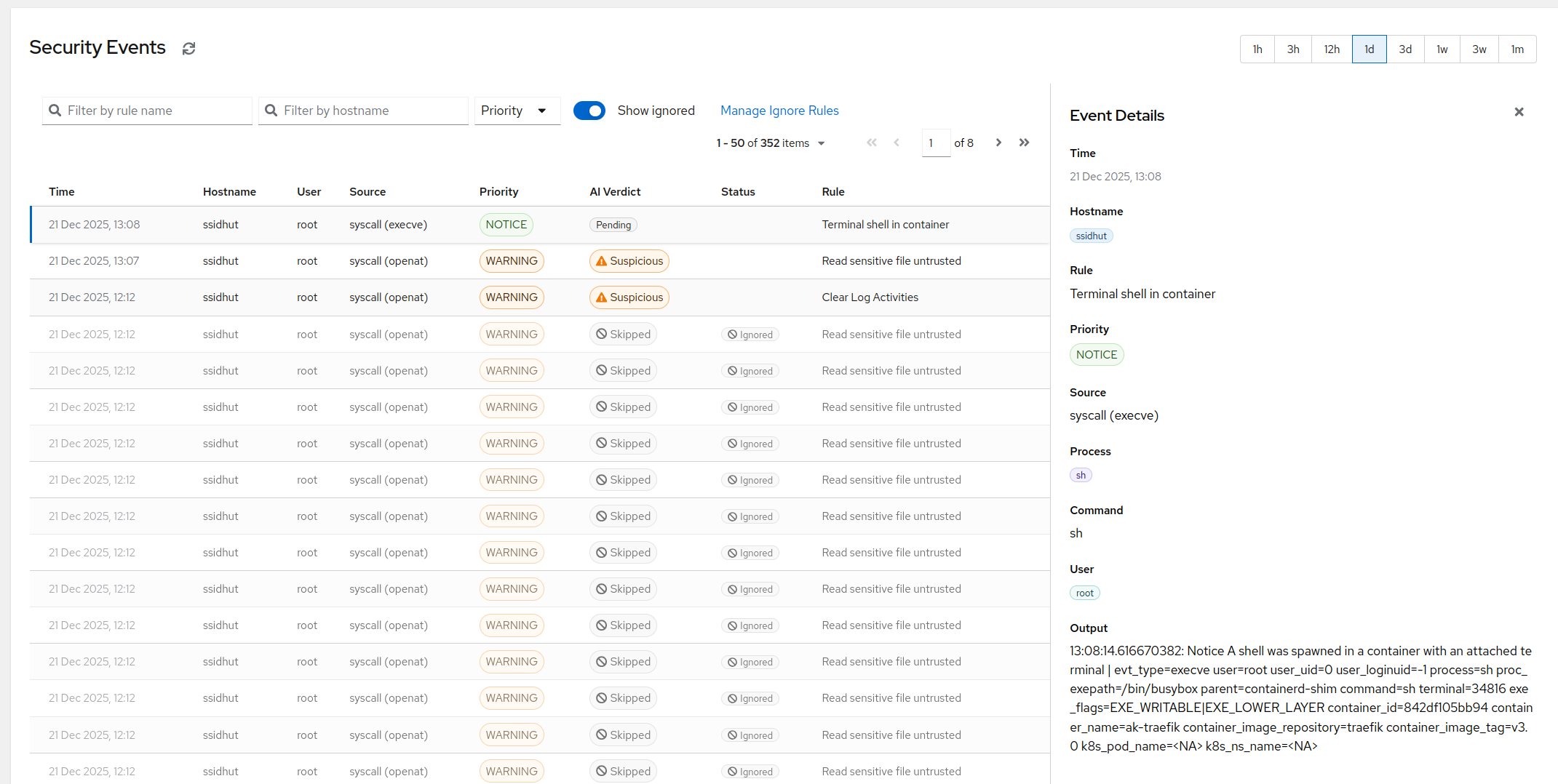
That’s the continuous half of the job: watching the controls themselves. AlertKick’s eBPF agent notices when sshd_config or authorized_keys changes, when a login lands, when a new port starts listening, when a process appears from /tmp - in real time, triaged so the deploy noise stays quiet and the drift gets a page. Install takes about a minute; the free tier needs no card.
Harden the box with the list above - then put a watcher on the hardening. The checklist gets you to defensible; noticing drift is what keeps you there.