How to get notified when someone logs into your server over SSH
Three DIY ways to get an SSH login notification on email, Slack, or Telegram - PAM hooks, auth.log watchers, and their failure modes - plus what it takes to make login alerting something you can actually trust.

The AlertKick team
An SSH login is the single most useful security signal a Linux server produces. Almost every server compromise - stolen keys, leaked passwords, brute force that finally landed - eventually turns into a session on your box. If you get told the moment a session opens, you find out about an intrusion in seconds instead of during next month’s bill review.
The good news: you can build a basic version of this yourself in ten minutes. The honest news: the DIY version has real failure modes, and it’s worth knowing them before you trust it. Both halves are below.
The classic DIY: a PAM hook
PAM (Pluggable Authentication Modules) runs a stack of modules on every SSH session. pam_exec lets you run a script at session open - which is exactly the hook you want.
Create the alert script:
#!/bin/bash
# /usr/local/bin/ssh-login-alert.sh
# Called by pam_exec on session open. PAM exposes context as env vars.
[ "$PAM_TYPE" = "open_session" ] || exit 0

MSG="SSH login: ${PAM_USER}@$(hostname) from ${PAM_RHOST} at $(date -Is)"

# Telegram
curl -fsS "https://api.telegram.org/bot<YOUR_BOT_TOKEN>/sendMessage" \
  -d chat_id="<YOUR_CHAT_ID>" -d text="$MSG" > /dev/null

# Or Slack (incoming webhook)
# curl -fsS -X POST -H 'Content-type: application/json' \
#   --data "{\"text\":\"$MSG\"}" "https://hooks.slack.com/services/XXX/YYY/ZZZ" > /dev/null

exit 0
Make it executable, then add one line to /etc/pam.d/sshd:
session optional pam_exec.so seteuid /usr/local/bin/ssh-login-alert.sh
Two details matter here. Use optional, not required - if the script ever breaks, required can lock every user out of SSH, including you. And always exit 0; a non-zero exit from a session module is a bad day.
That’s it. Every SSH session - password or key - now pings your phone.
The other DIY routes, briefly
Watch the auth log. A small daemon (or a journalctl -f loop) tails sshd’s log lines and fires a webhook on Accepted password / Accepted publickey. Works, survives PAM misconfiguration, but now you’re parsing log formats that differ across distros and versions, and you’ve written a tiny daemon you have to keep alive - which means monitoring your monitoring.
fail2ban and friends. Worth having, but solving a different problem: they ban IPs that fail repeatedly. The login you most need to hear about is the one that succeeded. A brute-force banner is not a login detector.
Where the DIY version quietly falls short
Run the PAM hook for a month and you’ll meet its limits:
- It reports to the machine that’s been compromised. The alert fires from the same host the attacker just gained a session on. An attacker with root deletes one line from
/etc/pam.d/sshd- or just your script - and the alerts stop. Silence looks exactly like safety. - No context. “root from 203.0.113.7” - is that IP a known-bad address on a threat feed? A hosting provider in a country nobody on the team works from? The 400th failed-then-successful attempt today? The one-line alert can’t say; you’re doing the investigation by hand, at 2 AM, on your phone.
- Noise scales with your fleet. Your own deploy scripts, cron over SSH, and colleagues log in constantly. With one server the pings are charming; with ten servers they’re a muted channel - and a muted channel is the same as no alerting.
- No session story. A login event tells you someone arrived. It doesn’t tell you what they ran, what they touched, or whether a shell appeared somewhere a shell shouldn’t be.
- It’s per-host config. Every new server needs the script, the PAM line, the token. The server you forgot is - by law of nature - the one that gets popped.
None of this means don’t do it. A PAM hook on a personal VPS is genuinely worth ten minutes. It means the DIY version is a smoke detector with a battery you have to keep checking.
What trustworthy login alerting looks like
The fixable flaw in all the DIY routes is architectural: detection and reporting live on the box being attacked, with no context and no memory. Fixing that properly means:
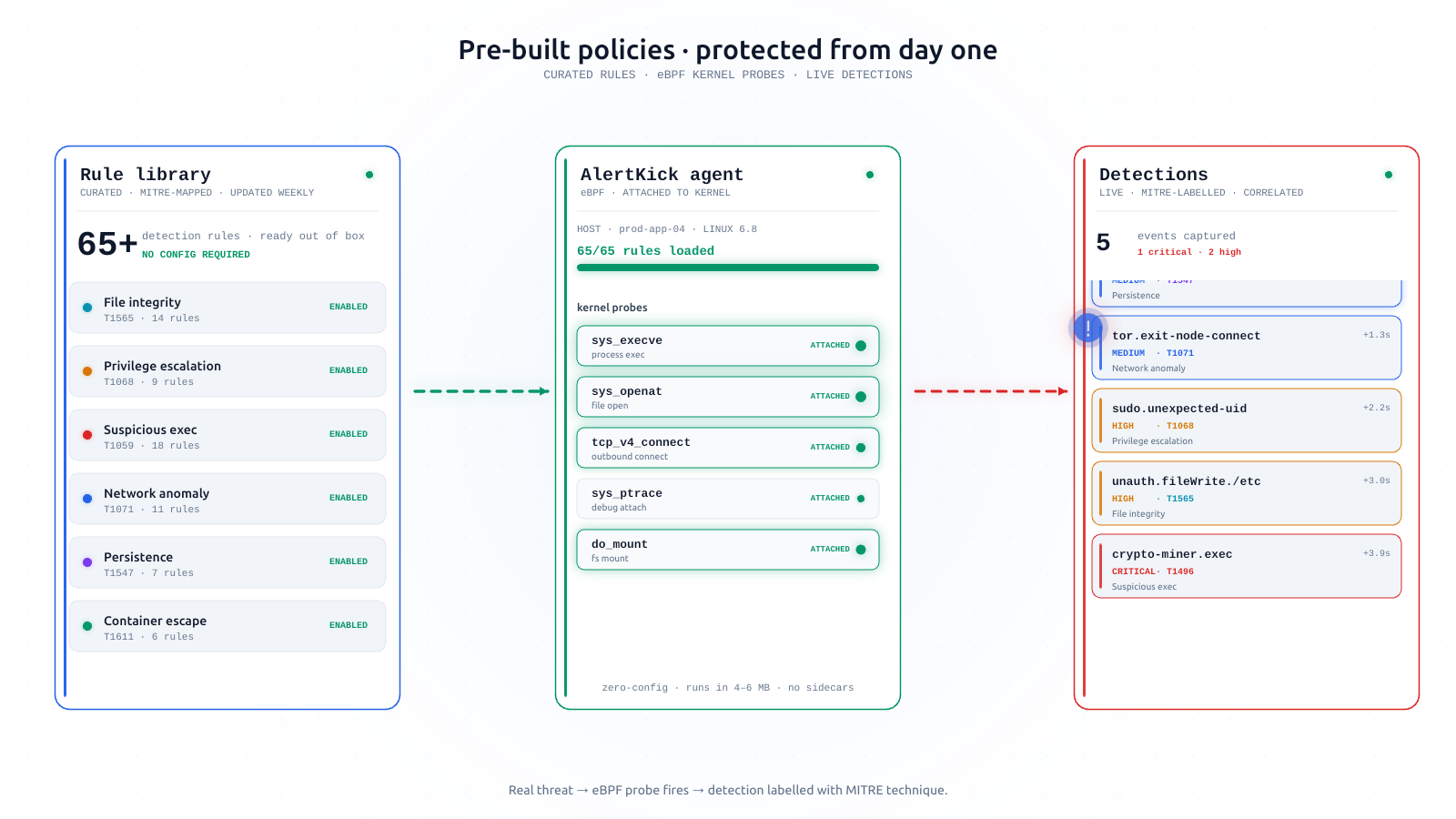
- Kernel-level capture, streamed off-host immediately. The AlertKick agent sees sessions via eBPF at the kernel and ships events to the platform as they happen - deleting a PAM line doesn’t blind it, and an attacker can’t un-send what already left the box.
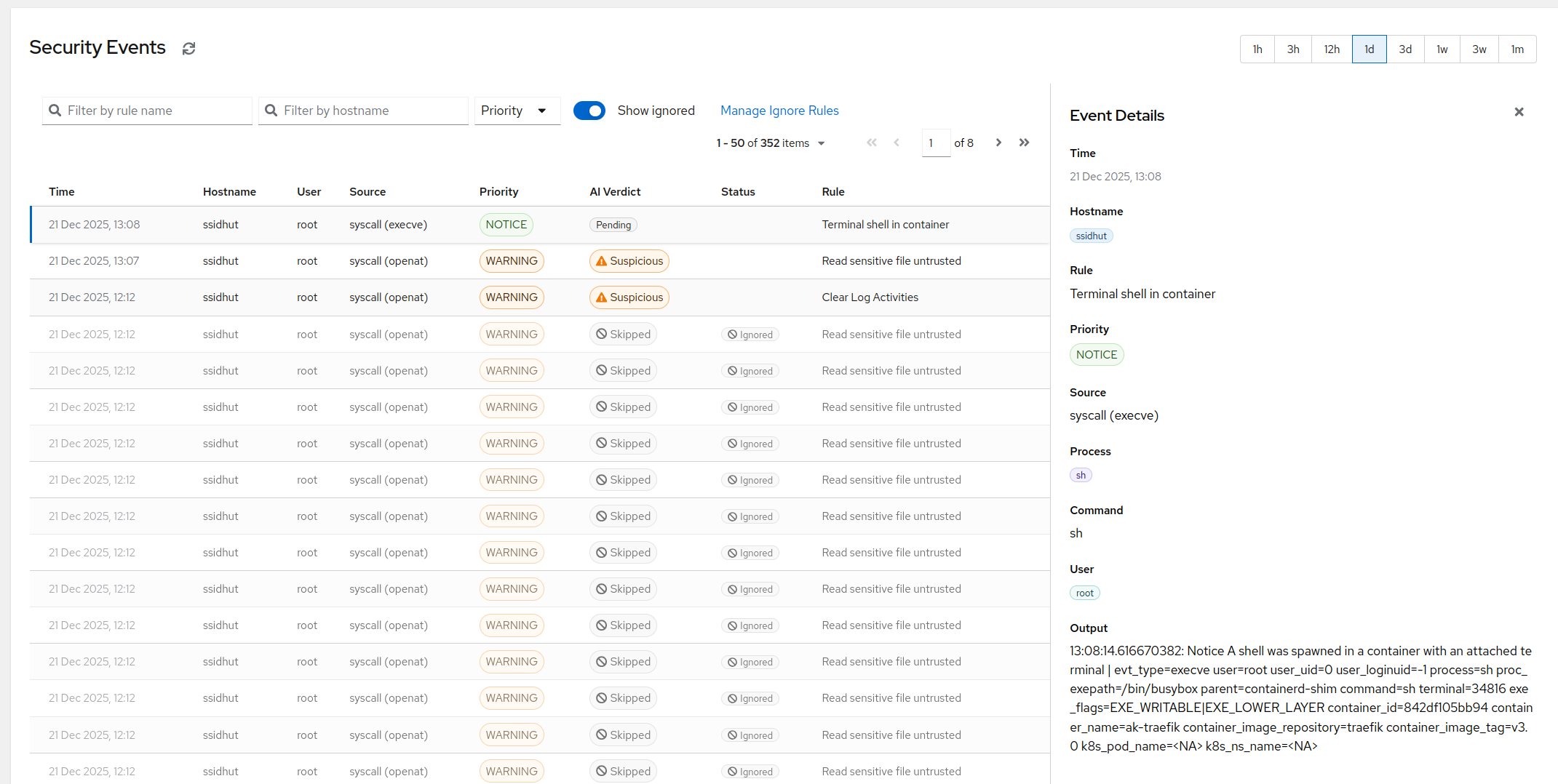
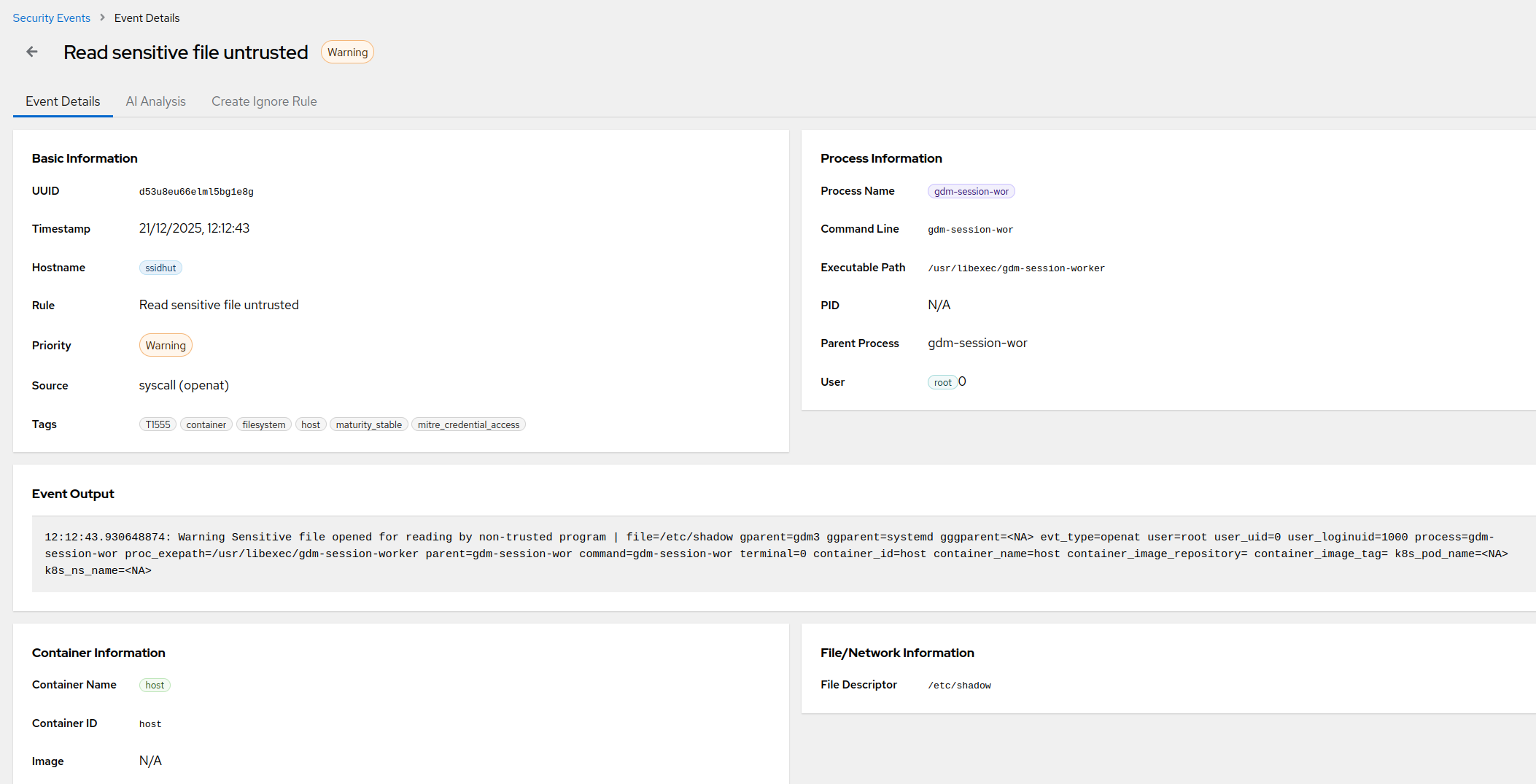
- Context attached before it reaches you. Source IP checked against live threat feeds, the login correlated with what happened next (new listening port, odd child processes, file changes), and AI triage writing the plain-English one-liner so you can judge it from your phone.
- Rules instead of raw pings. Alert on root logins always, on unknown-source logins out of business hours, stay quiet for the deploy user from CI’s IP - so the channel stays loud enough to trust and quiet enough to keep unmuted.
- Zero per-host wiring. Install the agent and login detection is on. The forgotten-server problem disappears because there’s nothing to remember per server.
SSH login detection is included in eBPF security on every AlertKick host - along with the rest of the detections (miners, reverse shells, new listening ports, file integrity). Start free, install the agent on one test host, SSH in, and watch your own login arrive - explained - before you’ve closed the terminal.