Is my Linux server hacked? A step-by-step check
A practical runbook for the worst feeling in ops: something's off and you don't know why. Check sessions, processes, network, persistence, and file changes in order - with the exact commands - and know what to do if you find something.

The AlertKick team
The server feels wrong. Load is up for no reason, an IP you don’t recognise is in the logs, outbound traffic looks odd, or you just have that prickle of doubt. Before you do anything drastic, work through this list in order - it goes from “who is here right now” to “what have they left behind”, and each step is a few commands you can paste.
One rule first: look, don’t clean - yet. If the box really is compromised, your instinct to delete the weird file destroys the evidence that tells you how they got in. Read first, snapshot what you find, then act.
1. Who is on the box right now?
w                     # live sessions: user, source IP, what they're running
last -a | head -20    # recent logins, newest first, source host in last column
lastb -a | head -20   # recent FAILED logins (needs root) - brute-force evidence
Red flags: users you don’t recognise, logins from unfamiliar IPs or countries, sessions at hours nobody on the team works, or a last entry for a system account (www-data, postgres) that should never log in interactively.
2. What is running?
ps auxwwf                      # full process tree - read it, slowly
top -o %CPU                    # anything pinning CPU you can't explain?
ls -la /proc/<pid>/exe         # where a suspicious process actually runs from
cat /proc/<pid>/cmdline | tr '\0' ' '
Red flags: processes running from /tmp, /dev/shm, or a user’s home directory; names that mimic system processes (kworkerd, systemd-net - note the slight misspellings); anything with a random-looking name pinning a core. A deleted binary still running shows as (deleted) on the /proc/<pid>/exe symlink - that’s a classic miner trick and a very strong signal.
3. Who is the box talking to?
ss -tupan | grep -v 127.0.0.1   # all sockets, with owning process
ss -tlpn                        # listening ports - do you recognise every one?
Red flags: established outbound connections to IPs you can’t attribute (miner pools and C2 servers live here), listening ports you didn’t configure, or a familiar service listening on an unfamiliar port. For anything suspicious, check the remote IP against a threat-intel source before you decide it’s innocent.
4. What survives a reboot?
Attackers assume you’ll reboot; persistence is where they invest. Check every launcher:
crontab -l; ls -la /etc/cron.* /var/spool/cron 2>/dev/null
systemctl list-units --type=service --state=running
systemctl list-unit-files --state=enabled | grep -v static
cat ~/.ssh/authorized_keys /root/.ssh/authorized_keys 2>/dev/null
grep -r "curl\|wget" /etc/rc.local /etc/profile.d/ 2>/dev/null
Red flags: cron entries that curl or wget anything, systemd services you didn’t install, and - the big one - SSH keys in authorized_keys that you didn’t put there. An added key is the single most common persistence mechanism, because it survives password rotation.
5. What changed on disk?
find /etc /usr/bin /usr/sbin -mtime -7 -type f 2>/dev/null | head -40
debsums -c 2>/dev/null          # Debian/Ubuntu: verify package file checksums
rpm -Va 2>/dev/null | head -40  # RHEL/Fedora equivalent
Red flags: recently modified binaries in system paths, config files changed when nobody deployed, or checksum failures on packaged files. Add chkrootkit or rkhunter for a rootkit sweep - imperfect tools, but cheap to run.
If you found something
- Don’t power off. Memory is evidence. Isolate instead: tighten the firewall to your own IP, or detach the box from the network at the provider level.
- Snapshot first - disk snapshot at the provider, plus copies of
auth.log, shell histories, and your command output above - then remediate. - Assume credential compromise. Rotate every secret the box could see: SSH keys, API tokens, database passwords, cloud credentials in env files.
- Prefer rebuild to cleanup. If persistence was installed, a “cleaned” server is a server where you hope you found everything. Rebuild from known-good, restore data (not binaries), and close the entry hole before it goes back on the network.
The uncomfortable part
Every command above answers “what is true right now?” - and the checks only run when suspicion has already arrived. The gap between compromise and that prickle of doubt is where the damage happens, and on most servers that gap is measured in weeks.
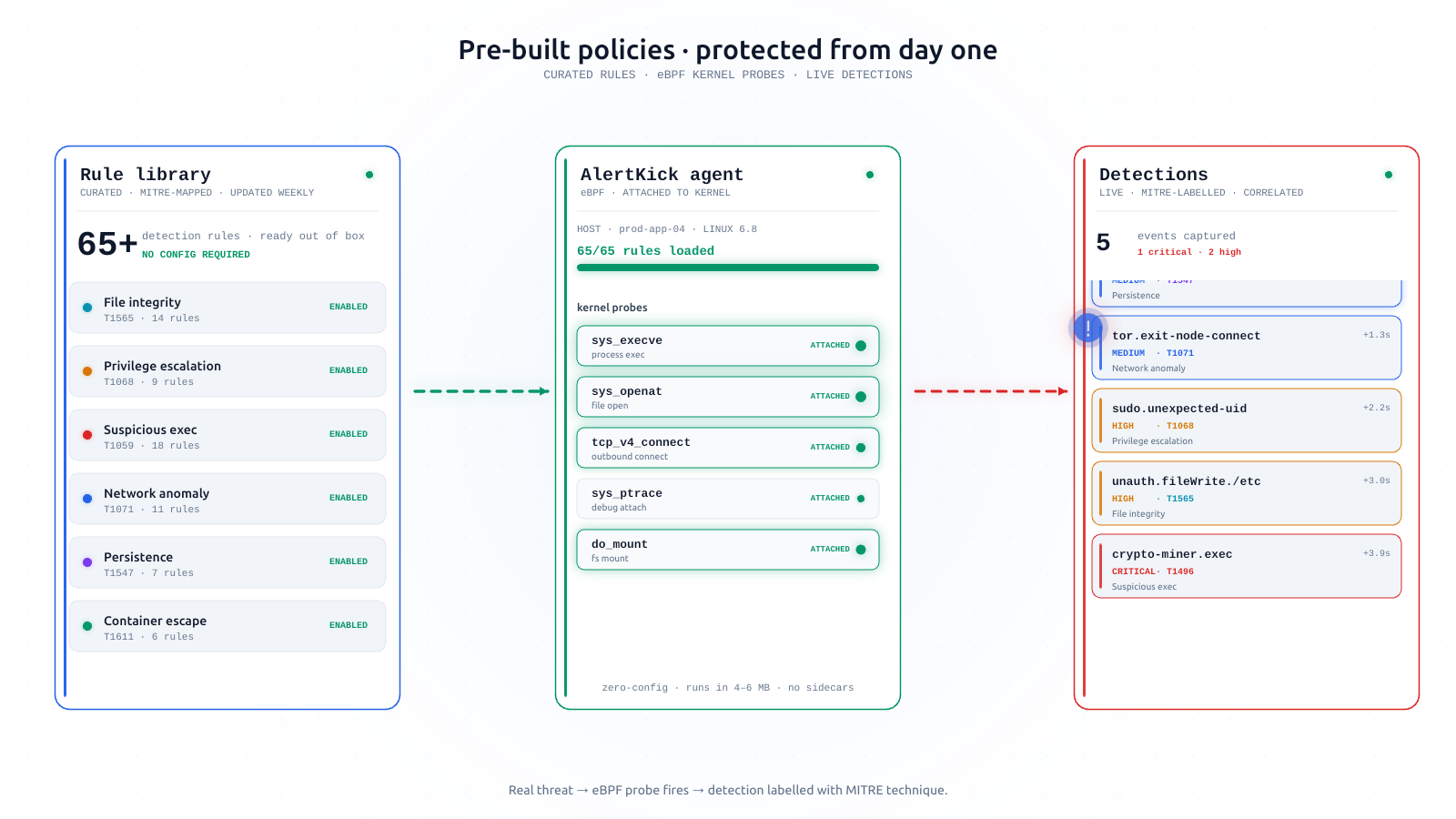
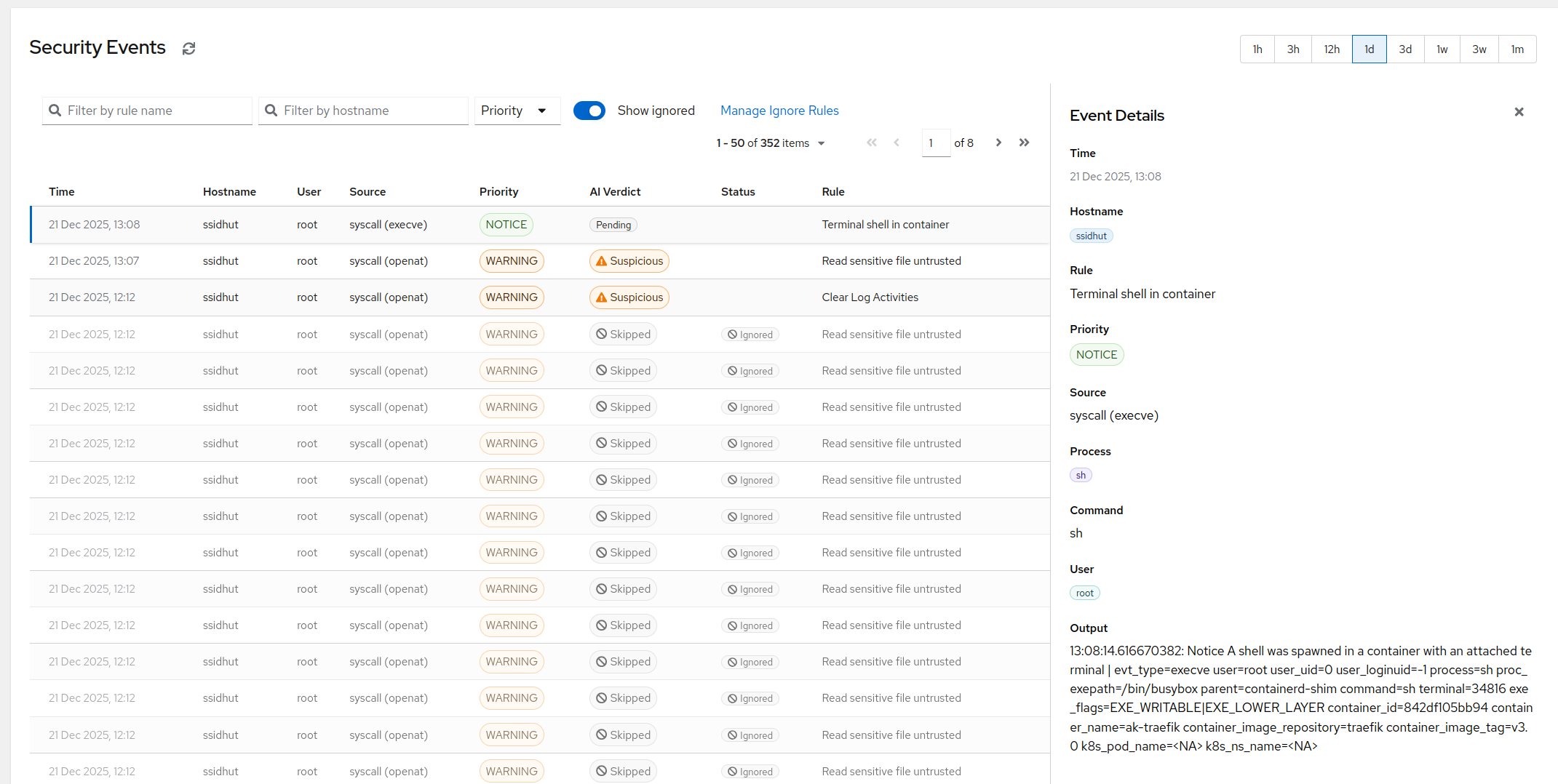
Closing it means watching continuously instead of checking retrospectively: every step in this runbook is a detection AlertKick’s eBPF agent runs in real time - SSH logins as they happen, processes launched from /tmp, new listening ports, authorized_keys and system-file changes, connections to known-bad IPs from live threat feeds - each mapped to MITRE ATT&CK and triaged by AI so you hear about the real ones.
Start free and put the agent on the server you were worried enough about to read this far. The next time something’s off, you won’t be finding out from a feeling.