Your server is at 100% CPU: finding and removing a crypto miner
A step-by-step removal runbook for cryptojacking on Linux: identify the miner (even when it hides), kill it properly, dig out the persistence that will bring it back, close the entry hole, and detect the next one in minutes instead of weeks.

The AlertKick team
Load average through the roof, fans screaming or the cloud bill climbing, and a process you’ve never heard of eating every core: odds are your server is mining cryptocurrency for someone else. Cryptojacking is the most common fate of a compromised Linux box because it’s the easiest way to turn stolen CPU into money - attackers scan the whole internet for weak SSH passwords and unpatched web apps, and they don’t care whose server it is.
The miner itself is the easy part. The part people skip - and the reason the miner is back by morning - is the persistence and the entry hole. This runbook covers all four stages.
1. Find the miner
top -o %CPU            # the obvious check - what's eating the cores?
ps auxwwf | less       # full process tree: look at parents, not just the hog
Miners rarely call themselves xmrig anymore. Watch for:
- Names mimicking system processes:
kworkerd,kdevtmpfsi,systemd-networks- close-but-wrong spellings of real kernel threads. - Processes running from
/tmp,/dev/shm,/var/tmp, or a home directory. - A deleted binary still running:
ls -la /proc/<pid>/exeshowing(deleted)is a miner classic - the file removed itself after launch to dodge disk scans. - CPU capping tricks: some miners hold themselves at 50-70% to stay under alert thresholds, or pause when someone’s logged in. If load history looks sawtoothed around your login times, be suspicious anyway.
Confirm with the network: miners must talk to a pool.
ss -tupan | grep -v 127.0.0.1
Established outbound connections to unfamiliar IPs - frequently on ports 3333, 4444, 5555, 7777, 14444, or wrapped in TLS on 443 - are your confirmation. Check the destination IP against a threat feed; mining pools are well-catalogued.
2. Kill it properly
Grab evidence first - you’ll want it for step 4:
ls -la /proc/<pid>/exe /proc/<pid>/cwd
cat /proc/<pid>/cmdline | tr '\0' ' '; echo
ss -tupan | grep <pid>
Then stop it without giving it a chance to respawn cleanly:
kill -STOP <pid>        # freeze first - some miners watch for SIGTERM and respawn
kill -KILL <pid>
If CPU spikes again within minutes, you didn’t kill the miner - you killed its child. A watchdog is running. That’s expected; it’s what stage 3 is for.
3. Dig out the persistence
This is the stage that separates “removed it” from “removed it until Tuesday”. Check every launcher on the system:
crontab -l; ls -la /etc/cron.* /var/spool/cron 2>/dev/null    # cron - the #1 spot
systemctl list-unit-files --state=enabled | grep -v static     # rogue services
cat /etc/rc.local 2>/dev/null
grep -r "curl\|wget\|base64" /etc/profile.d/ ~/.bashrc ~/.profile 2>/dev/null
cat ~/.ssh/authorized_keys /root/.ssh/authorized_keys 2>/dev/null  # added keys
ls -la /etc/ld.so.preload 2>/dev/null   # should usually not exist - preload rootkit
Miner droppers routinely install a cron entry that re-downloads the payload every few minutes, a systemd unit with an innocuous name, an SSH key for re-entry, and sometimes an ld.so.preload rootkit that hides the process from ps and top entirely. If ld.so.preload exists and you didn’t put it there, treat the box as fully rooted.
Also check for resource-limit tampering (/etc/security/limits.conf) and a modified /etc/hosts blocking security-vendor domains - both common dropper behaviour.
4. Close the door they used
The miner is a symptom. Entry was almost certainly one of:
- SSH brute force or a stolen key - check
lastb | head -30for the brute-force trail andlast -afor the successful entry. Fix: key-only auth, no root login, and alerts on every SSH login. - An unpatched web app or framework RCE - check your web server’s access log around the miner’s file timestamps for odd POSTs.
- An exposed service that was never meant to be public: Redis with no auth, Docker’s API port, Jenkins.
ss -tlpnand an honest look at your firewall.
Rotate every credential the box held. And if you found a rootkit, a modified system binary, or you can’t fully explain the entry - rebuild the server rather than trust the cleanup. Restore data, not binaries.
5. Shrink the “weeks” to “minutes”
The expensive part of cryptojacking isn’t removal - it’s the dwell time. The average miner runs undetected for weeks, and its cost lands as a cloud bill, degraded service, and an attacker holding a key to your box the whole time.
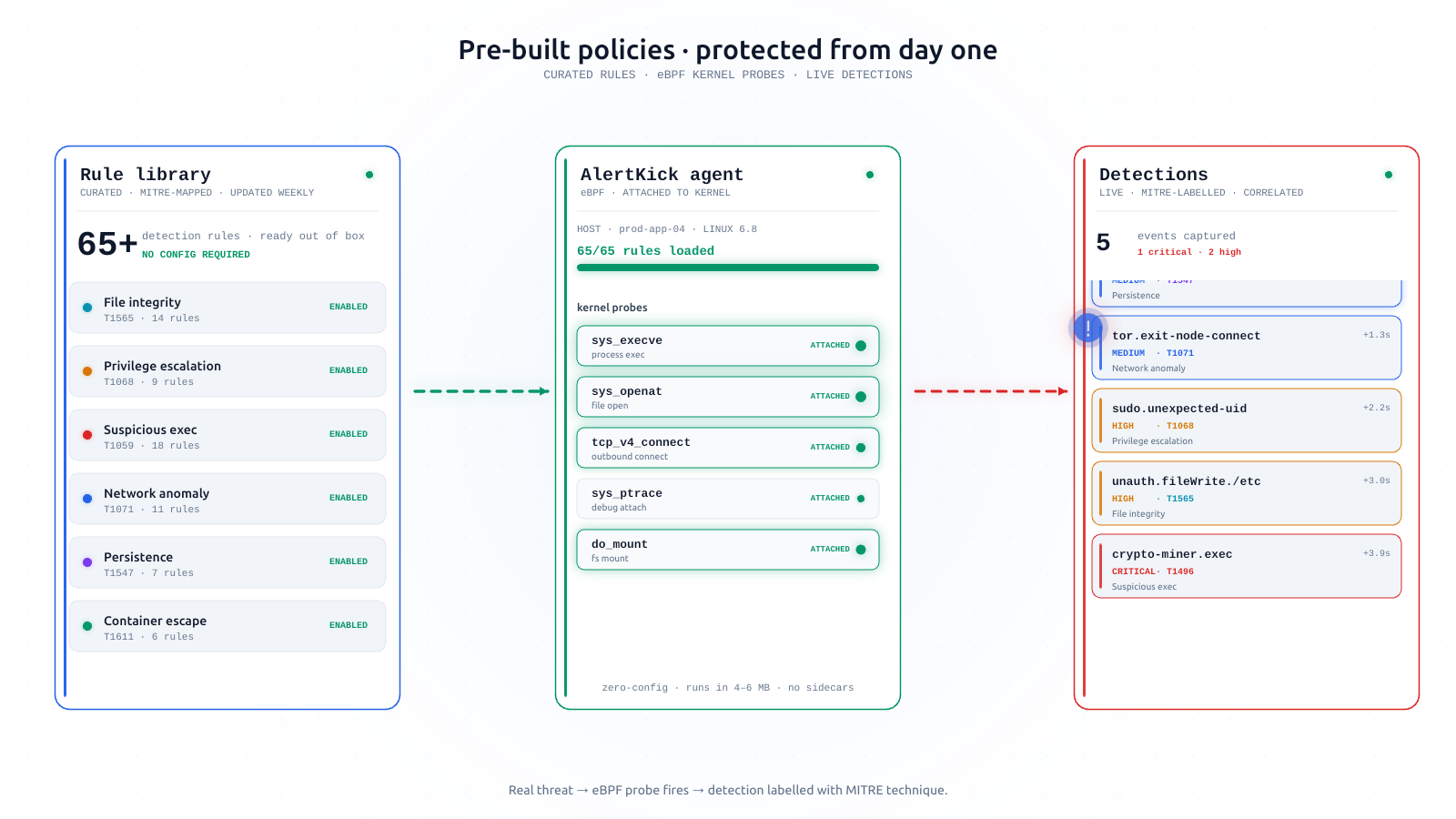
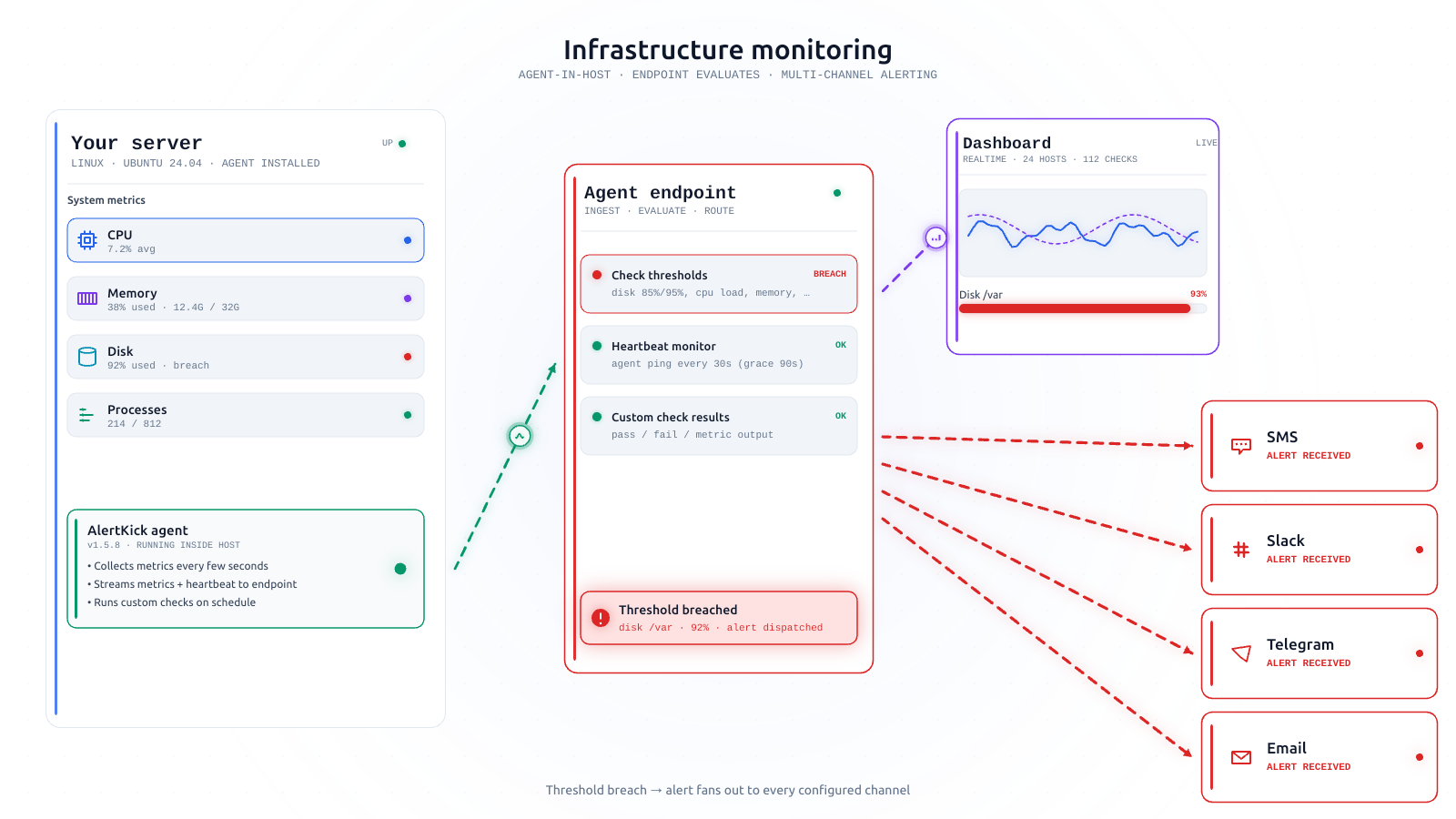
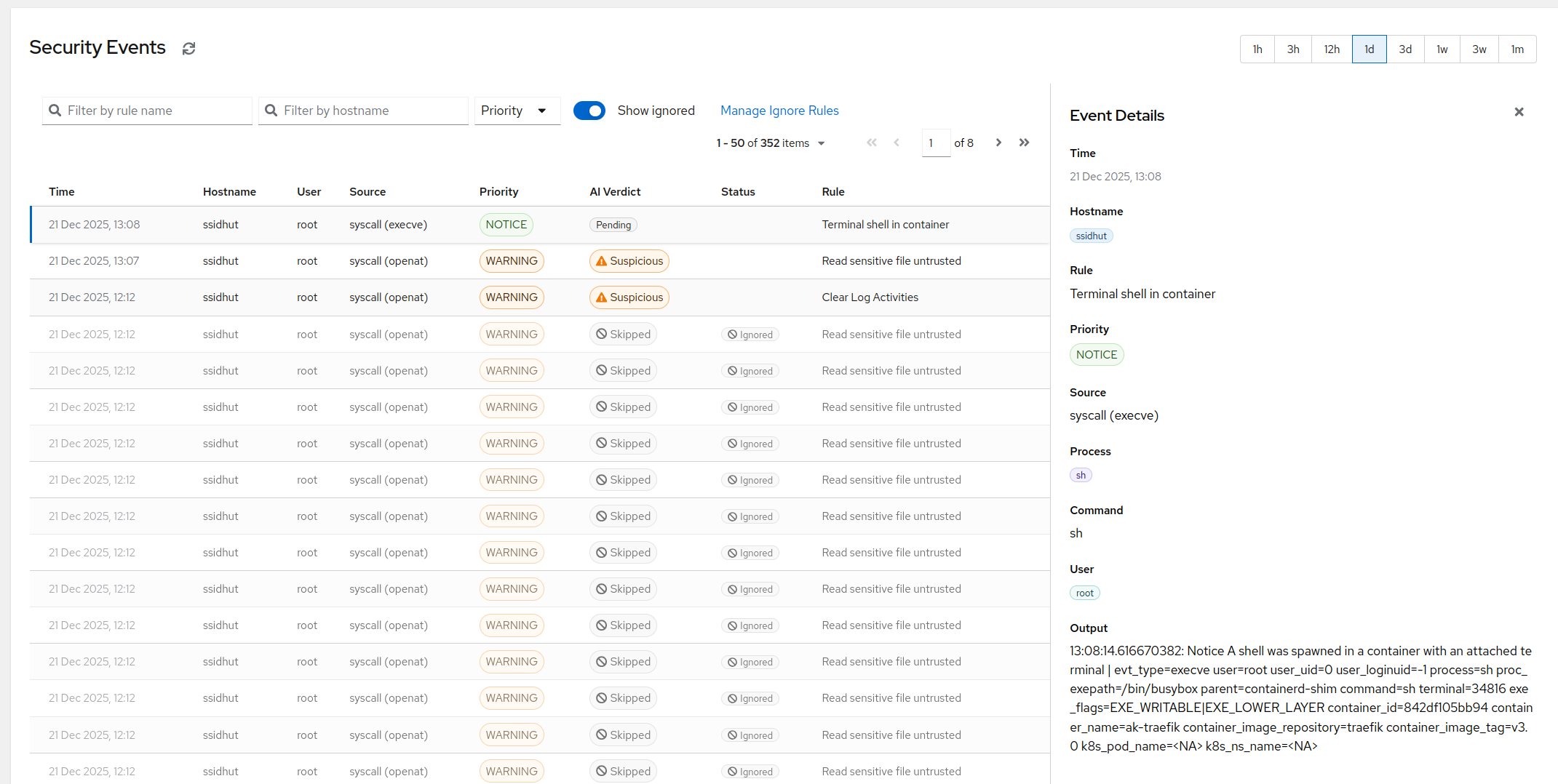
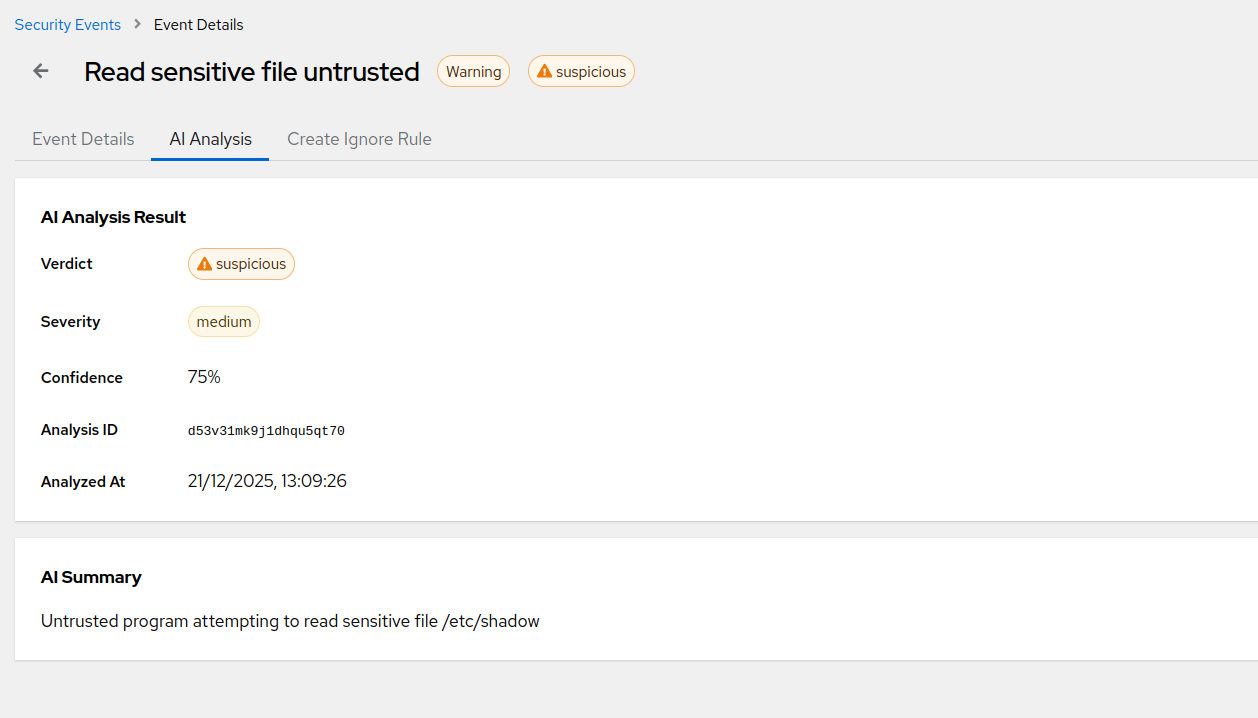
Every signal in this runbook is something AlertKick’s eBPF agent watches continuously: processes launched from /tmp and /dev/shm, execution of deleted binaries, outbound connections matched against live threat-intel feeds (mining pools included), new cron entries and authorized_keys changes via file integrity monitoring, and the SSH login that started it all - each event mapped to MITRE ATT&CK and explained in plain English by AI triage.
A miner on your infrastructure costs more in stolen CPU than a year of monitoring. Start free, install the agent in a minute, and the next dropper that lands on your box gets caught at stage zero - the login - instead of on the bill.