RHEL 9 / AlmaLinux / Rocky server hardening checklist
A copy-pasteable hardening checklist for the RHEL 9 family: SSH lockdown, firewalld zones, dnf-automatic security updates, keeping SELinux enforcing (really), sysctl settings, and auditd - plus the drift problem no checklist survives.

The AlertKick team
The RHEL 9 family - Red Hat, AlmaLinux, Rocky - starts from a stronger security posture than most distros: SELinux enforcing, firewalld running, auditd on by default. The hardening job here is less “install the missing pieces” and more “don’t dismantle the good defaults, and lock the doors that ship open”. Everything below works identically on all three; the reasoning behind the shared controls lives in our Ubuntu guide, and this page focuses on what the RHEL family does differently. (Distro-neutral version with a verify command per step: the Linux server security checklist.)
1. A named user with wheel
sudo useradd -m deploy && sudo passwd deploy
sudo usermod -aG wheel deploy     # wheel, not sudo - RHEL's admin group
# verify sudo works as deploy BEFORE touching sshd
2. SSH: keys only, root locked out
# workstation: ssh-keygen -t ed25519 && ssh-copy-id deploy@server
sudo tee /etc/ssh/sshd_config.d/90-hardening.conf > /dev/null <<'EOF'
PermitRootLogin no
PasswordAuthentication no
KbdInteractiveAuthentication no
MaxAuthTries 3
LoginGraceTime 20
AllowUsers deploy
EOF
sudo sshd -t && sudo systemctl reload sshd    # note: sshd, not ssh
RHEL 9 already reads sshd_config.d/ drop-ins (the default config includes the directory). Test from a second terminal before disconnecting - the self-lockout classic respects no distro. Why keys-only is the control that matters: the brute-force traffic hitting every public sshd becomes irrelevant when there’s nothing to guess.
3. firewalld: think in zones, close what you don’t serve
firewalld is already running - but check what the default zone actually permits:
sudo firewall-cmd --get-default-zone
sudo firewall-cmd --list-all           # cockpit and dhcpv6-client are often open
sudo firewall-cmd --permanent --remove-service=cockpit    # if unused
sudo firewall-cmd --permanent --add-service=https         # what you DO serve
sudo firewall-cmd --reload && sudo firewall-cmd --list-all
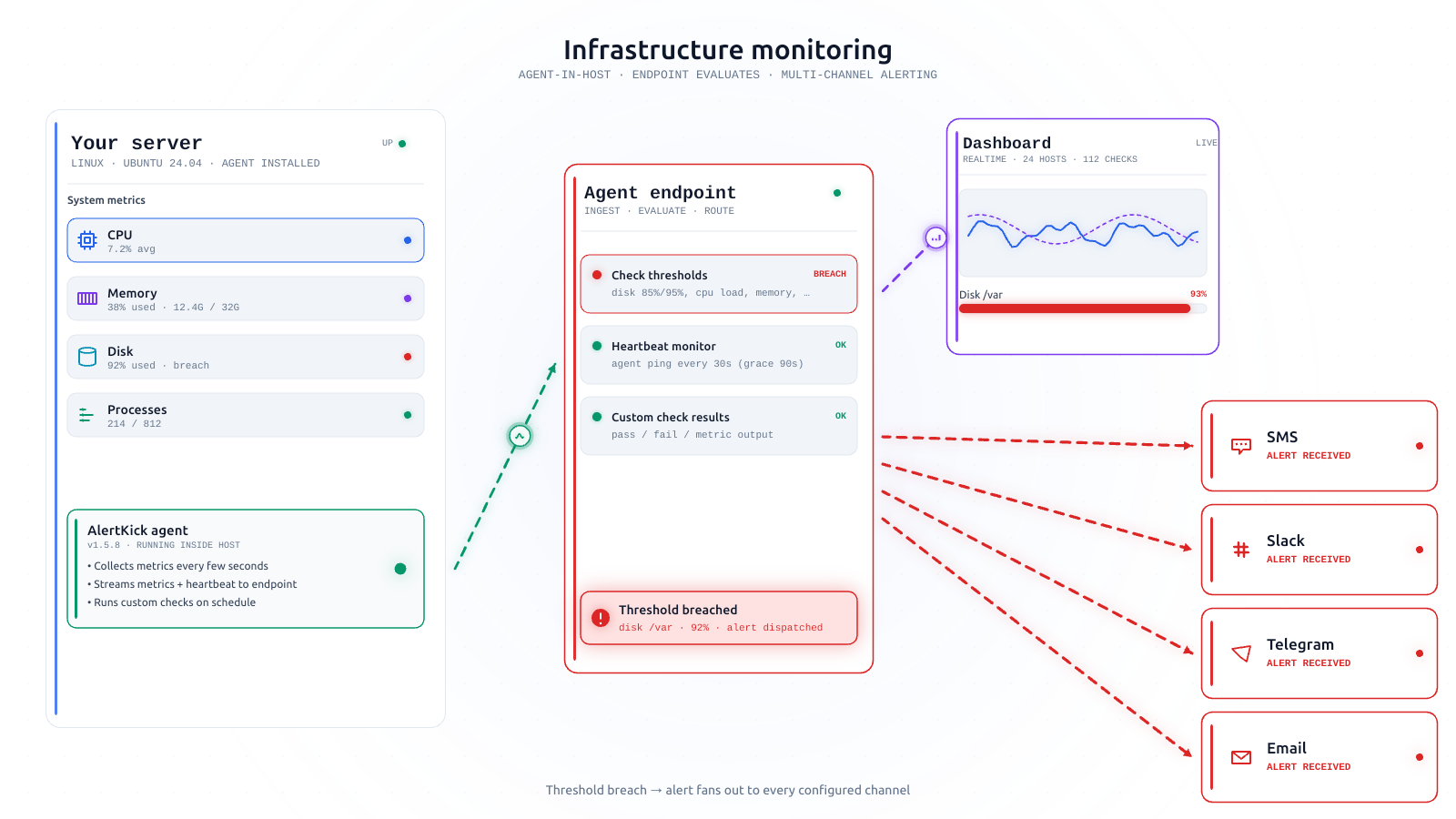
The default public zone frequently allows services you never asked for - Cockpit’s admin panel being the usual surprise. Same principle as everywhere: the firewall is a statement of intent, and every port it closes converts a surprise listener from incident into early warning.
4. Automatic security updates: dnf-automatic
sudo dnf install -y dnf-automatic
sudo sed -i 's/^upgrade_type.*/upgrade_type = security/;s/^apply_updates.*/apply_updates = yes/' /etc/dnf/automatic.conf
sudo systemctl enable --now dnf-automatic.timer
RHEL’s equivalent of unattended-upgrades, off by default. upgrade_type = security keeps it to security errata; check for pending reboots with dnf needs-restarting -r - kernel patches still need them.
5. SELinux: the control everyone disables first
Here’s the RHEL-specific advice that matters most: the fix for an SELinux denial is a policy adjustment, not setenforce 0. SELinux enforcing is mandatory access control that contains a compromised service - the web server that gets popped can’t read what the policy never granted. It’s also the first thing half the internet’s troubleshooting advice tells you to turn off.
getenforce                          # must say Enforcing
sudo dnf install -y policycoreutils-python-utils setroubleshoot-server
sudo ausearch -m AVC -ts recent     # see what's actually being denied
# targeted fixes look like:
#   sudo setsebool -P httpd_can_network_connect 1
#   sudo semanage port -a -t http_port_t -p tcp 8080
If an app “needs SELinux off”, it needs a boolean, a port label, or a file context - all one-liners once ausearch shows the denial. A fleet where SELinux quietly became permissive during some 2 AM debugging session is a fleet with its best containment layer off; make getenforce part of what you monitor, not what you assume.
6. Kernel settings and auditd
The sysctl hardening block from the Ubuntu guide applies verbatim (drop it in /etc/sysctl.d/90-hardening.conf, then sudo sysctl --system). auditd is already installed and running on the RHEL family - your job is only to keep it that way and add watch rules for /etc/passwd, sudoers, and the SSH configs as a next step.
The drift problem wears a red hat too
RHEL-family boxes are bought for long uptimes, and long uptimes are where hardening quietly decays: the contractor for whom password auth got “temporarily” re-enabled, the zone that accumulated services, the enforcing mode that became permissive during an incident and never came back. Nobody re-runs a checklist on a server that isn’t complaining - which is how servers actually get owned.
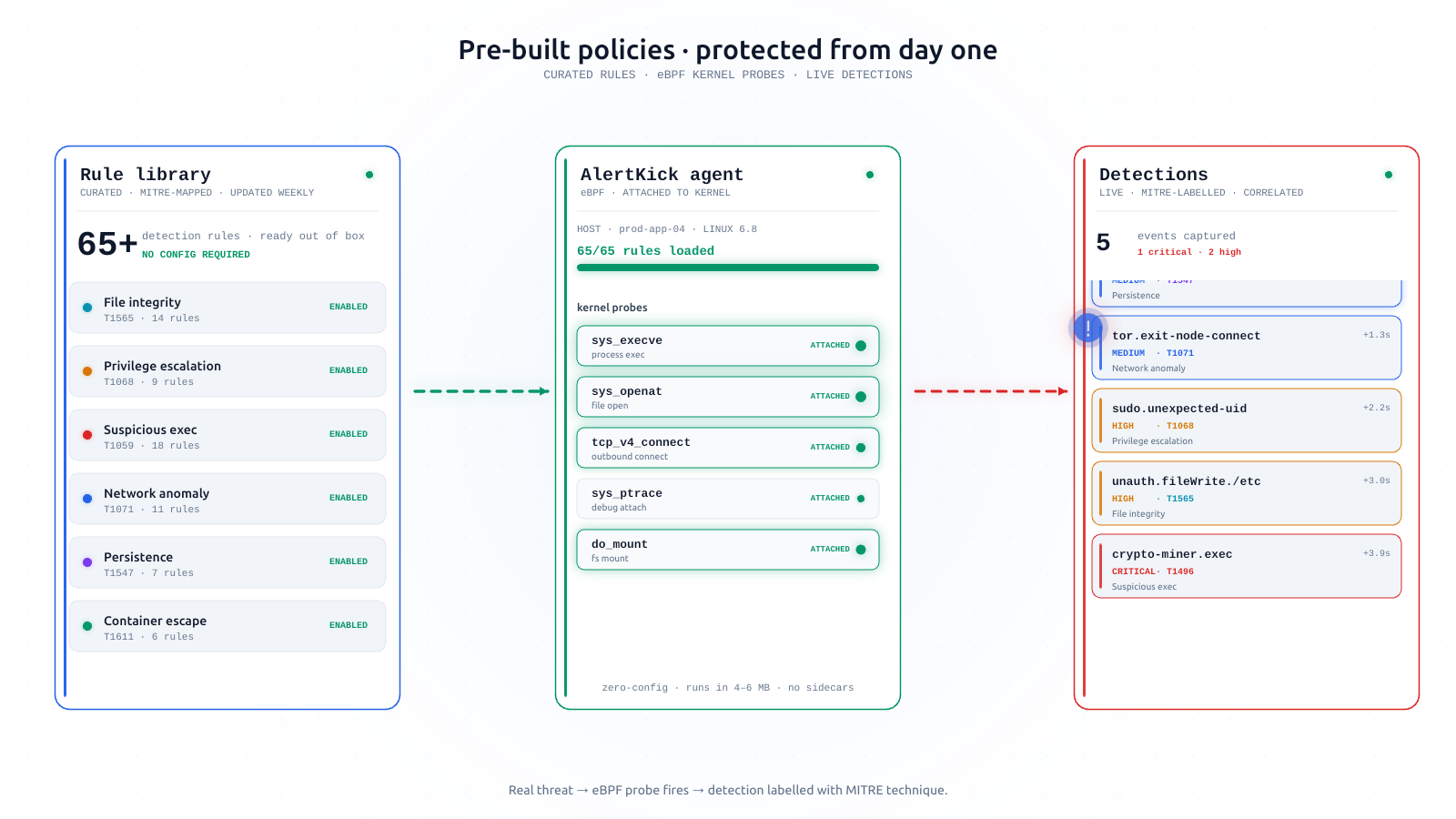
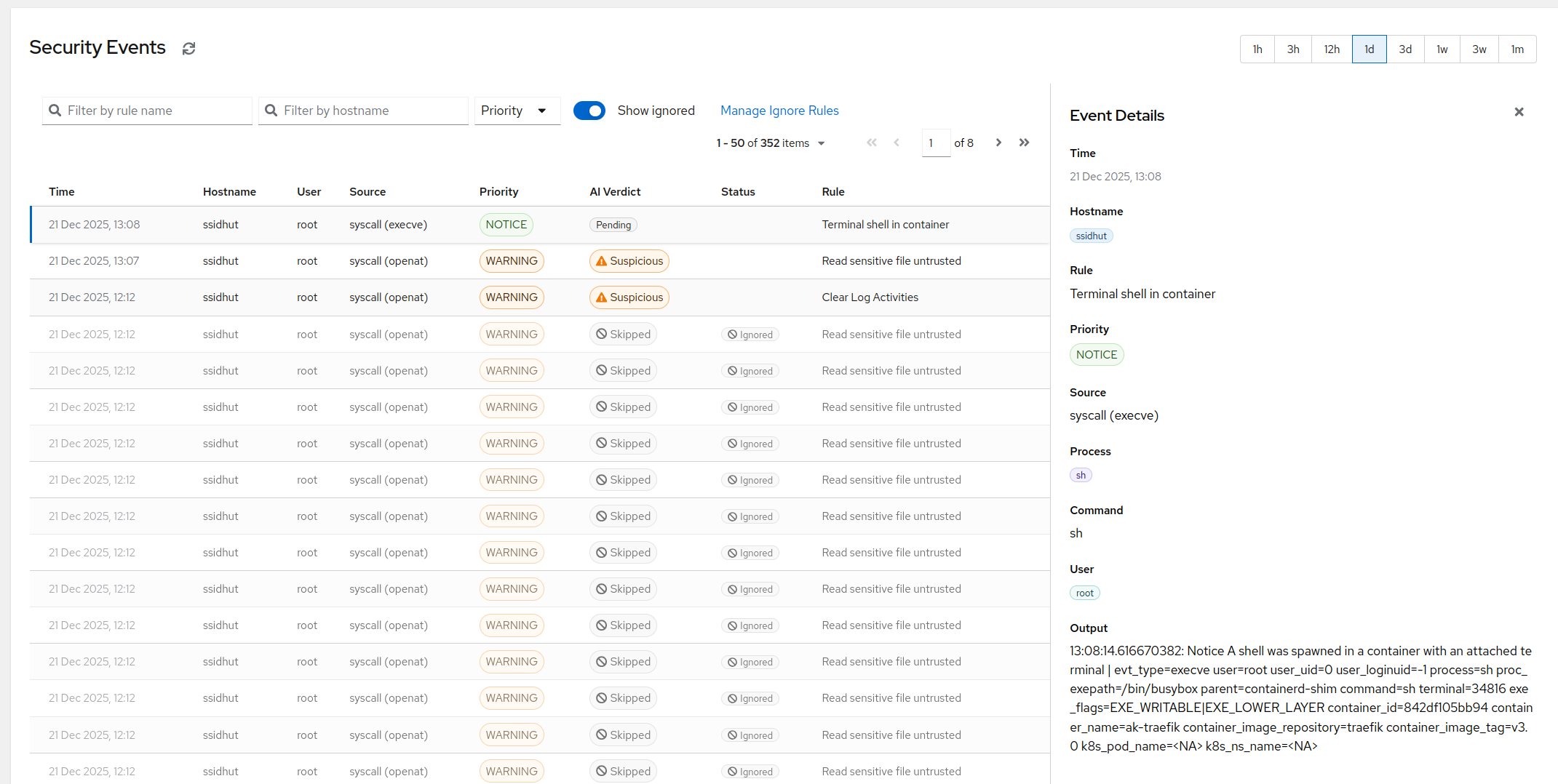
The continuous half of the job is watching the controls themselves. AlertKick’s eBPF agent runs on the whole RHEL 9 family: SSH logins as they happen, changes to sshd_config, authorized_keys, and cron, new listening ports, processes from /tmp - streamed off-host, mapped to MITRE ATT&CK, and AI-triaged so patch-day noise stays quiet and genuine drift gets a page.
Start free, install the agent in about a minute, and let the checklist above be the state your servers stay in - not just the state they passed through once.