How to detect rootkits on Linux: hidden modules, hidden processes, ld.so.preload
Rootkits are defined by hiding, and hiding leaves seams. Three checks that catch the common Linux rootkit families - LKM modules hidden from lsmod, processes hidden from /proc, libc hooks in /etc/ld.so.preload - with copy-pasteable commands, the false positives that bite DIY versions, and why a scan every 5 minutes beats a scan when you remember.

The AlertKick team
The fastest way to detect a rootkit on Linux is to compare two views of the same kernel state and look for disagreement: modules listed in /sys/module but missing from /proc/modules, PIDs that respond to a direct stat but are absent from the /proc directory listing, and a non-empty /etc/ld.so.preload. A rootkit’s defining feature - hiding - is also its detectable seam.
This post walks through the three checks with commands you can run right now, the false positives that bite hand-rolled versions (including one that bit us), and why the interval matters as much as the technique. It is the detection layer behind step 14 and 19 of our Linux server security checklist; when the AlertKick agent is installed, these exact checks run automatically every 5 minutes.
Why “scan for rootkits” is really “look for lies”
Malware that does not hide is easy: it shows up in ps, ss and top, burns CPU, and gets found the way a crypto miner gets found. A rootkit’s entire job is to make the box lie to you - to filter itself out of process listings, module tables and directory reads so that the tools you trust return clean answers.
But lying consistently is hard. The kernel exposes the same state through multiple interfaces, and a rootkit has to intercept every one of them identically or the views disagree. Practically every rootkit family used in real intrusions - loadable kernel module (LKM) rootkits on the kernel side, LD_PRELOAD-based hiders on the userland side - fails this test somewhere. Cross-view detection does not chase signatures of known samples; it checks the arithmetic. That is also how it catches the sample nobody has named yet.
MITRE ATT&CK tracks this whole class as T1014 (Rootkit); the three checks below are what coverage of that technique concretely means.
Check 1: kernel modules hidden from lsmod
An LKM rootkit loads like any driver, then unlinks itself from the kernel’s module list so lsmod - which just reads /proc/modules - no longer shows it. What the common implementations forget (or cannot cleanly remove) is their sysfs entry: a directory under /sys/module with a refcnt file, which only currently loaded, loadable modules have.
So the check is a set difference:
comm -13 <(cut -d' ' -f1 /proc/modules | sort) \
         <(for m in /sys/module/*/; do
             [ -f "$m/refcnt" ] && basename "$m"
           done | sort)
Expected output: nothing. Built-in kernel components have no refcnt and are excluded, so every line this prints is a loadable module that is loaded per sysfs but missing from /proc/modules - the signature of a module hiding from lsmod. There is no routine reason for that state; treat any hit as an incident and switch to the compromise checklist.
The agent runs this comparison every cycle and raises a critical Hidden Kernel Module event naming the module.
Check 2: processes hidden from /proc
Userland process hiders - the widely reused LD_PRELOAD approach - hook readdir so that ps, top and ls /proc skip the malicious PID. What they typically do not hook is the direct path: stat("/proc/<pid>") still succeeds, because intercepting every possible direct access is much more work than filtering a directory listing.
That asymmetry is the check: walk every possible PID and stat it directly, then compare against what the directory listing admits to.
for pid in $(seq 2 "$(cat /proc/sys/kernel/pid_max)"); do
  [ -d "/proc/$pid" ] || continue
  ls /proc | grep -qx "$pid" || echo "HIDDEN? pid $pid $(cat /proc/$pid/comm 2>/dev/null)"
done
Expected output: nothing - but this is the check where naive implementations cry wolf, and the false positives are worth understanding because they teach how /proc actually works:
- Race conditions. A process that spawns between the listing and the sweep looks “hidden” for one iteration. Fix: re-list
/procand only report a PID absent from both passes. - Threads. This one bit our own scanner:
/proc/<tid>responds to a directstatfor every thread on the system, but the directory listing only shows thread-group leaders. On any host running multi-threaded services, the naive sweep reports every worker thread of every process as a “hidden process”. The fix is to readTgid:from/proc/<pid>/status- if it differs from the PID you probed, you found a thread, not a rootkit. We shipped that correction after watching a fleet of Go and Java services light the dashboard up like a compromise; a detection that pages people falsely is a detection people learn to ignore.
The agent applies both corrections, so a critical Hidden Process event means the strong claim: a real thread-group leader, present under direct access, absent from two consecutive directory listings.
Check 3: /etc/ld.so.preload
The glibc dynamic linker consults /etc/ld.so.preload before starting nearly every dynamically linked program and injects whatever libraries it lists into the process. It is the system-wide version of LD_PRELOAD - and it is how the userland hiders in check 2 get into every process in the first place. One file, root-writable only, empty or absent on a healthy default install:
cat /etc/ld.so.preload 2>/dev/null && echo "REVIEW THIS" || echo "absent - good"
Unlike the first two checks, a hit here is high-severity rather than automatically critical: rare legitimate uses exist (some profiling and instrumentation tools install a preload). The right response is review - can you name the library, the package that owns it, and the person who put it there? An unexplained entry pointing into /tmp, /dev/shm or a dotfile directory is a compromise in progress.
The agent reports a non-empty preload file with its contents, once, as a high-severity ld.so.preload Rootkit Indicator event - and separately, its file integrity monitoring sees the write to the file in real time, which is usually the earlier signal.
The interval is the product
All three checks fit in a page of shell. The reason rootkits still sit on servers for months is not that detection is hard - it is that nobody runs the detection.
The traditional answer is an on-demand scanner (rkhunter, chkrootkit) in a weekly cron job that emails root. In practice: the mail goes to a mailbox nobody reads, the scan runs after log rotation lost the context, and a weekly cadence donates up to seven days of dwell time. Attacker timelines are measured in hours - persistence lands within the first minutes of access.
When the AlertKick agent is installed on a box, the rootkit scanner needs no configuration and no cron:
- First scan 10 seconds after the agent starts, then every 5 minutes, forever. A rootkit installed at 03:12 is a finding by 03:17, not at next week’s scan.
- Each finding is raised once, not re-alerted every cycle - the repeat-finding noise that trains on-call to ignore scanners is deduplicated at the source.
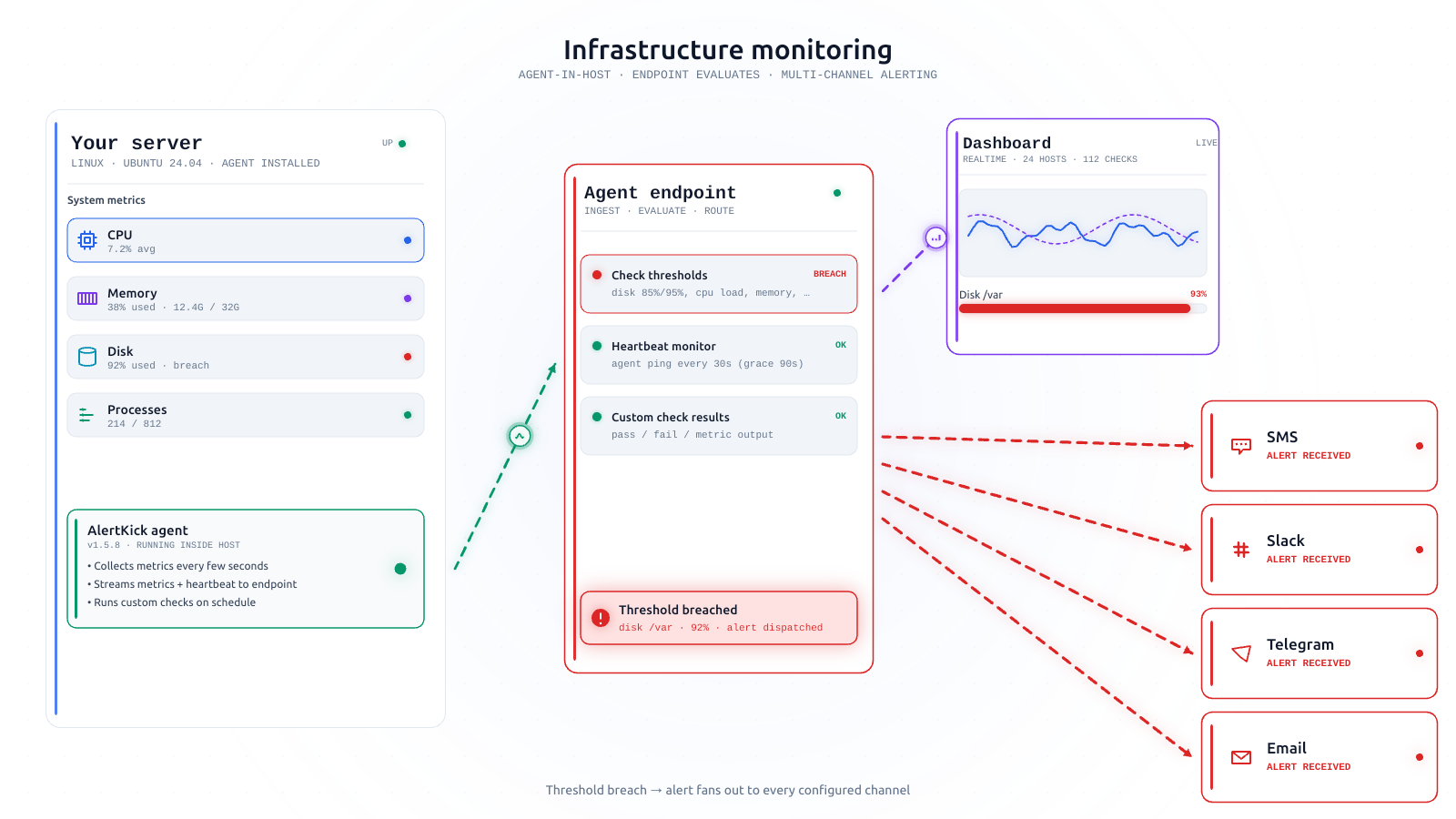
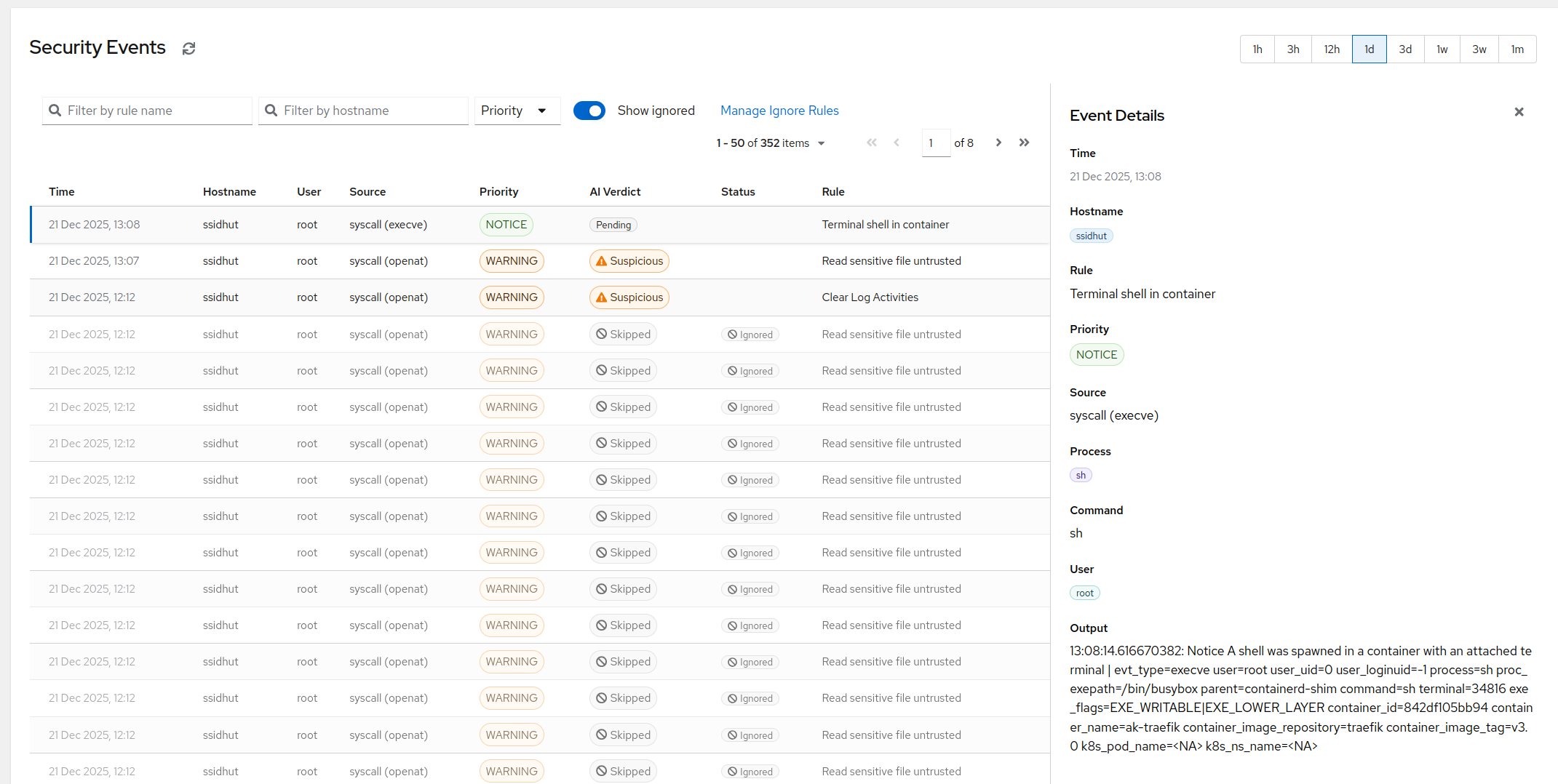
- Findings are security events, not log lines. They enter the same pipeline as every other agent signal: AI triage attaches context, the alert carries its MITRE T1014 tag for coverage reporting, and it pages through your normal escalation chain - Slack, Telegram, SMS, whatever you have wired.
- The event leaves the box immediately. Evidence stored only on a compromised host is evidence the attacker can edit; a finding that reached the backend is a fact the rootkit cannot retract.
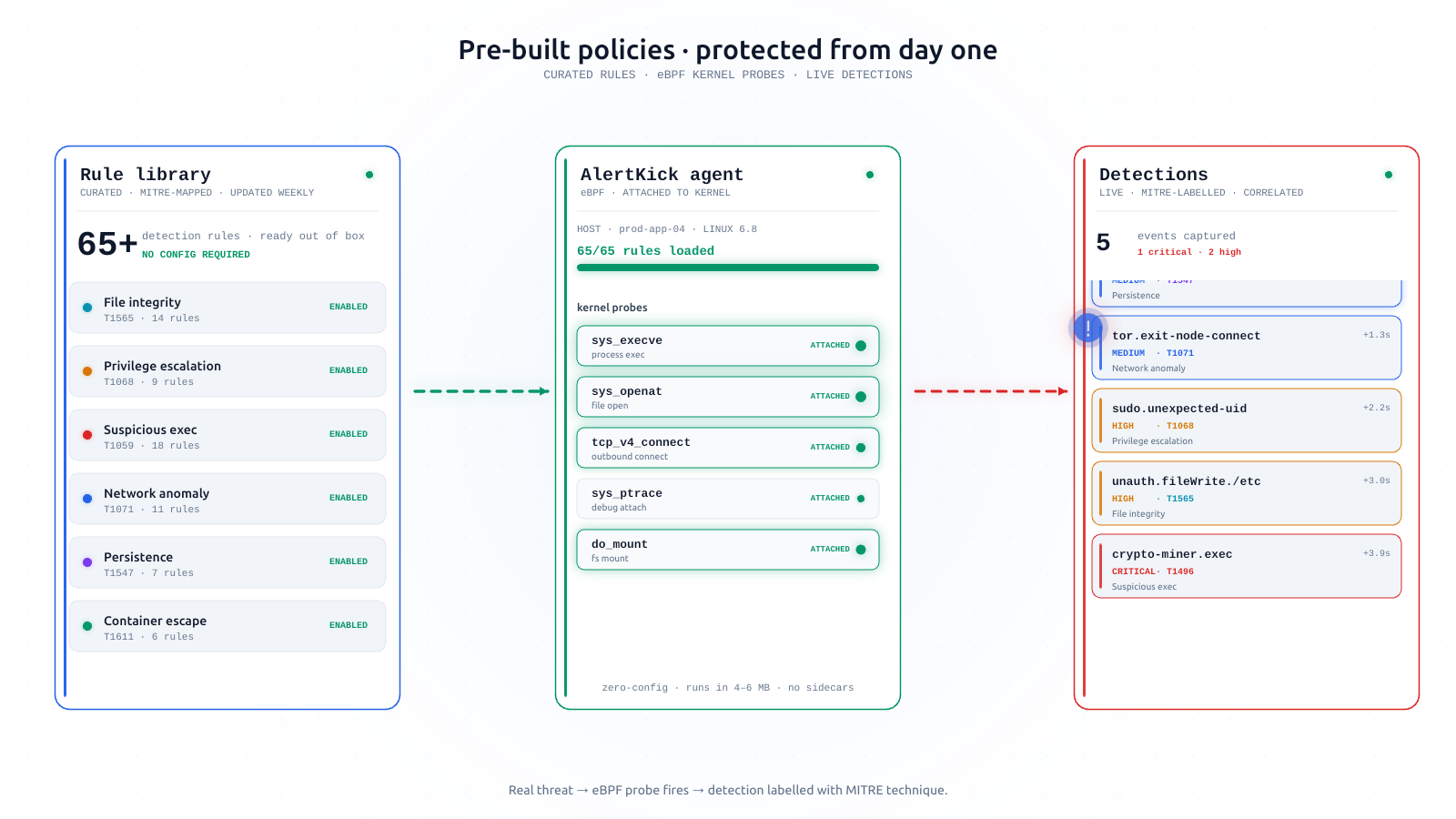
And the periodic scanner is only the second layer. The agent’s eBPF tracing watches the installation moment live: init_module/finit_module syscalls when any kernel module loads, and file-integrity events when /etc/ld.so.preload or /etc/passwd change. The scanner catches what is already resident and hiding; the syscall layer catches it arriving. A rootkit has to beat both, in the right order, without either signal having already left the host.
Honest limits
No userspace check is absolute. A sufficiently careful kernel-mode rootkit that hooks stat, readdir, sysfs and procfs consistently can, in principle, defeat any inspection running on the box it controls - that is the theoretical ceiling of self-inspection, and any vendor claiming 100% rootkit detection is selling something. Three things keep the practical odds strongly in the defender’s favor:
- Real-world attackers overwhelmingly reuse published rootkit code, and the published code fails exactly these cross-view checks.
- Consistent hiding is fragile: every kernel update changes the surfaces a rootkit must hook, and an inconsistency anywhere is a detection.
- The layered signals have to all fail: the eBPF layer must miss the installation, FIM must miss the file writes, and the scanner must be beaten - after the earlier events already shipped off-host.
Detection buys you the thing that matters: knowing. What it does not buy is trust in a box where any of these checks fired - a host with a confirmed rootkit indicator gets investigated, imaged if you need forensics, and rebuilt from known-good, never “cleaned”.
Add it to your checklist
If you run servers without an agent, put the three commands above in your monthly audit alongside the 20-step security checklist and our read-only hardening audit script. If the box matters enough that “monthly” makes you uncomfortable - that is the gap the agent exists to close. Install takes about a minute, the scanner is on by default, and the first result lands ten seconds later.