In the Claude connector directory
 In the Claude connector directory
MCP Connector - Run Your Monitoring from Claude
AlertKick speaks the Model Context Protocol, so an AI assistant can do the work rather than describe it: create uptime, SSL, DNS, TCP and heartbeat monitors, read alerts, incidents and security events, acknowledge a page, and open a change window - in plain language, in your workspace.
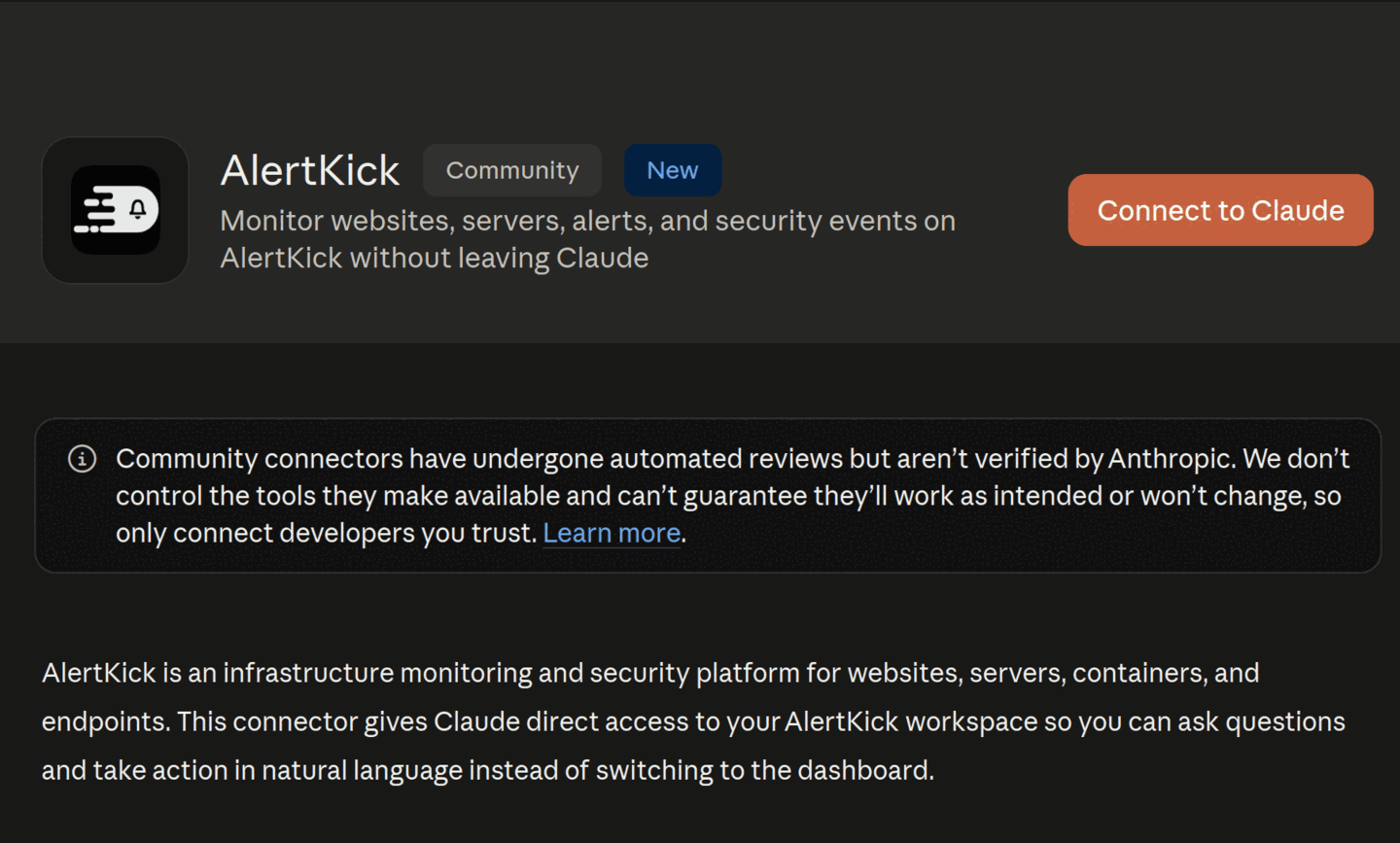
Connect it in three steps
01
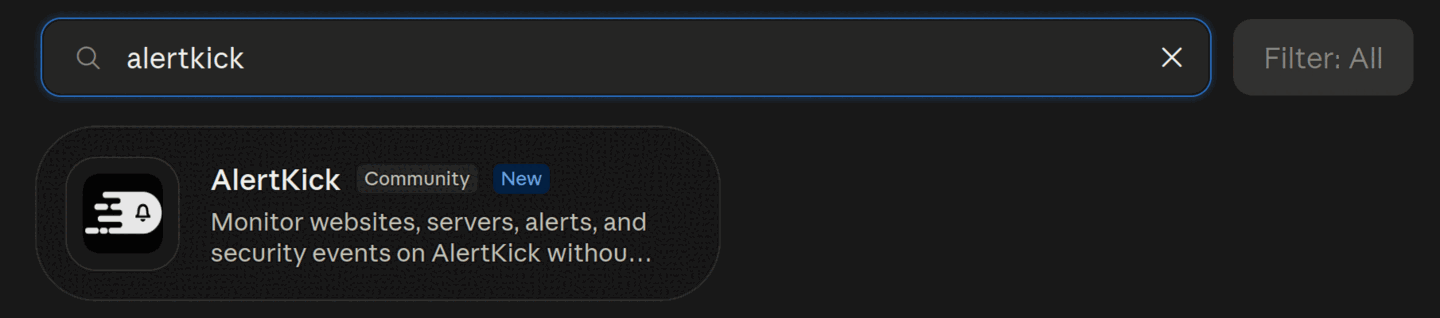
In Claude, open Settings, Connectors, Browse connectors and search for AlertKick.
02
Choose Connect to Claude, enter your workspace name, and sign in if you are not already.
03
Review what you are granting and choose Allow access. There is nothing to install.
Any other MCP client points at the same URL: https://mcp.alertkick.com/mcp. Authorization is OAuth 2.1 with PKCE and dynamic client registration, so there are no API keys to copy between machines, and the connection acts as you, in your workspace only. Revoke it from your AI client or from AlertKick and it stops working immediately.
Claude Code
claude mcp add --transport http alertkick https://mcp.alertkick.com/mcpWhat you can ask for
Example prompts
- "Monitor https://myapp.example.com every minute and warn me before the certificate expires"
- "My nightly backup runs at 02:00 - create a heartbeat and give me the line to add to the job"
- "Watch the MX records for example.com and tell me if they change"
- "Any open alerts right now? Acknowledge the ones about staging"
- "What security events fired on the web servers in the last hour?"
- "Open a change window on db-1 for the 30 minutes I need to patch it"
38 tools
Every tool that changes something is annotated as a write, so Claude asks before it acts. Grant read-only access at authorization time and the writes are refused outright.
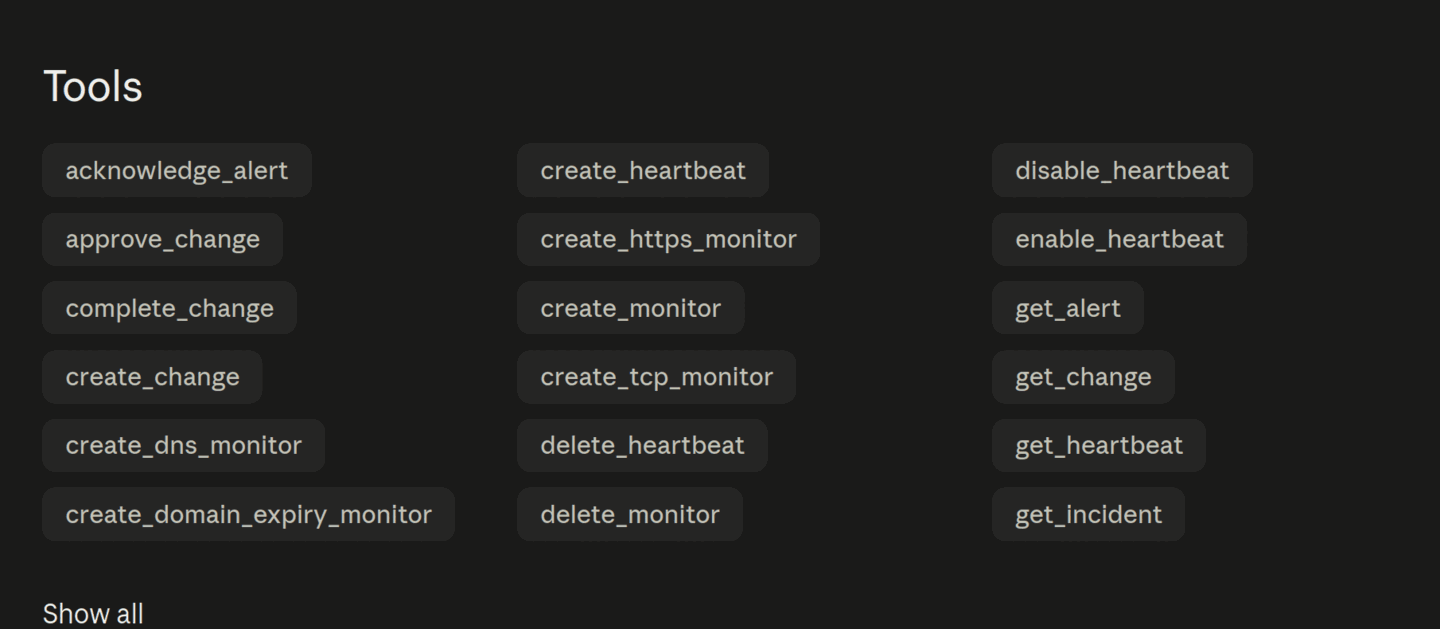
Monitors
list_monitorsget_monitorlist_poller_locationscreate_monitorcreate_https_monitorcreate_tcp_monitorcreate_dns_monitorcreate_domain_expiry_monitorcreate_mail_monitorpause_monitorresume_monitordelete_monitorHeartbeats
list_heartbeatsget_heartbeatcreate_heartbeatenable_heartbeatdisable_heartbeatdelete_heartbeatAlerts & incidents
list_alertsget_alertacknowledge_alertresolve_alertlist_incidentsget_incidentServers & security
add_serverget_server_install_commandlist_serversget_serverget_server_containerslist_security_eventsget_security_event_statsChange management
list_changesget_changecreate_changeapprove_changestart_changecomplete_changeverify_changeFrom ChatGPT, and other clients
The connector is a standard MCP server over OAuth 2.1, so any client that supports custom MCP connectors can add https://mcp.alertkick.com/mcp directly. Claude Code and Cursor connect this way today.
ChatGPT has a second route that needs no connector at all. Open an AlertKick page in the ChatGPT desktop app's built-in browser and the page hands it the tools directly over WebMCP - the free checkers with no account, and the full set once you are signed in. Because the tool runs inside the page, it uses the session you already have: no API key is created, and no credential is passed to the assistant.
Self-managed and on-premise
If you would rather keep everything on your own machine, or you run AlertKick on-premise, use the open-source akmcp binary over stdio with an API key from Settings, then API Keys. Same tools, no hosted hop.
{
  "mcpServers": {
    "alertkick": {
      "command": "/path/to/akmcp",
      "env": {
        "ALERTKICK_API_KEY": "ak_your_key_here",
        "ALERTKICK_API_URL": "https://yourworkspace.alertkick.com"
      }
    }
  }
}
git clone https://github.com/alertkick/alertkick-mcp.git
cd alertkick-mcp
make build
./akmcp --versionThe MCP server is open source under the Apache 2.0 licence. Full setup notes, including revoking a connection, are in the connector guide.
Your servers, watched by tonight.
Install one agent. Get security monitoring, infrastructure alerts, and on-call management - all included with every host.