How to set up website monitoring in 2026: the complete checklist
A practical guide to monitoring a website properly: the six checks that matter (uptime, content, SSL, domain, response time, scheduled jobs), sensible intervals and thresholds, the alerting rules that prevent both missed outages and 3 AM noise, and how to get the whole baseline free.

The AlertKick team
“Is the site up?” is the question every other monitoring question is downstream of - and most small teams answer it with a rough uptime ping bolted on after the first bad surprise, then stop. A site can be down in half a dozen ways that a ping never sees.
This is the complete setup, in checklist order: what to monitor, from where, how often, and the alerting rules that make it wake you for outages without waking you for noise. It assumes nothing about your stack, and everything in it can be done in an afternoon.
1. Uptime - from outside, and from more than one place
The foundational check: request a URL on schedule, alert when it fails or times out. Two rules decide whether it is trustworthy:
Check from outside your network. A monitor on the same host, VPC, or provider as the site shares its failure modes - host down means monitor down means silence, and DNS, routing, or firewall problems that block the public may not block a local check. External-view monitoring is non-negotiable; it is the difference between measuring “is the process running” and “can a customer reach us”.
Confirm from a second location before paging. Any single vantage point sometimes has its own bad day - a transit blip between one network and yours is not an outage. Requiring two locations to agree before alerting removes the largest source of uptime false positives, which matters because false pages are how teams learn to ignore their monitoring.
Interval: 1-5 minutes for anything customer-facing. Point checks at the real entry points users hit - the homepage, the app login, the API health endpoint - not an obscure status page that stays up while everything else burns. A quick manual version of this check (status, timing breakdown, redirect chain, from an external network) is available in the free website check tool.
2. Content - because “200 OK” is not “working”
The classic silent failure: the database is down, the app serves its friendly error page, the error page returns 200 OK, and the uptime check stays green for six hours. Variants include maintenance pages left on, CDNs serving stale cache for a dead origin, and a bad deploy shipping an empty page - all “up”, none working.
The fix costs one minute: add a keyword check to each uptime monitor - a string that only exists when the page genuinely rendered. Good keywords: the footer copyright line, a product name in the hero, "status":"ok" in a health endpoint’s JSON. Bad keywords: anything in a generic template your error page also uses. Alert when the keyword is missing, even on a 200.
3. SSL certificates - monitor what renewal automation does to you
Certificate expiry remains the industry’s most preventable outage, and auto-renewal moved the problem rather than solving it: the pipeline renews but the service never reloads, the load balancer keeps the old cert, a CAA record blocks issuance - each invisible until browsers start refusing connections. The external monitor should watch the certificate the public receives: days-to-expiry (first alert at 14-21 days), chain validity, hostname match. Daily is plenty.
Full detail, including the openssl one-liners and a DIY cron script with its honest failure modes, in how to monitor SSL certificate expiry. One-off check now: the SSL checker.
4. Domain expiry - the outage that takes weeks to fix
Losing a domain to expiry takes down the site, the API, and email - including, poetically, the renewal reminders. Recovery through redemption periods costs days to weeks, and if the domain gets re-registered by someone else it may cost rather more. This failure is rarer than the others on this list, and an order of magnitude worse.
Registrar auto-renew fails quietly too: expired cards, closed accounts, transfers half-completed. Monitor expiry from public registry data (a daily check, alert at 30 and 7 days) and it is fully insured. Spot-check any domain now with the domain expiry checker.
5. Response time - the outage in progress
Between “up” and “down” is “getting slower” - the saturating database pool, the memory leak, the growing table missing an index. Uptime checks already measure duration; keep the trend and alert on a threshold (a multiple of your normal, not a universal constant - a 3-second alert on a 200ms-normal site catches degradation early; the same threshold on a heavy CMS just documents Tuesday).
Response-time alerting catches a useful class of incident before the down alert - and the timing breakdown (DNS, TCP, TLS, first byte) tells you where the time went when it does.
6. Heartbeats - the site is more than its pages
Behind every website is scheduled work whose failure has no URL: the database backup, the certificate renewal cron itself, the queue worker, the sitemap rebuild, the billing job. These fail silently by construction - no request, no error page, nothing for checks 1-5 to see.
The pattern that fixes it is the heartbeat: each job pings a unique URL on success; the monitor alerts when a ping goes missing past its grace window. One line of shell per job:
pg_dump mydb | gzip > /backups/db.sql.gz && curl -fsS https://hb.alertkick.com/ping/nightly-backup
The full heartbeat guide covers grace windows and the exit-code lies. If your scheduled jobs live in crontab and you want the schedule syntax checked rather than guessed, the cron expression generator builds and explains the five fields.
Alerting: the half everyone skips
Monitoring without deliberate alerting decays into either silence or noise, and both end the same way - a missed outage. Four rules cover a small team:
- Right channel per severity. Site down: phone call or push that beats do-not-disturb. Cert expiring in 14 days: email or Slack. If everything pages, nothing does.
- Escalation, not hope. An unacknowledged alert must reach a second person after a defined interval. “The alert fired” and “someone is fixing it” are different facts, and only escalation levels connect them.
- Confirmation before paging (two locations, or two consecutive failures) so flaps do not train the team to ignore the pager.
- Recovery notifications on, so nobody keeps debugging a resolved incident.
The afternoon checklist
| Check | Interval | Alert when |
|---|---|---|
| Uptime + keyword, per key page | 1-5 min | 2 locations agree it is down, or keyword missing |
| SSL expiry + validity | daily | < 14-21 days, or chain/hostname broken |
| Domain expiry | daily | < 30 days |
| Response time | with uptime | sustained multiple of normal |
| Heartbeat per scheduled job | job’s schedule | ping missing past grace window |
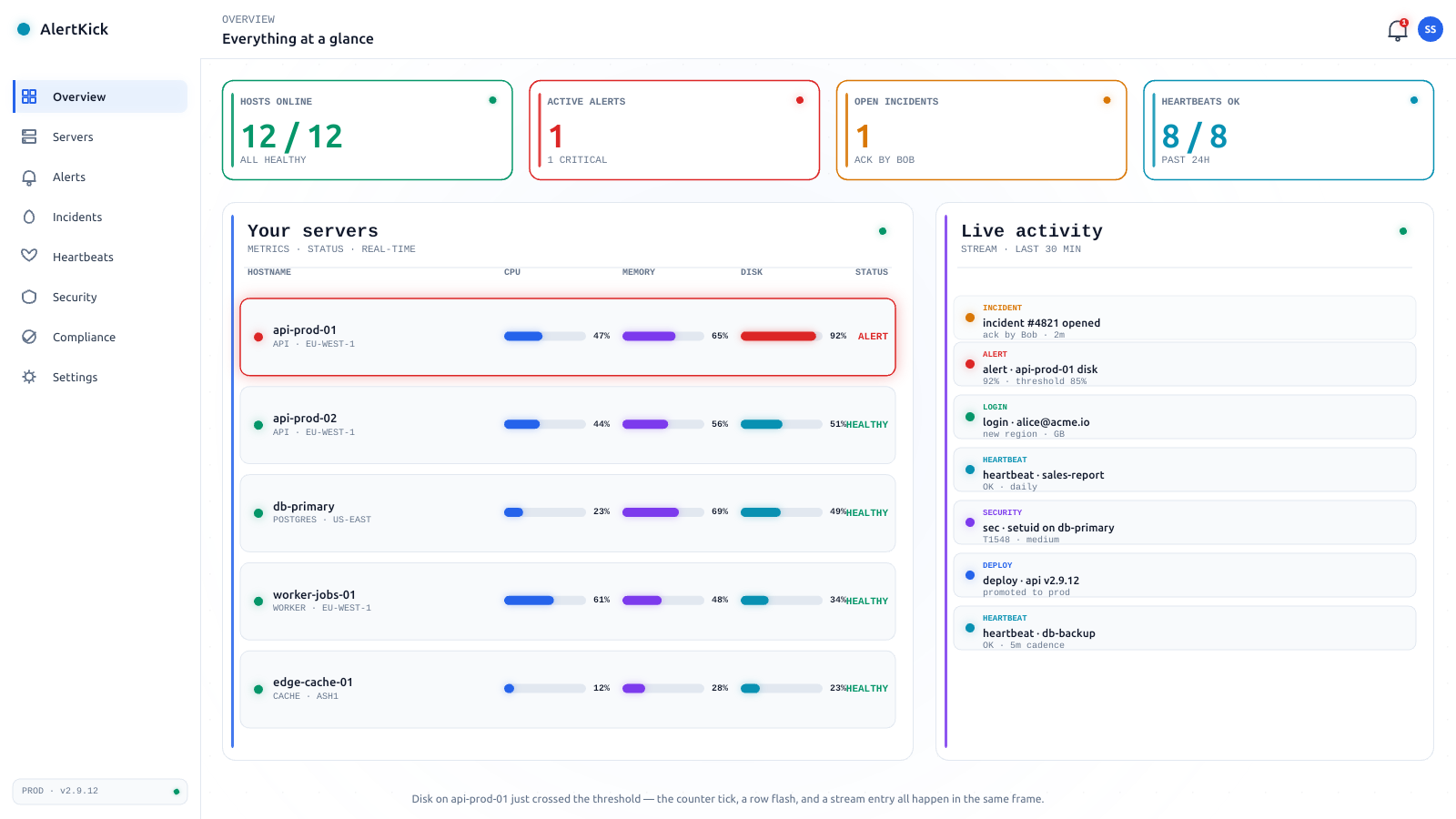
Every row of that table is on AlertKick’s free plan - uptime and keyword monitors with multi-location confirmation, SSL and domain expiry, response-time thresholds, heartbeats, and the alerting layer with escalations, over email, Slack, Telegram, WhatsApp, and phone. Set it up in one afternoon and the question “is the site up?” answers itself from then on - and when you later want the inside view too (CPU, disk, logs, and kernel-level security on the hosts behind the site), the agent is one install away.