Uptime Kuma is great. Here's what it can't tell you.
An honest look at the limits of self-hosted uptime monitoring: the watcher that shares fate with the watched, the 3 AM problem, and the difference between knowing your site is down and knowing your server is compromised.

The AlertKick team
Uptime Kuma might be the most-recommended tool in self-hosted communities, and the recommendation is earned: one Docker command, a genuinely pleasant dashboard, dozens of notification providers, and no bill. For a homelab it’s close to perfect, and nothing below argues otherwise.
But a pattern repeats: the tool that was perfect for the homelab quietly becomes the uptime monitoring for a business - the side project that got customers, the agency’s client sites, the startup’s production. At that point its limits stop being trivia. They’re worth knowing while it’s still a calm Tuesday.
1. The watcher shares fate with the watched
Kuma runs on your infrastructure - frequently on the very host, VPS provider, or network it monitors. When that layer fails, the monitoring fails with it, and a dead monitor is silent in exactly the way “everything is fine” is silent. The canonical failure: provider outage takes your app and your Kuma instance down, and the first notification comes from a customer.
Self-hosters patch this with a second Kuma watching the first from elsewhere - at which point you’re administering a small monitoring estate, and the “who watches the watcher” recursion has begun. External monitoring isn’t a premium feature; it’s the definition of the job. The check has to come from infrastructure whose failures aren’t correlated with yours.
2. Up-or-down is the shallowest question
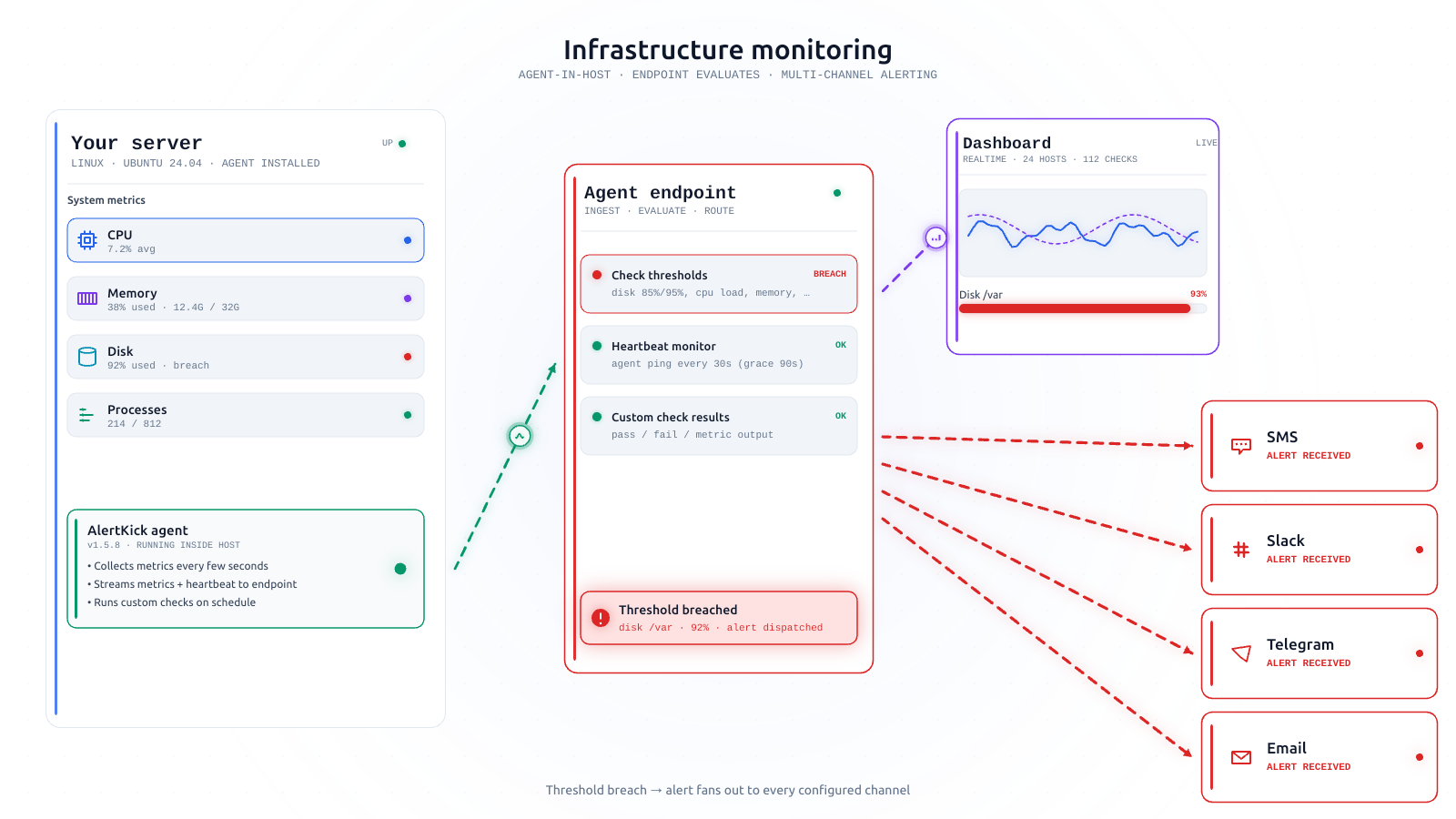
An HTTP 200 means the load balancer answered. It does not mean the disk isn’t at 97%, a process isn’t eating every core, the nightly backup ran, or the certificate renews before Saturday. Kuma covers some of this surface (cert expiry, keyword checks) but it fundamentally sees your servers from the outside - a status light, not a diagnosis. The questions that determine whether tomorrow has an outage are inside-the-box questions, and answering them takes an agent on the host, not a probe at the URL.
3. “Send a notification” is not “wake the right human”
Kuma will happily post to Telegram, Slack, or fifty other places. What it doesn’t have is the layer that makes notifications survive contact with a team: on-call rotations, escalation policies, acknowledgements. Who’s on duty this week? If they don’t ack in ten minutes, who’s next? Was that 3 AM ping seen, or did it land in a channel everyone muted? With one operator, these questions are trivia. With three, they’re the difference between an alert and an outage report - and bolting an escalation layer on top of Kuma means another tool, which is how the DIY pile starts.
4. Up is not the same as safe
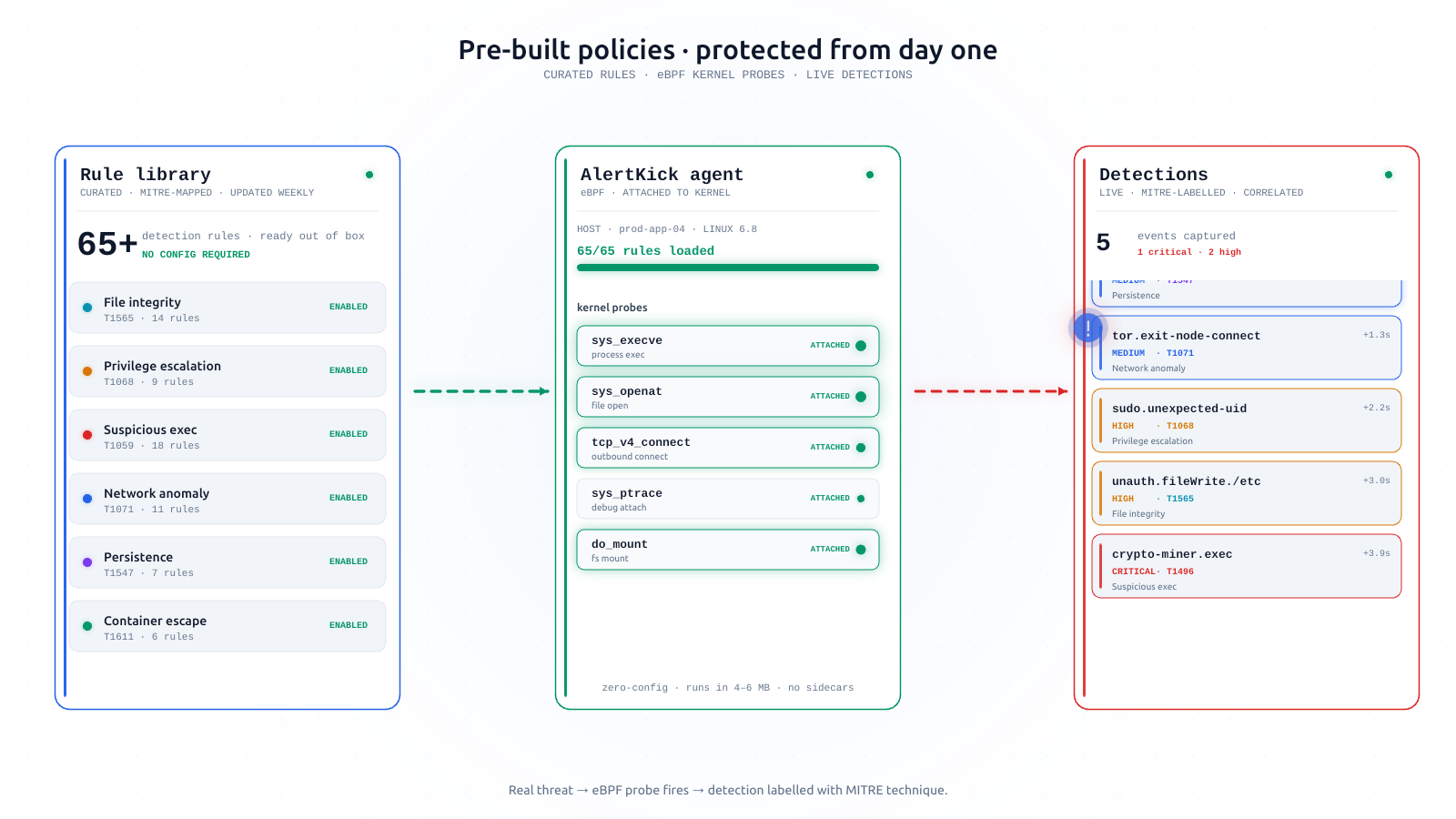
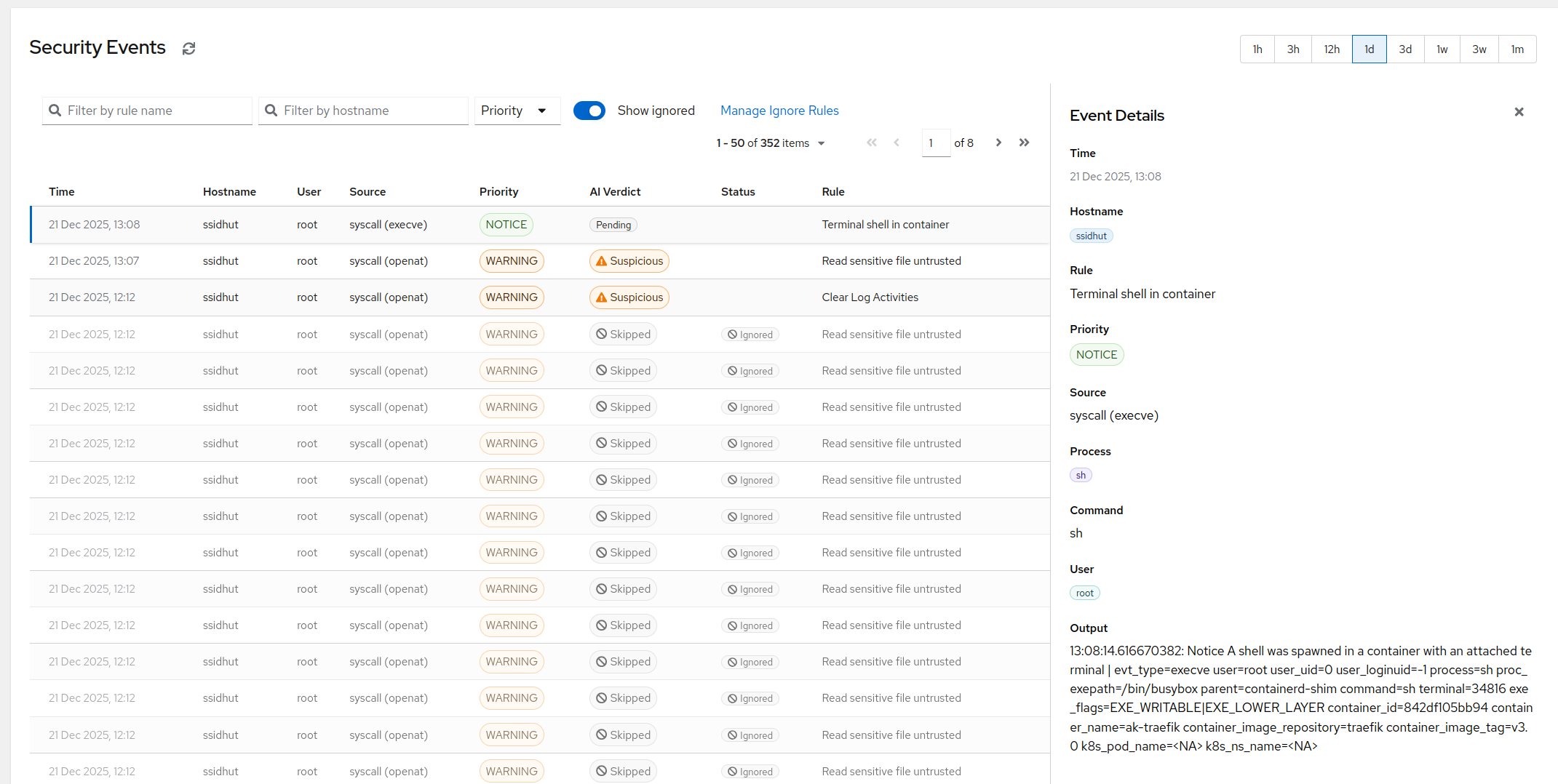
The uncomfortable one. A server hosting a crypto miner shows a perfect uptime graph - miners are careful about that. A compromised box with an attacker’s SSH key in authorized_keys returns 200 on every check for months. Uptime monitoring and security monitoring are different senses, and no uptime tool - Kuma included, ours included - substitutes for knowing who logged in, what changed on disk, and what your hosts are talking to. If the box matters enough to monitor, it matters enough to watch from the kernel.
5. The maintenance is real, just deferred
Kuma updates, its database growing, backups of the monitoring itself, TLS on the dashboard, the reverse proxy in front - each trivial, together a small standing tax paid in the scarcest currency a small team has: attention. “Free” prices the software, not the operator.
Keep Kuma. Or graduate deliberately.
If the stakes are homelab-sized, keep Kuma - genuinely. The graduation moment is when the answer to “what happens if this is down for four hours and nobody notices?” involves money or customers.
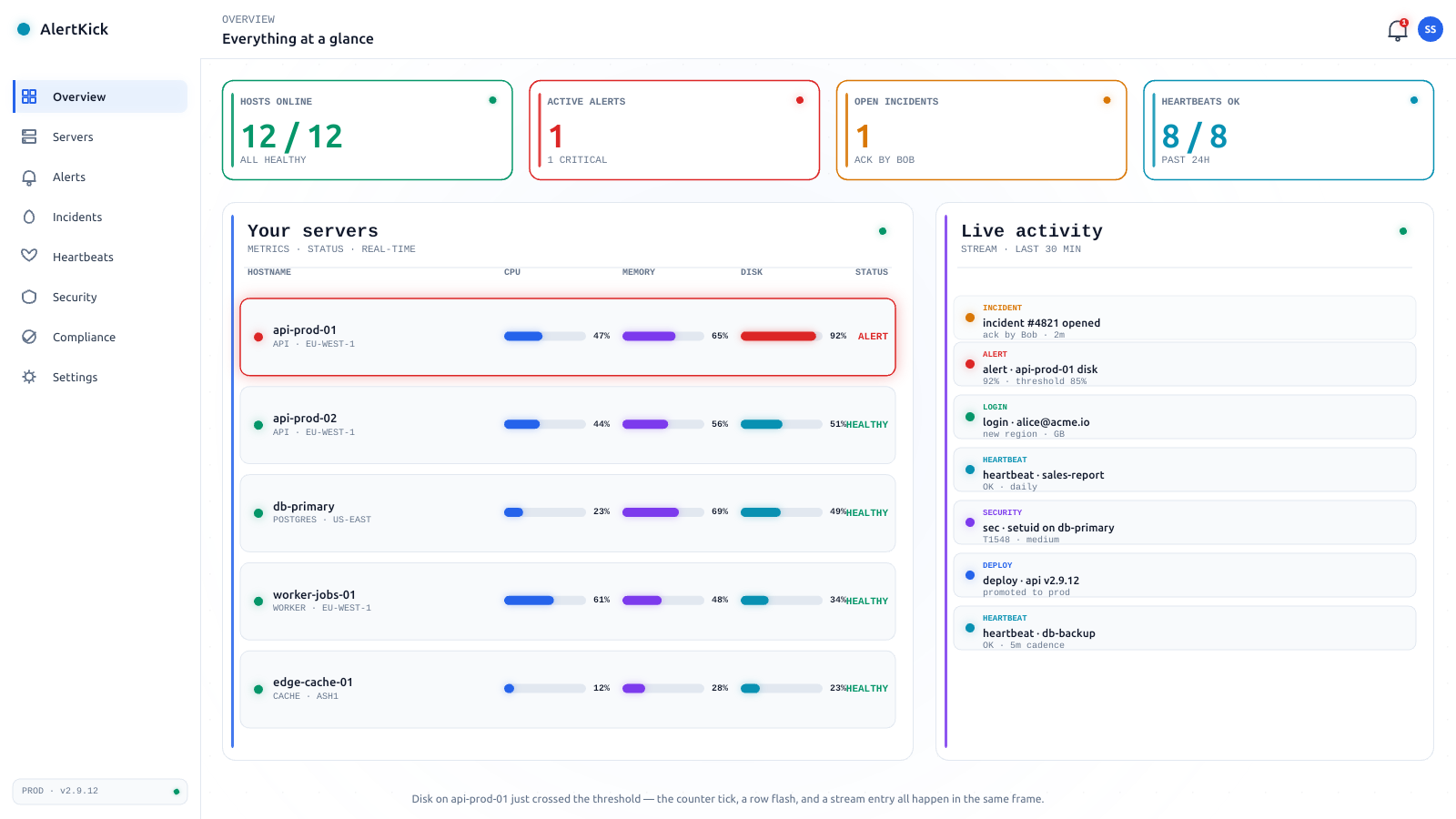
AlertKick’s shape for that moment: external uptime checks and heartbeats from managed infrastructure (whose failures don’t correlate with yours), the agent answering the inside-the-box questions, rotations and escalation built in, and eBPF security covering the up-but-owned scenario - one platform instead of a pile. The free tier covers 10 monitors and heartbeats with no card, and unlike most free tiers, commercial use is allowed - so the graduation doesn’t have to start with an invoice.
Start free, point it at the things Kuma watches, and let the two run side by side. The comparison that matters isn’t feature lists - it’s which one you trust the week something actually breaks.