Grafana OnCall is archived: what self-hosted users should do next
Grafana OnCall OSS entered maintenance mode in March 2025 and the repository was archived on 2026-03-24. If your team's paging still runs through a self-hosted OnCall install, here is what actually breaks, what your options are, and a practical migration checklist.

The AlertKick team
Grafana OnCall OSS is done. The project entered maintenance mode on 2025-03-11 and the repository was archived on 2026-03-24. No more releases, no more bug fixes, no more security patches. Grafana’s recommended path forward is Grafana Cloud IRM, their hosted incident response product.
Credit where it’s due: OnCall OSS was a genuinely good piece of software. It gave small teams real escalation chains, rotations, and Slack/Telegram paging without a per-seat bill, and for a few years it was one of the best answers to “how do we do on-call without paying enterprise prices”. That’s exactly why its archival stings - a lot of small teams built their paging on it.
If yours is one of them, this post is the practical version of what to do next.
Your install still runs. That’s the trap.
Nothing stopped working on archival day, which makes it easy to put this off. But three clocks are now ticking:
Security patches have stopped. OnCall is a service that receives webhooks from the internet and holds your team’s phone numbers, schedules, and escalation logic. Running an unpatched, unmaintained copy of that gets riskier every month. The next CVE in a dependency is your problem now, permanently.
Compatibility drift. OnCall runs as a Grafana plugin plus a backend stack (Django, Celery, Redis/RabbitMQ, MySQL/Postgres). Every Grafana upgrade from here on is a gamble on whether the archived plugin still loads. Most teams end up pinning Grafana itself - which means the archival quietly freezes your whole observability stack, not just the pager.
Cloud-dependent notification paths. Mobile push, SMS, and phone calls in OSS OnCall were delivered through a connected Grafana Cloud account, not by your self-hosted install. Those paths were always on borrowed infrastructure, and an archived project has no claim on their future. If your 3 AM page arrives by phone, that path deserves the least trust of all.
The failure mode isn’t dramatic. It’s a page that doesn’t arrive during an incident, eighteen months from now, on infrastructure nobody has touched since 2026.
The honest list of options
1. Do nothing and pin everything. Legitimate for a while. Freeze the OnCall version, freeze Grafana, firewall the webhook endpoints, and accept that you are now the maintainer of record. This buys time; it isn’t a destination.
2. Follow Grafana to Cloud IRM. The official path, and the least migration effort if your alerting is deeply Grafana-native. It’s a hosted product with per-user pricing, so the thing that made OnCall OSS attractive - free, self-hosted, no seats - is exactly what you give up.
3. Move to another self-hosted alert router. Keeps the self-hosted property, but re-runs the same risk: you’re betting your paging on another project’s continued goodwill, and you keep maintaining a Django-or-equivalent stack whose only job is deciding who to wake up.
4. Ask whether the stack under it still earns its keep. OnCall existed to route alerts produced by the rest of a DIY pile: metrics store, exporters, alert rules, dashboards, and a router on top, each needing its own config and care. If a team of four is honest about the hours that stack costs, archival of one layer is a reasonable moment to retire the pile, not just replace the layer.
That fourth option is the one AlertKick was built for, so consider the rest of this post an opinionated take and weigh it accordingly.
What AlertKick replaces (and what it doesn’t)
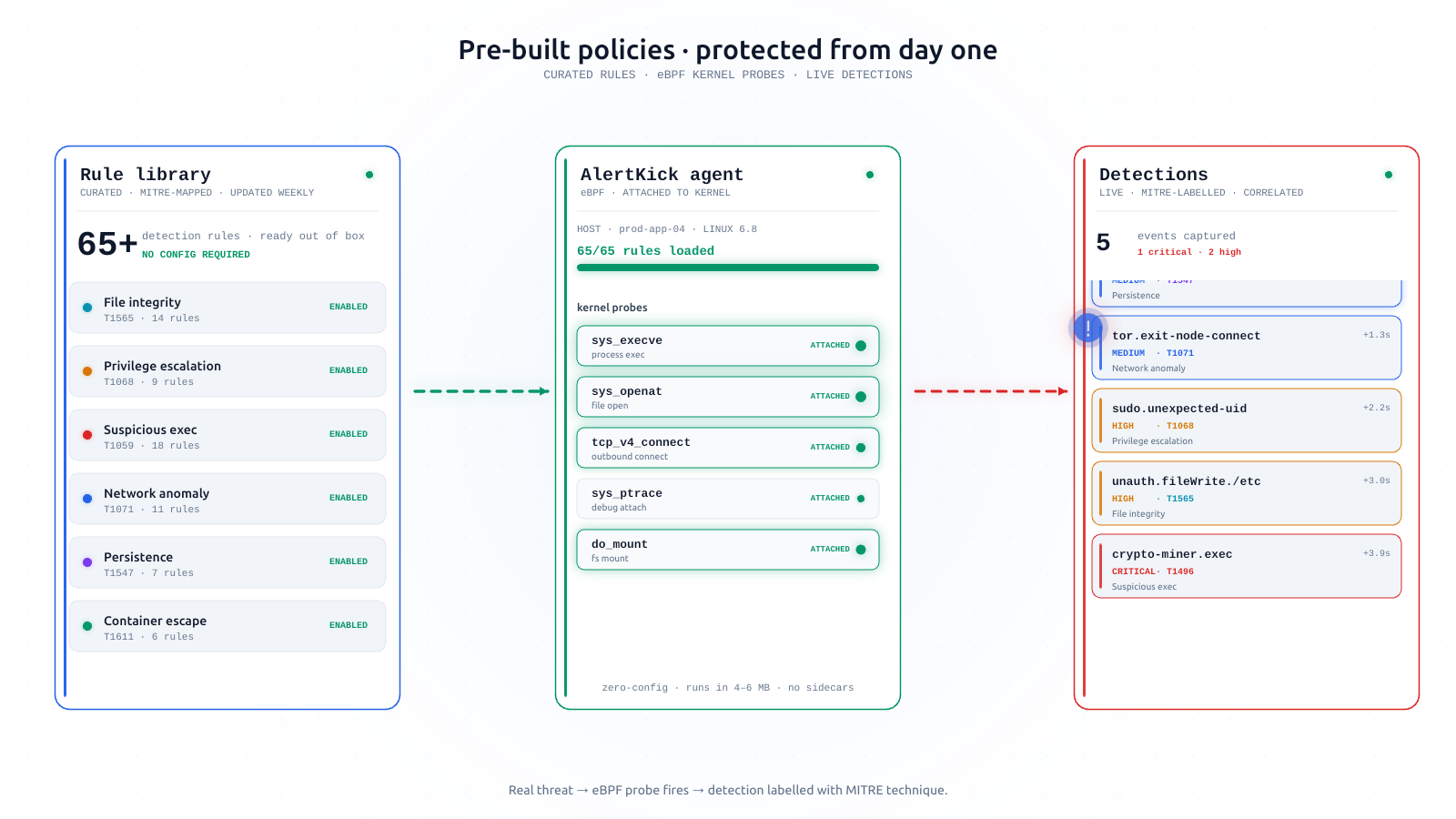
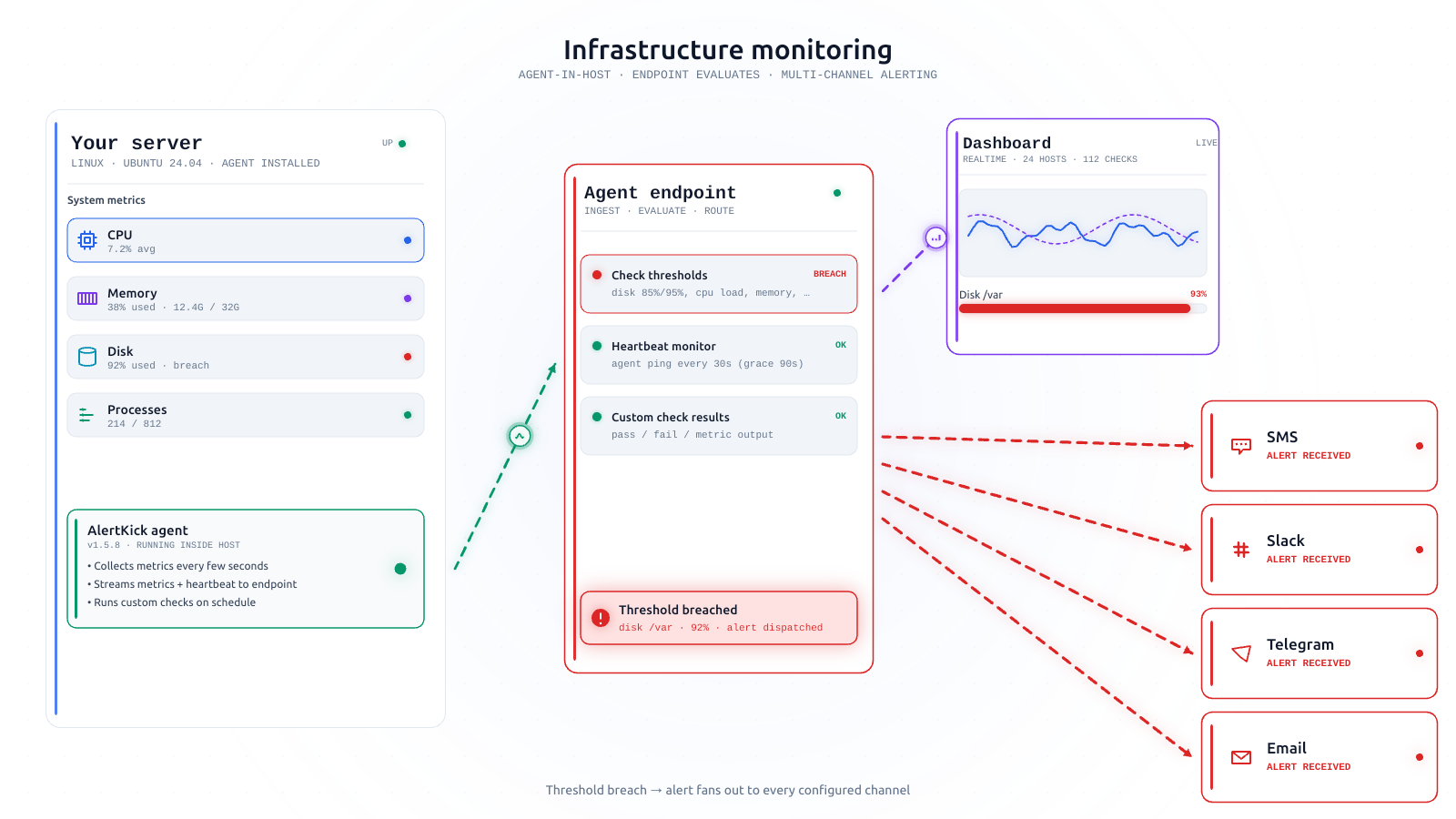
AlertKick is not a drop-in OnCall replacement that routes alerts from your existing Prometheus rules. It replaces the stack: one agent does the monitoring (infrastructure metrics, service checks, heartbeats, kernel-level eBPF security), and the on-call layer you came here for is built in, not bolted on.
The OnCall concepts you rely on map directly:
| You have in OnCall | AlertKick equivalent |
|---|---|
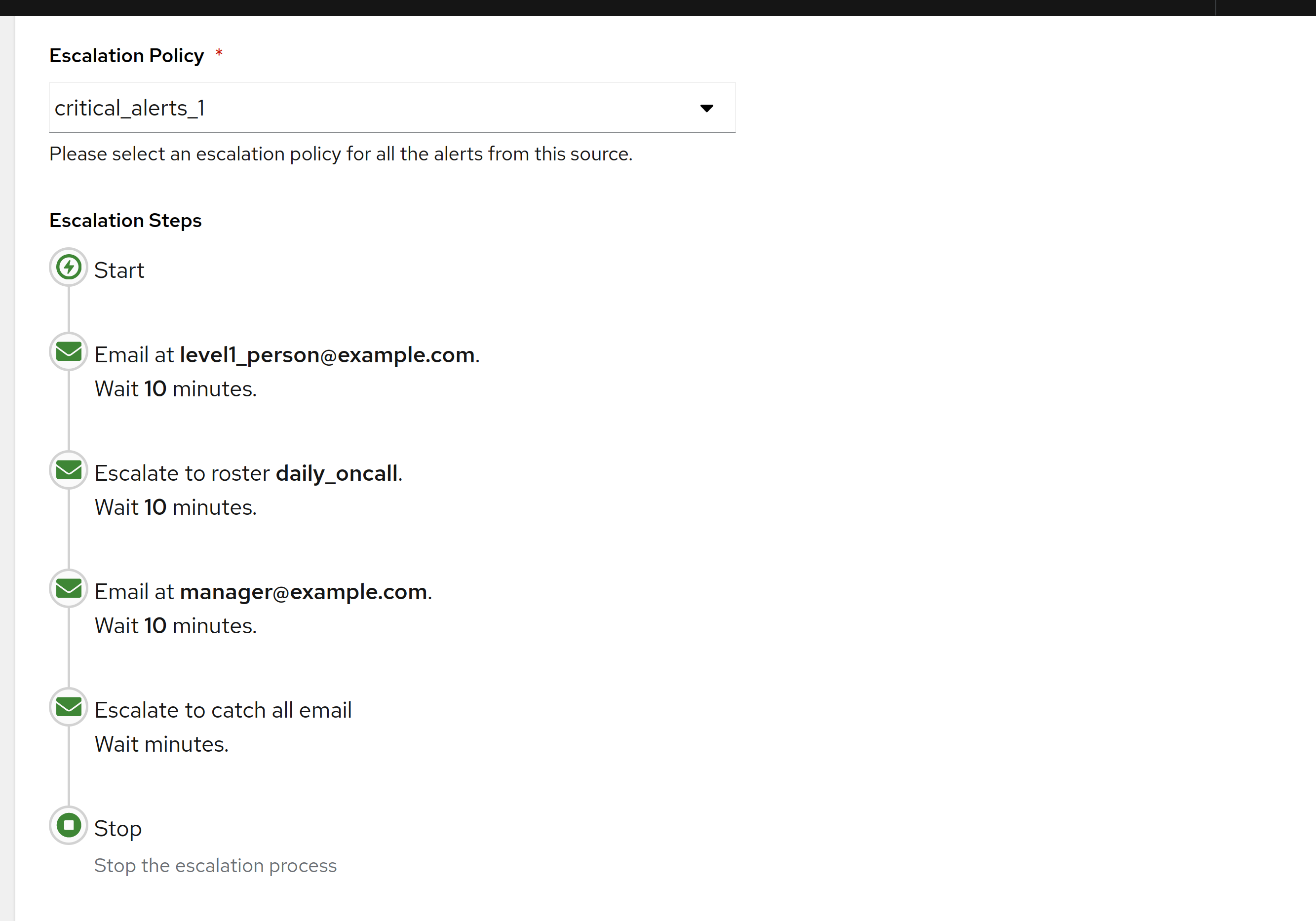
| Escalation chains | Escalation policies - sensible three-level defaults, explained here |
| Schedules and rotations | On-call rosters with rotations and overrides - roster management |
| Slack / Telegram notifications | Slack, Telegram, WhatsApp, SMS, and email channels |
| Mobile push via Cloud | Telegram or WhatsApp on your phone - no companion cloud account required |
| Webhook integrations from your monitoring | The agent and monitors are the alert source - no glue webhooks to maintain |
| Heartbeat monitoring | Built-in heartbeats for cron jobs and backups |
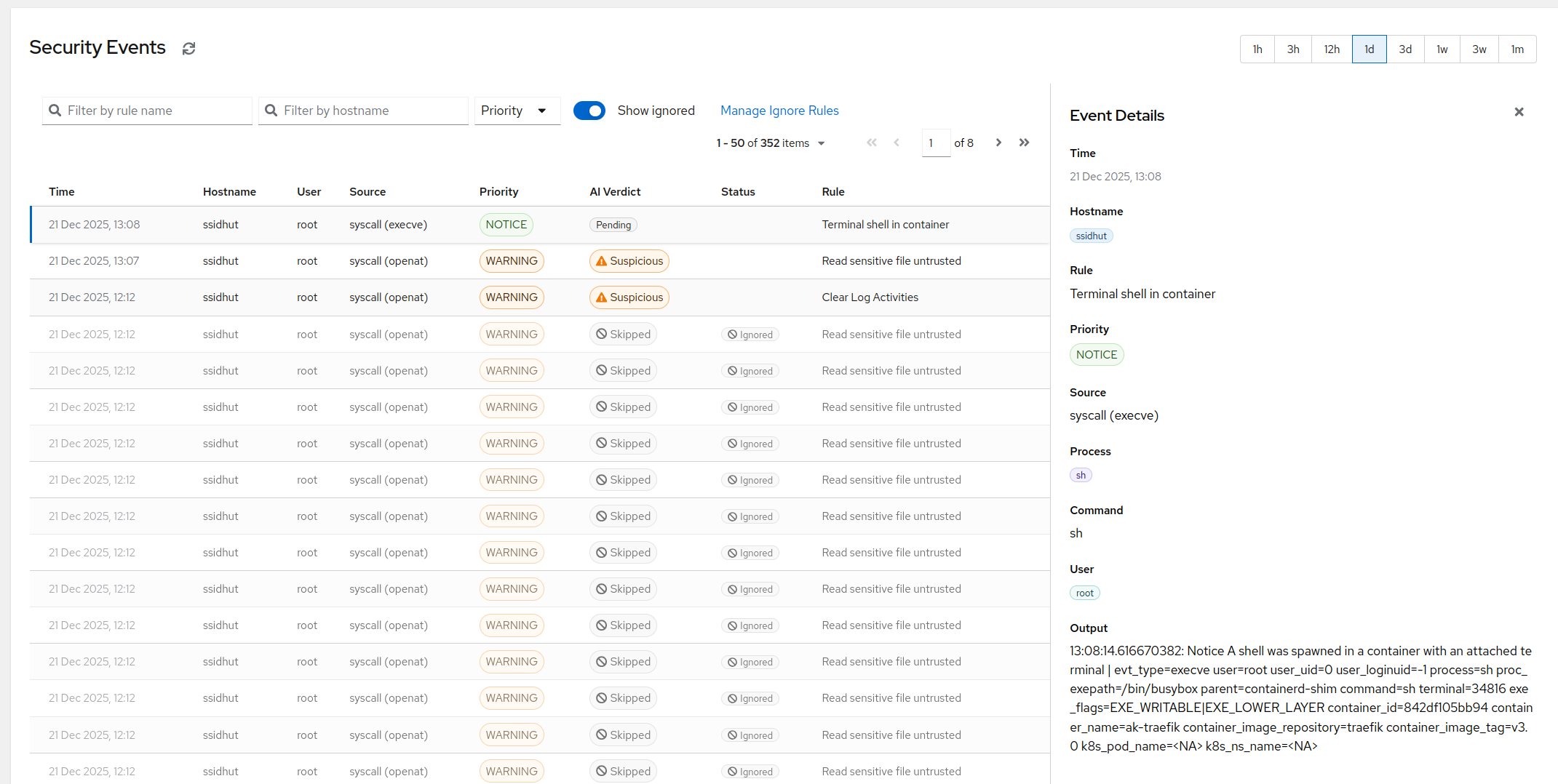
And one thing OnCall never did: because the alerts originate inside AlertKick, the AI triage layer sees the event, the host, and the history together - so what reaches your phone is the incident, not the noise.
Where AlertKick is honestly not the right fit: if you need a pure routing layer for a large existing Prometheus/Grafana estate you intend to keep, options 2 or 3 serve you better. AlertKick earns its keep when the DIY stack itself is the thing you’d rather stop maintaining.
Migration checklist
Before touching anything, inventory what OnCall is actually doing for you - it’s usually less than feared:
- Export your schedules. Who is on rotation, what the handoff times are, which overrides recur. In practice most small teams have one or two rotations and a handful of ad-hoc overrides.
- Write down your escalation chains. Level by level: who gets notified, on what channel, after how many minutes. Most chains fit on an index card - that’s not a criticism, short chains are correct.
- List your integrations. Every webhook pointing at OnCall is an alert source that needs a new home. Tag each one: replaced by AlertKick’s agent/monitors, still needed, or dead (there are always dead ones).
- Check notification preferences per person. Quiet hours, channel order, phone numbers. This is the data that silently rots; verify it rather than migrating it blind.
- Stand up the replacement in parallel. Run both for a week or two. Point a non-critical alert source at the new system first, and send a test page through every escalation level at least once - the only test of a pager that counts is a page that arrives.
- Only then decommission. Take the OnCall webhook endpoints off the internet the day you stop trusting it, even if the containers keep running internally for reference.
Setting the AlertKick side of that up takes an afternoon: register, install the agent on a test host, recreate your rotation and escalation levels from the index card, and send yourself a test page over Telegram. The free tier covers uptime monitors and heartbeats with no card, so the parallel-running phase costs nothing.
An archived pager is still a pager - until the night it isn’t. Move before that night.