Opsgenie shuts down in April 2027: a migration guide for small teams
Atlassian ends Opsgenie support on 5 April 2027 - access stops and unmigrated data is deleted. What the deadline actually means, what the Jira Service Management path costs a small team, and how to decide what to move to.

The AlertKick team
The dates are set and they’re not moving: Atlassian stopped selling Opsgenie to new customers on 4 June 2025, and end of support lands on 5 April 2027. This one is stricter than most EOLs - on that date access to Opsgenie shuts off, and Atlassian’s own guidance says unmigrated data is deleted. There’s no running it quietly past the deadline; the countdown ends with the lights going out. (Atlassian’s migration page has the official word.)
Opsgenie earned its user base. For years it was the sensible answer for teams that wanted proper on-call - schedules, escalations, a mobile app that actually paged - without enterprise-tier invoices. Which is exactly why the shutdown creates a real decision rather than a paperwork exercise: the qualities that made teams choose Opsgenie over the premium options are not automatically preserved by the official migration path.
What the official path involves
Atlassian’s recommended destination is Jira Service Management, which has absorbed Opsgenie’s alerting and on-call features, with an automated migration for schedules, escalation policies, and integrations. If your team already lives in Jira, this is the lowest-friction option and the automation genuinely helps.
The catch for small teams is the shape of the pricing. Opsgenie was priced as a standalone paging product; JSM is a full service-management suite priced per agent, and the tiers that include the alerting features cost meaningfully more per person for a team that only wanted the pager. You’re also adopting a much bigger product than the one you’re leaving - service desks, request queues, SLAs - to keep the one feature you actually used.
None of that makes JSM wrong. It makes it a decision - not a default.
The real question: what were you actually using?
Before comparing destinations, inventory what Opsgenie actually does for you. For most small teams it’s a short list:
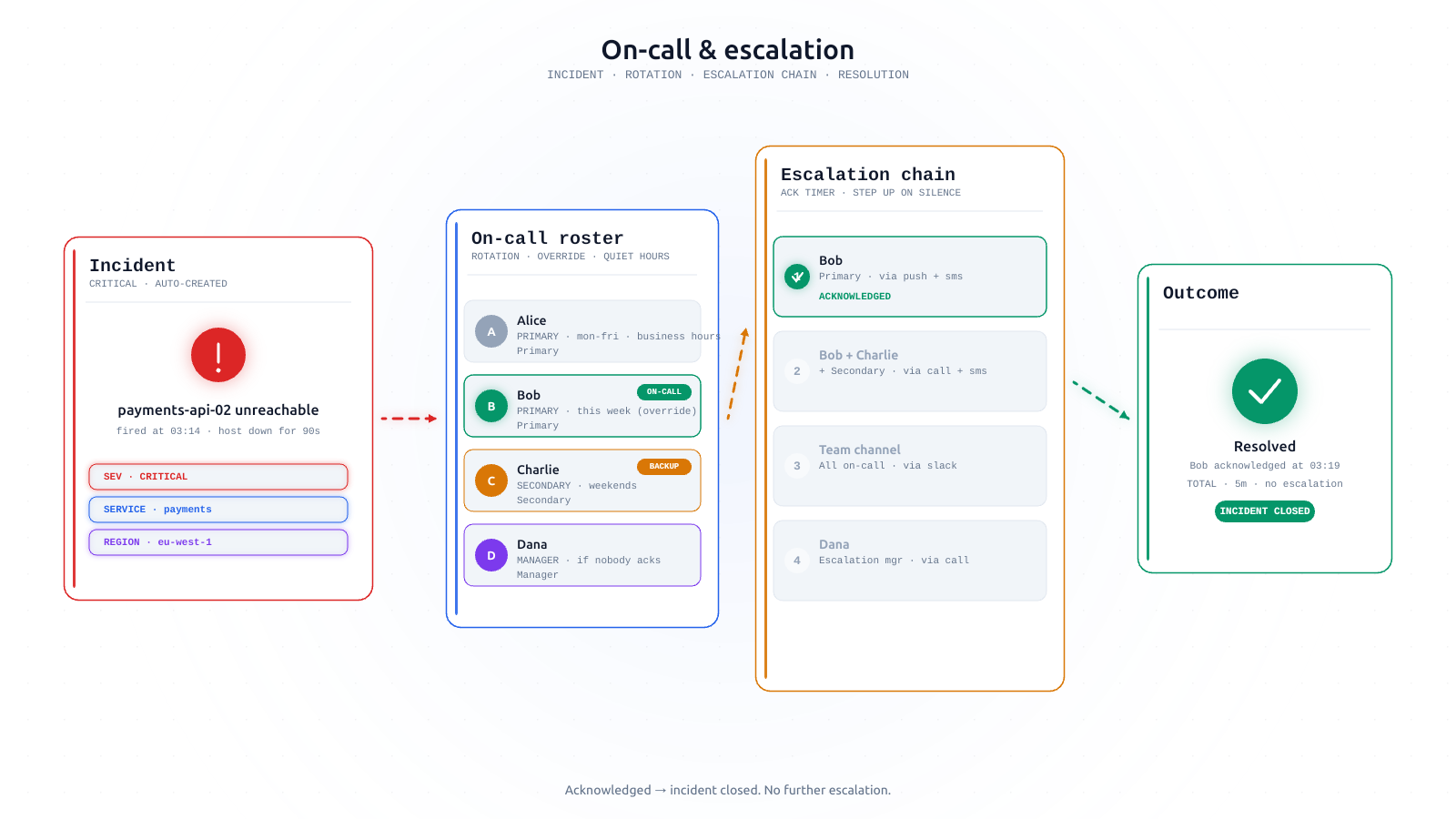
- Schedules and rotations - who’s on call, when, with overrides for holidays.
- Escalation chains - if the primary doesn’t ack in N minutes, page the next person.
- Alert routing - webhooks in from monitoring tools, notifications out to phones.
- The paging itself - push, SMS, voice; loud enough to wake someone.
Export all four while your access works: schedules and escalation policies via the API or admin screens, plus the list of every integration pointing at Opsgenie. Do the integration inventory honestly - every team finds webhooks from tools that were decommissioned years ago. What remains is your actual migration surface, and it’s usually smaller than feared.
Your options, honestly
Jira Service Management. Right answer if you’re Jira-native, want the automated migration, and the per-agent maths works for your team size. Budget time to relearn the admin surface - it’s a different product wearing familiar features.
Another dedicated paging tool. The incident-management market has plenty of options at every price point. You keep the “just a pager” shape, but re-run the same vendor risk that got you here, and the per-seat meters at the affordable end have a habit of growing teeth as vendors move upmarket.
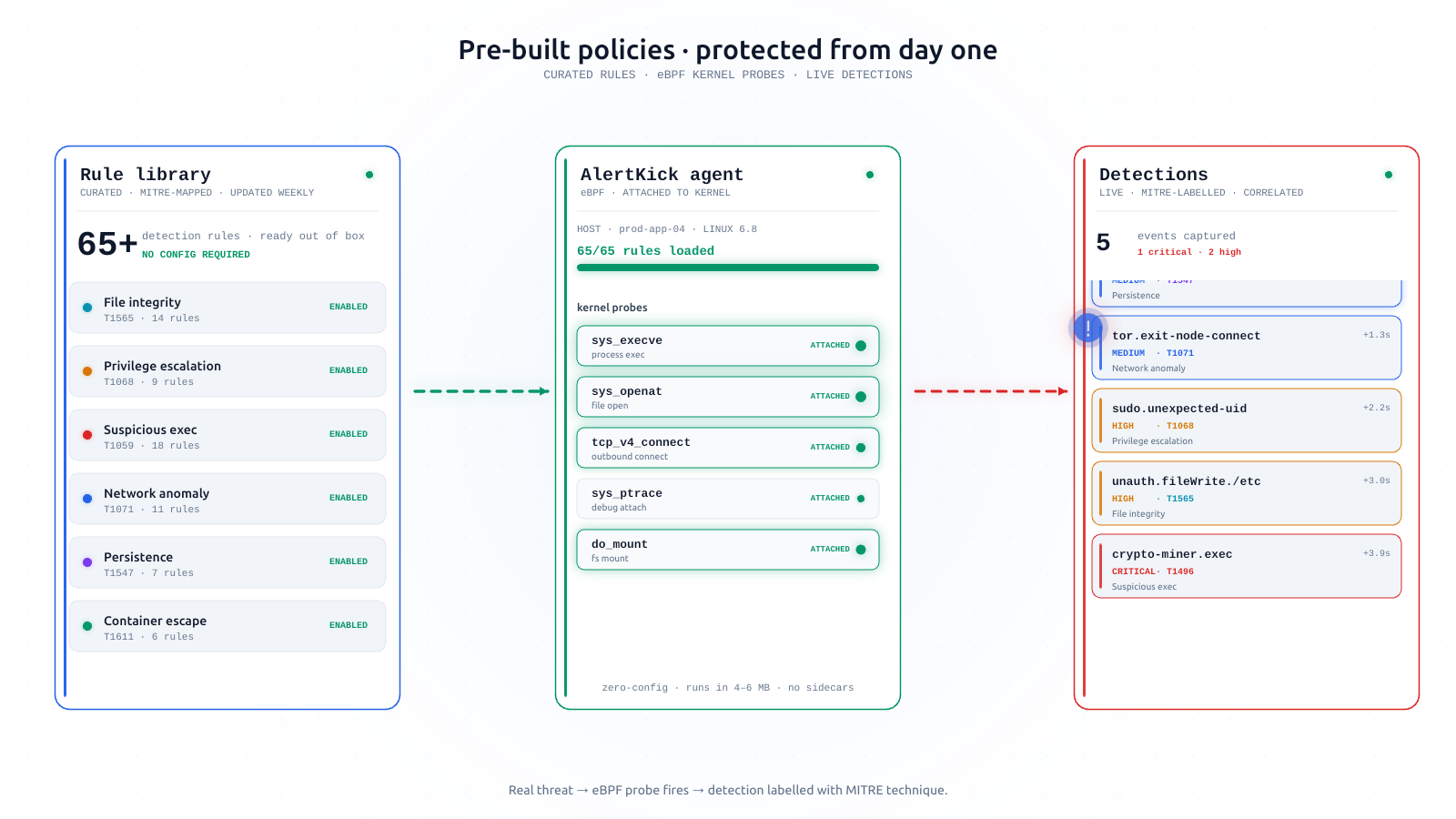
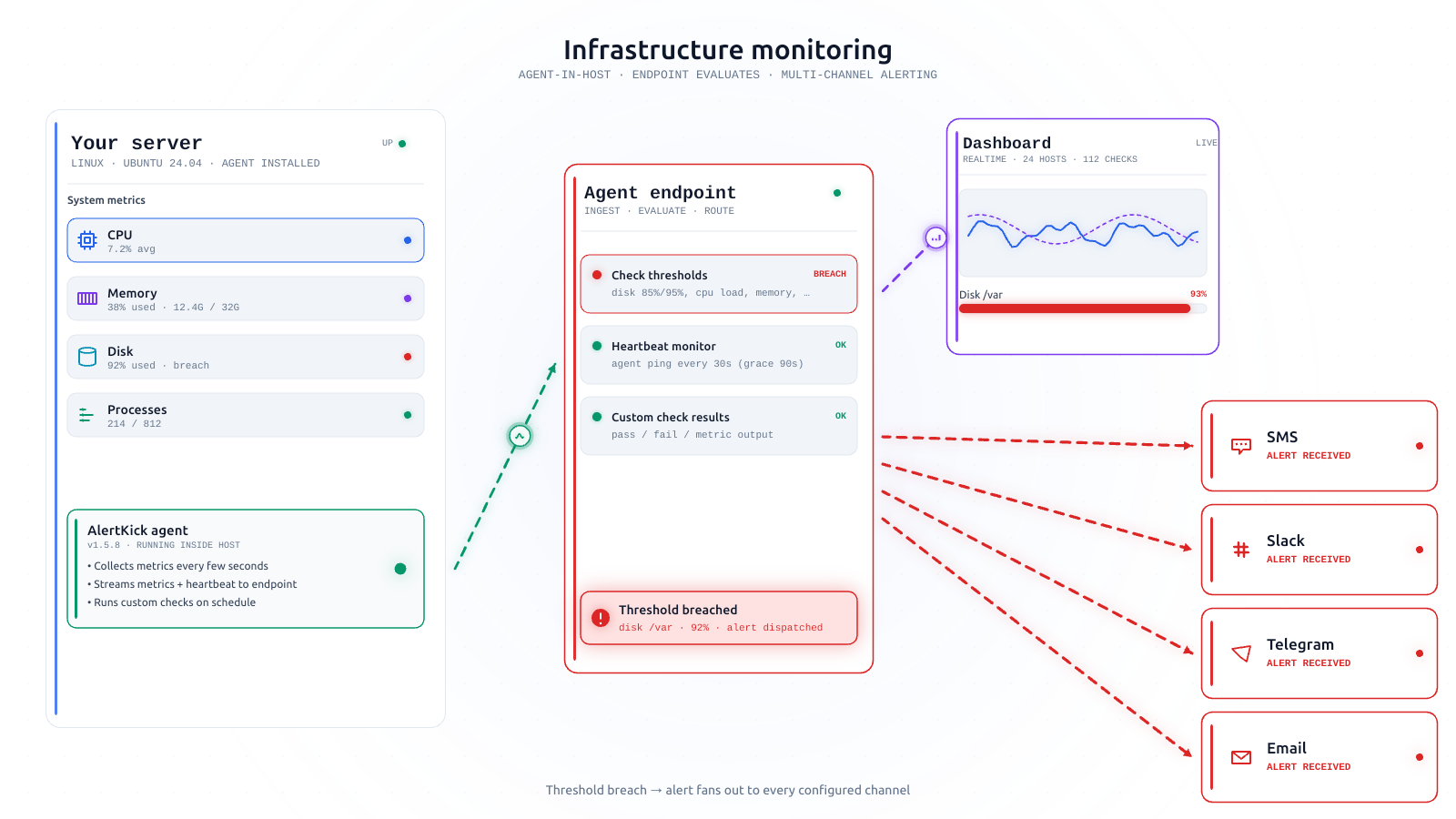
Fold paging into your monitoring. Opsgenie existed to sit between your monitoring and your phone - a routing layer, because monitoring tools historically couldn’t page properly. If your monitoring stack is itself a pile you’d rather shrink, the EOL is a chance to collapse two layers into one: AlertKick builds on-call schedules, rotations, and escalation policies directly into the monitoring platform - the alerts originate and escalate in the same place, with notifications over Slack, Telegram, WhatsApp, SMS, and email, priced per host rather than per seat.
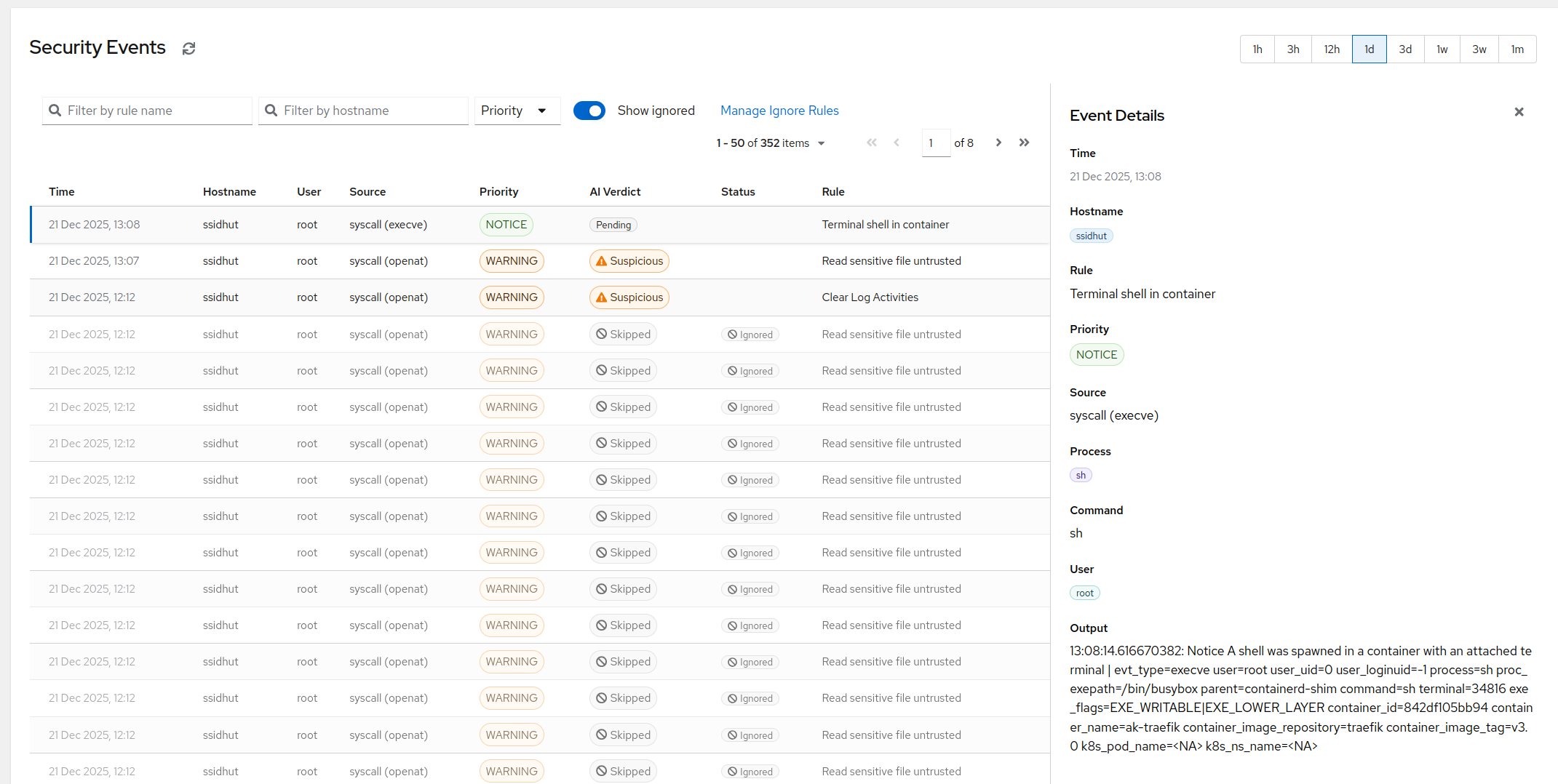
The honest caveat, same as we tell Grafana OnCall users: AlertKick is not a drop-in alert router. If you’re keeping a large existing monitoring estate and only want a webhook-in, page-out layer, a dedicated paging tool fits better. AlertKick fits when the monitoring itself is up for replacement - one agent for infrastructure, uptime and heartbeats, and eBPF security, with the on-call layer included and AI triage deciding what deserves a page at all.
A sane timeline (you have more runway than OnCall users had)
April 2027 sounds distant. Migration projects involving paging have a way of consuming quarters, because nobody wants to switch pagers during a bad week - and there’s never a good week.
- Now: export schedules, escalation chains, and the integration inventory. This costs an hour and de-risks everything after it.
- Next quarter: pick the destination and stand it up in parallel. Point one low-stakes alert source at it.
- The quarter after: run both, send a test page through every escalation level at least once, then cut over channel by channel.
- Well before the deadline: decommission - don’t be in the group discovering in March 2027 that the data export is now a fire drill.
The only pager test that counts is a page that arrives. Whatever you choose, prove that on the new system while the old one still works.
If the collapse-two-layers option sounds like your situation, start free - stand up a rotation, install the agent on a test host, and send yourself a page over Telegram this afternoon. You’ll know within a day whether the shape fits your team.