Why AlertKick is opinionated, not configurable
Every knob in a monitoring tool is a decision somebody has to make. Most of those decisions have a right answer. AlertKick ships the right answer by default - so you don't have to be the person figuring it out.

The AlertKick team
Most monitoring tools are proud of being configurable. They hand you a rules language, a query DSL, a templating system, a plugin framework, and an invitation to make it yours. The marketing copy talks about flexibility and power.
In practice, what configurability usually means is that on day one you’re staring at a blank screen, trying to figure out what to monitor. And on day 180 you’re staring at a sprawling rules repository that only two people understand.
Plenty of teams have done both halves of that. None of them enjoyed it. So AlertKick does something deliberately unfashionable: it ships with opinions.
What “opinionated” actually means here
“Opinionated” here means three specific things.
One: the right checks are on by default.
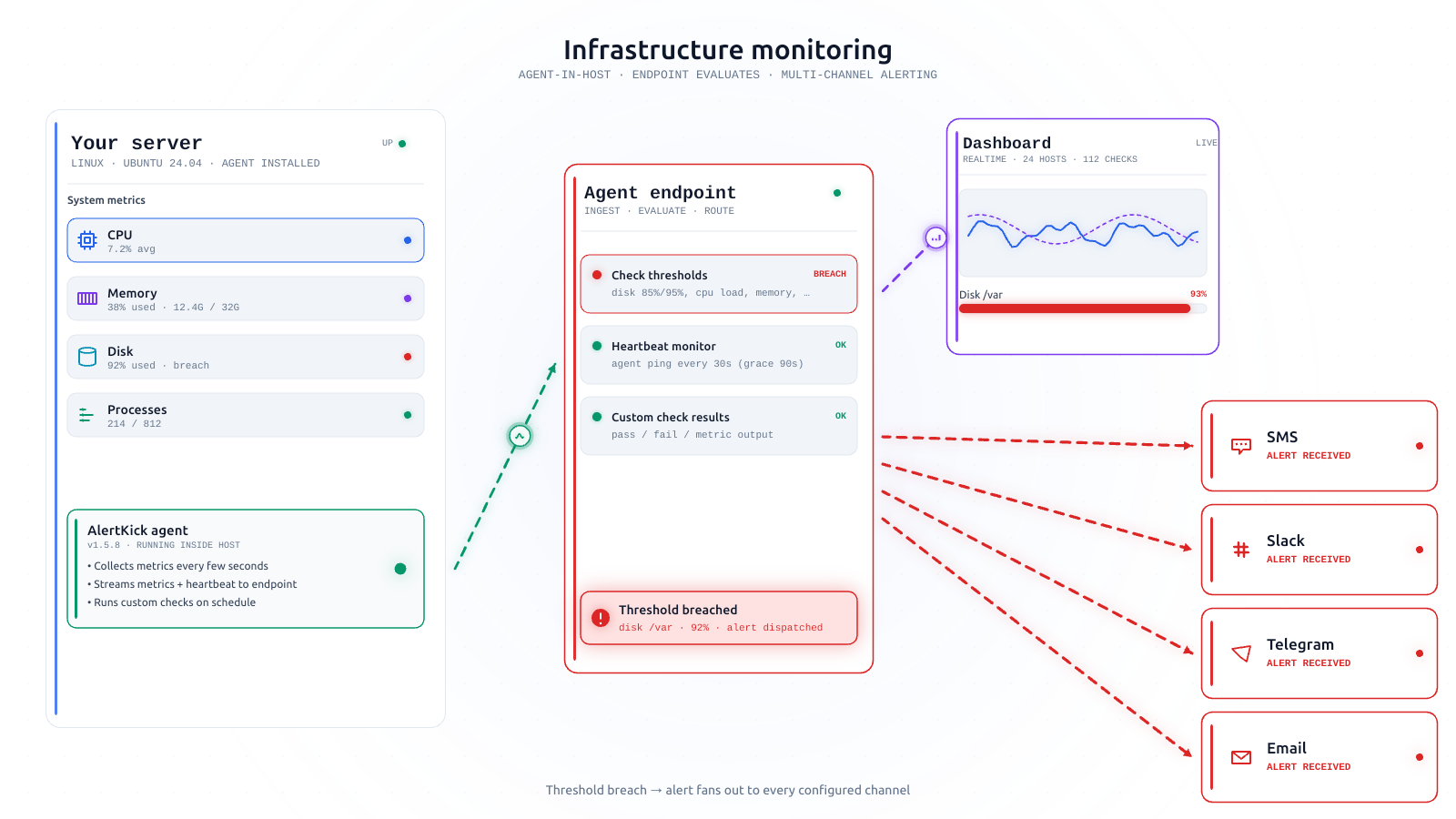
You install the agent on a Linux host. Within a minute, we know what’s running on the box - systemd units, Docker containers, exposed ports, common services. The checks you should have on day one are now running. Not a templated starting point you have to customise - just running.
If you’re on a fresh Ubuntu server with Postgres and nginx, we’ve already started watching disk, memory, CPU, system load, systemd unit health, Postgres process health, nginx health, and the ports those services bind to. The thresholds that matter are the thresholds you’d have picked anyway.
If you disagree with one of those defaults, you can change it. But you shouldn’t have to in order for monitoring to be useful. On day one, it should just work.
Two: the number of knobs is deliberately small.
For every feature in AlertKick, there’s a short list of things you can customise, and a long list of things you can’t. That’s not a limitation of the product - it’s the product.
Take alerting. You can set a severity, a channel, an escalation policy, and a silence rule. That’s the whole surface. You can’t write a templated DSL that transforms alert payloads. You can’t chain four conditional rules together. You can’t reshape the schema with jq.
Is that less flexible than the tools that do let you do those things? Yes. Is it less capable for the people who need those things? Also yes. But the people who need those things have the budget and headcount to buy and operate a tool built for them - and the cost of building all that flexibility into a product aimed at teams who’d rather not operate one is that those teams get a product they can’t operate.
We chose the teams who’d rather run their product than their monitoring.
Three: the opinions are informed, not arbitrary.
Every opinion baked into AlertKick comes from years of SRE work. Not from market research, not from focus groups, not from what another tool does. From the checks that actually caught incidents and the alerts that actually mattered.
That experience is the product. The agent installs in about a minute. What it does in that minute is worth more than the minute.
Knobs are a tax
Every single option in a monitoring tool is somebody’s decision, deferred.
When you ship a choice to the user, you’ve moved the work of making that choice from your engineering team (who can research it once, decide once, and apply the decision to every customer) to your customer’s engineering team (who has to learn the context, research the choice, and make the decision themselves, forever).
In aggregate, that transfer is enormous. Every knob is a support ticket, a forum question, a Stack Overflow thread, a bad default somebody discovered in a post-mortem, a blog post titled “N Things to Configure in [Tool] Before You Go to Production”. That blog post shouldn’t need to exist. The tool should just be right.
We try very hard to make AlertKick right, so the blog post doesn’t need to exist.
What we actually let you configure
Here’s the honest list. It’s short.
- Which hosts are in which groups. Production versus staging, by region, by team.
- Which checks are enabled. We turn the right ones on by default. If you want to disable one, you can. If you want a custom check for something only you know about, you can add one.
- Who gets paged, when, and how. Escalation policies, on-call schedules, quiet hours, severity overrides.
- Silence rules. Maintenance windows, known-noisy periods.
- Thresholds, where reasonable. Disk full at 85% or 90%. CPU load over 1-minute or 5-minute. The number is yours if you care about it; the fact that we’re watching is ours.
That’s the whole list. It’s short because we think the right defaults have been chosen, and because the things that are different for you are the things worth you changing.
What this means for the DIY path
If you’re currently running a hand-rolled stack - metrics exporters feeding a time-series database, a ruler evaluating alert expressions, a router dispatching to chat channels, a separate cron-monitoring component, a separate on-call scheduler, a synthetic-uptime tool - each of those components is configurable. That’s their job. They have to be, because they don’t know what they’re being stitched into.
The cost of that configurability is the glue. Somebody on your team owns the glue. They make the opinionated decisions for you. That person is, in fact, your opinionated monitoring tool - they just happen to also be a person you have to pay, manage, and hire a backup for when they go on holiday.
AlertKick takes the role of that person, on a subscription. That’s not a slight at your monitoring engineer - it’s a recognition that most teams don’t have one, and shouldn’t need one.
The shape of the rest of the blog
If this is the core opinion, the rest of the product is how that opinion shows up in each feature:
- Infrastructure monitoring: which checks we ship by default and why.
- Heartbeats: how grace periods and intervals are chosen, so you don’t have to.
- Alerting and on-call: the escalation levels that come out of the box, and what each one is for.
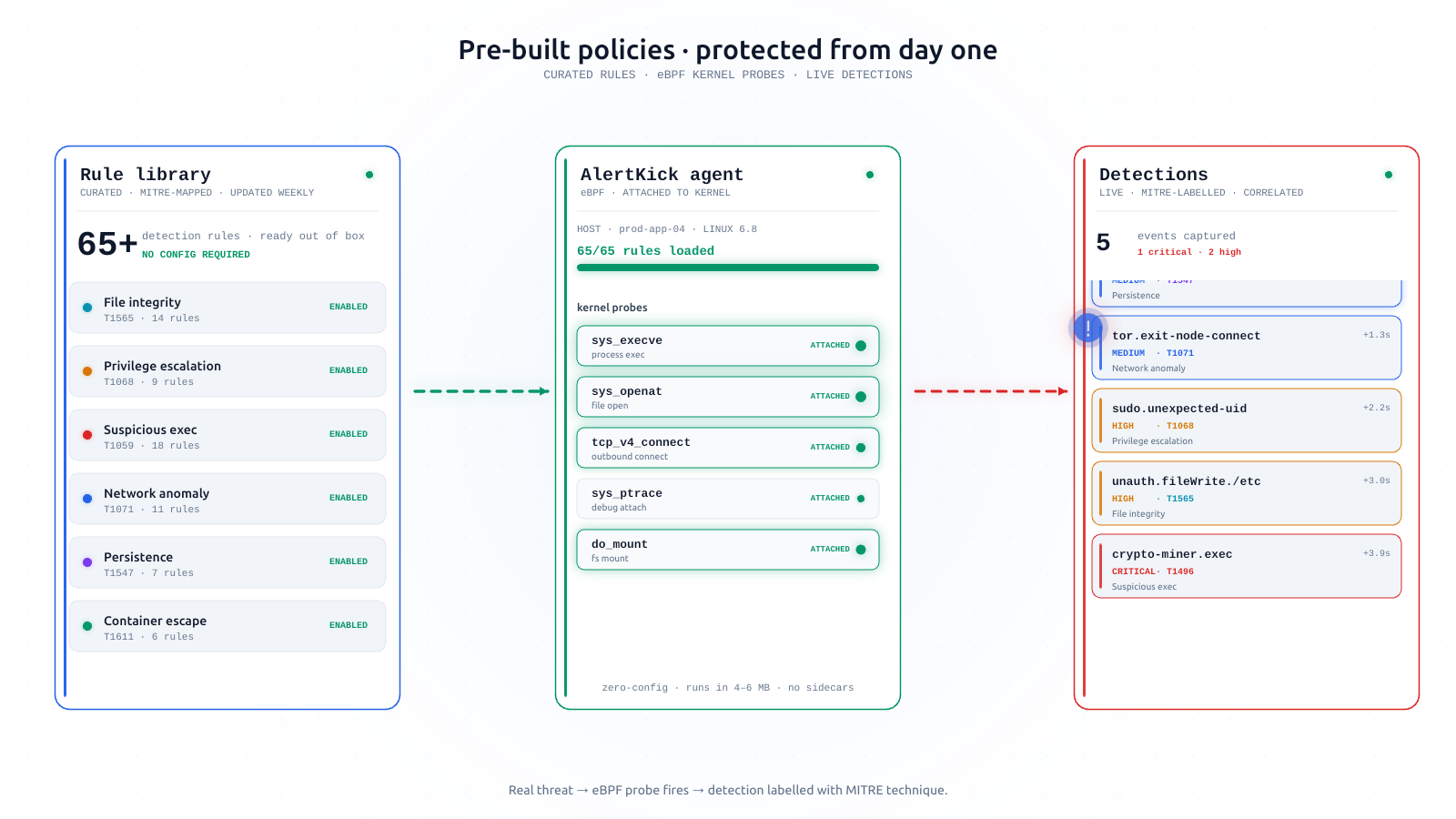
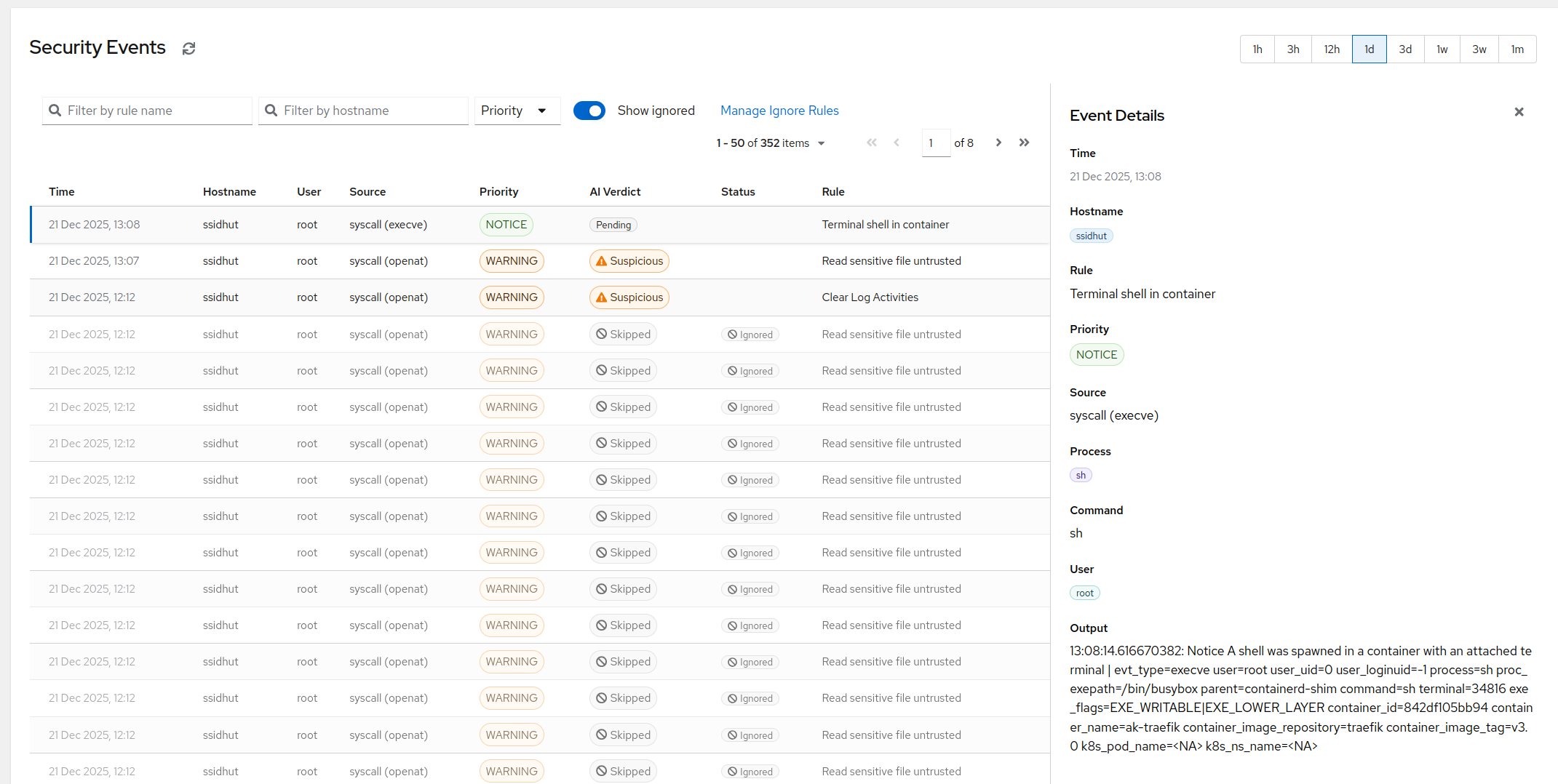
- eBPF security: the detections we enable without asking you to build a ruleset.
- MCP: how AI assistants can query everything above, in natural language.
Each of those is getting its own post in the coming weeks. If you want to skip ahead and try the product, get started here.
The whole point is that the interesting work is yours, not your monitoring tool’s.