How to install and configure Falco on Ubuntu and Debian (2026 guide)
A complete, tested walkthrough for installing Falco on Ubuntu 24.04 or Debian 13: choosing the right driver (modern eBPF vs kernel module), configuring falco.yaml, wiring outputs to a file, syslog, or a webhook, and verifying detections actually fire.

The AlertKick team
Falco is the best-known open-source runtime security engine for Linux: it watches syscalls via eBPF and evaluates them against a rule set, printing an alert when something matches. It is a CNCF-graduated project, it is genuinely free, and it works. What it is not is turnkey - the packages install an engine, and the detection pipeline around it is yours to build.
This guide gets you from a bare Ubuntu 24.04 or Debian 13 host to a working Falco install with sane configuration, real outputs, and a verified detection. Everything here also applies to Ubuntu 22.04 and Debian 12 with no changes.
Before you start: pick a driver
Falco needs a way to see syscalls. There are three drivers, and choosing wrong is the most common source of install pain:
- Modern eBPF (recommended). Built on CO-RE (“compile once, run everywhere”), embedded in the Falco binary, nothing to compile, no kernel headers needed. Requires kernel 5.8+ with BTF enabled - true for Ubuntu 22.04+, Debian 12+, RHEL 9+, and every mainstream distro kernel from the last few years.
- Classic eBPF probe. The older probe, compiled per-kernel (downloaded prebuilt where available). Use it only on 4.14 - 5.7 kernels.
- Kernel module. The legacy option. Broadest kernel support, but it is a module in your kernel with everything that implies, and secure-boot hosts will refuse to load an unsigned module.
Check your kernel supports the modern driver before installing anything:
uname -r                       # want 5.8 or newer
ls /sys/kernel/btf/vmlinux     # exists = BTF available, CO-RE will work
If both pass (they will on any current Ubuntu or Debian), use modern eBPF and skip every “driver loader” step you may find in older tutorials. If you want to check a kernel you are not logged into, the eBPF support checker does the same lookup from a version string.
Step 1: install the package
Falco ships an official apt repository:
curl -fsSL https://falco.org/repo/falcosecurity-packages.asc | \
  sudo gpg --dearmor -o /usr/share/keyrings/falco-archive-keyring.gpg

echo "deb [signed-by=/usr/share/keyrings/falco-archive-keyring.gpg] \
  https://download.falco.org/packages/deb stable main" | \
  sudo tee /etc/apt/sources.list.d/falcosecurity.list

sudo apt update
sudo apt install -y falco
The installer asks which driver to configure. Choose Modern eBPF. The package sets up a falco-modern-bpf.service systemd unit; the other drivers get their own unit names, which matters when you go looking for logs later.
sudo systemctl enable --now falco-modern-bpf.service
sudo systemctl status falco-modern-bpf.service
A healthy start looks like this in the journal:
Falco initialized with configuration files: /etc/falco/falco.yaml
Loading rules from: /etc/falco/falco_rules.yaml
Starting health webserver with threadiness 4, listening on 0.0.0.0:8765
Step 2: understand the config layout
Everything lives under /etc/falco/:
/etc/falco/falco.yaml              # engine config: outputs, priorities, webserver
/etc/falco/falco_rules.yaml        # stock rules - DO NOT EDIT, replaced on upgrade
/etc/falco/falco_rules.local.yaml  # your rules and overrides - survives upgrades
/etc/falco/rules.d/                # extra rule files, loaded alphabetically
The single most important operational fact: falco_rules.yaml is package-managed. Every customisation - new rules, tuned conditions, disabled rules - goes in falco_rules.local.yaml or rules.d/. Later files override earlier ones by rule name, which is how you modify a stock rule without forking the file.
Step 3: configure falco.yaml
The defaults are reasonable; these are the settings worth deciding deliberately.
Minimum priority. Stock rules span emergency down to debug. Start at notice or you will drown:
priority: notice
JSON output. Turn it on. Human-readable text is fine for a demo; everything downstream of a real install (log shippers, webhooks, jq) wants JSON:
json_output: true
json_include_output_property: true
File output. The journal is not a great long-term home for security events. Write them to a dedicated file you can ship and rotate:
file_output:
  enabled: true
  keep_alive: false
  filename: /var/log/falco/events.json
Create the directory (sudo mkdir -p /var/log/falco) and add a logrotate stanza - Falco will happily fill a disk on a noisy host, and a full disk on a security host is its own incident.
HTTP output. This is how most people get Falco events into Slack or an alerting pipeline - Falco POSTs each event as JSON to a URL:
http_output:
  enabled: true
  url: http://127.0.0.1:2801/
The convention in the Falco ecosystem is to point this at a small router service (the project’s companion “sidekick” daemon) which fans events out to Slack, PagerDuty-style pagers, S3, and about sixty other destinations. That is one more service to deploy, configure, and keep alive - budget for it, because bare Falco has no notion of notification channels, deduplication, or alert routing at all.
Restart to apply:
sudo systemctl restart falco-modern-bpf.service
Step 4: verify a detection actually fires
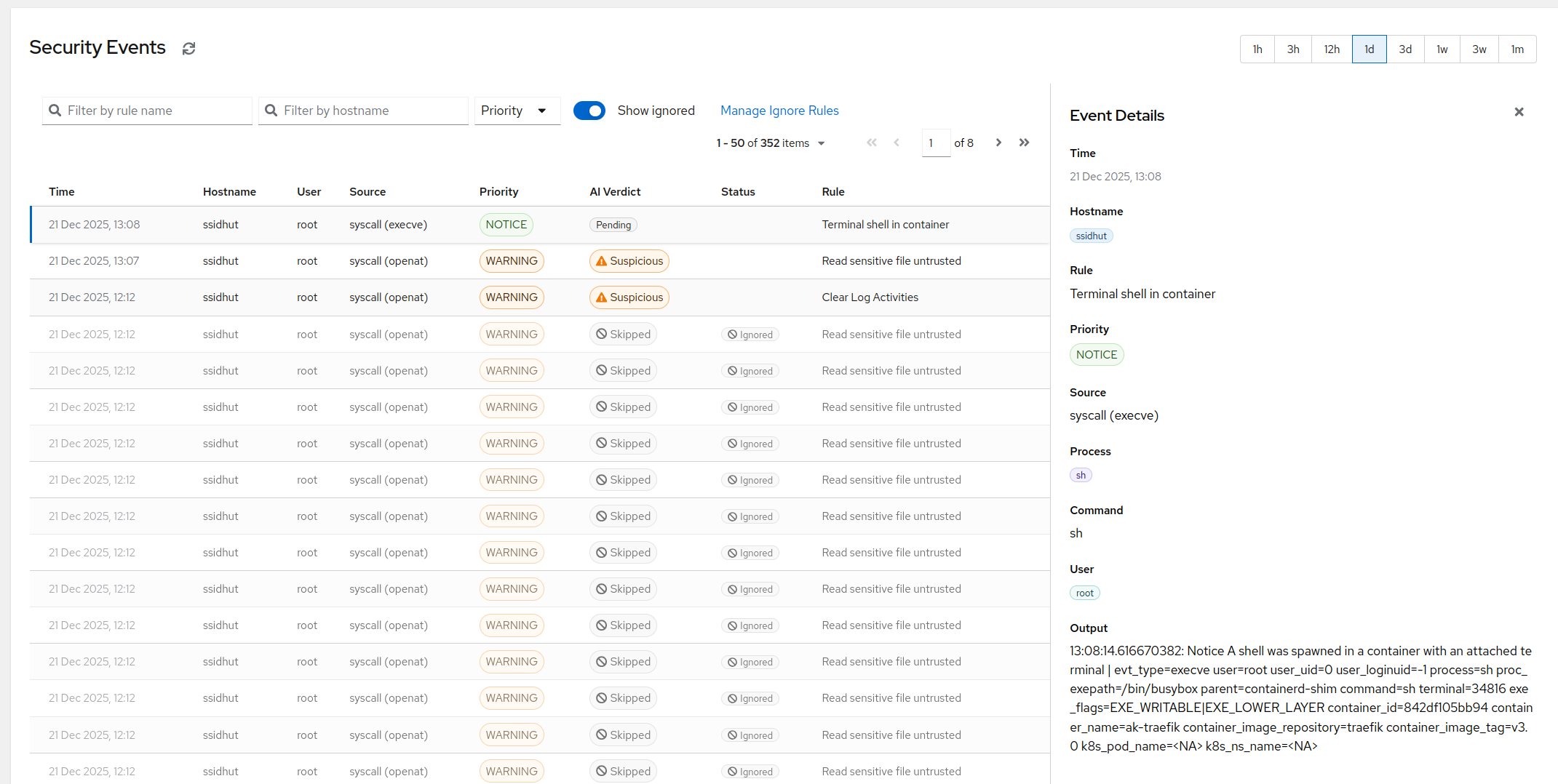
Do not skip this. A security tool that has never been seen to alert is a security tool in the same sense a disconnected smoke detector is one. The stock rules include “Read sensitive file untrusted after startup”, which an interactive shell reading /etc/shadow will trigger:
sudo cat /etc/shadow > /dev/null
sudo tail -n 5 /var/log/falco/events.json
You should see an event within a second or two:
{"priority":"Warning","rule":"Read sensitive file untrusted",
 "output":"Sensitive file opened for reading by non-trusted program
 (file=/etc/shadow gparent=sudo ggparent=bash user=root ...)"}
If nothing appears, check journalctl -u falco-modern-bpf - the usual culprits are a typo’d YAML file (Falco refuses to start and says why) or events going only to stdout because file_output never got enabled.
Step 5: the first week of tuning
Out of the box, a normal server produces a steady drip of findings that are technically true and practically useless: config management editing files under /etc, package upgrades writing binaries, monitoring agents reading things monitoring agents read. The workflow for silencing them without losing coverage is the subject of its own post - Falco rules: how they work and how to tune them - but the shape of it is:
- Let it run for a few days, collecting to the JSON file.
- Aggregate by rule name (
jq -r .rule /var/log/falco/events.json | sort | uniq -c | sort -rn). - For each noisy rule, add an exception or an override in
falco_rules.local.yamlscoped as narrowly as you can. - Re-check weekly, because deploys change behaviour and yesterday’s tuning goes stale.
What you have at the end - and what you don’t
At this point Falco is watching syscalls, evaluating a few hundred community rules, and appending JSON events to a file. That is a real capability and it costs nothing but your time.
What you do not yet have is a security system: nothing routes events to a human, nothing dedupes a rule that fires four thousand times overnight, nothing correlates events into an incident, nothing decides which of this week’s findings is the one that matters, and nobody but you patches the drivers, updates the rules, and re-tunes after every deploy. Multiply that by each host in the fleet - Falco is per-host, and the aggregation layer is also yours to build.
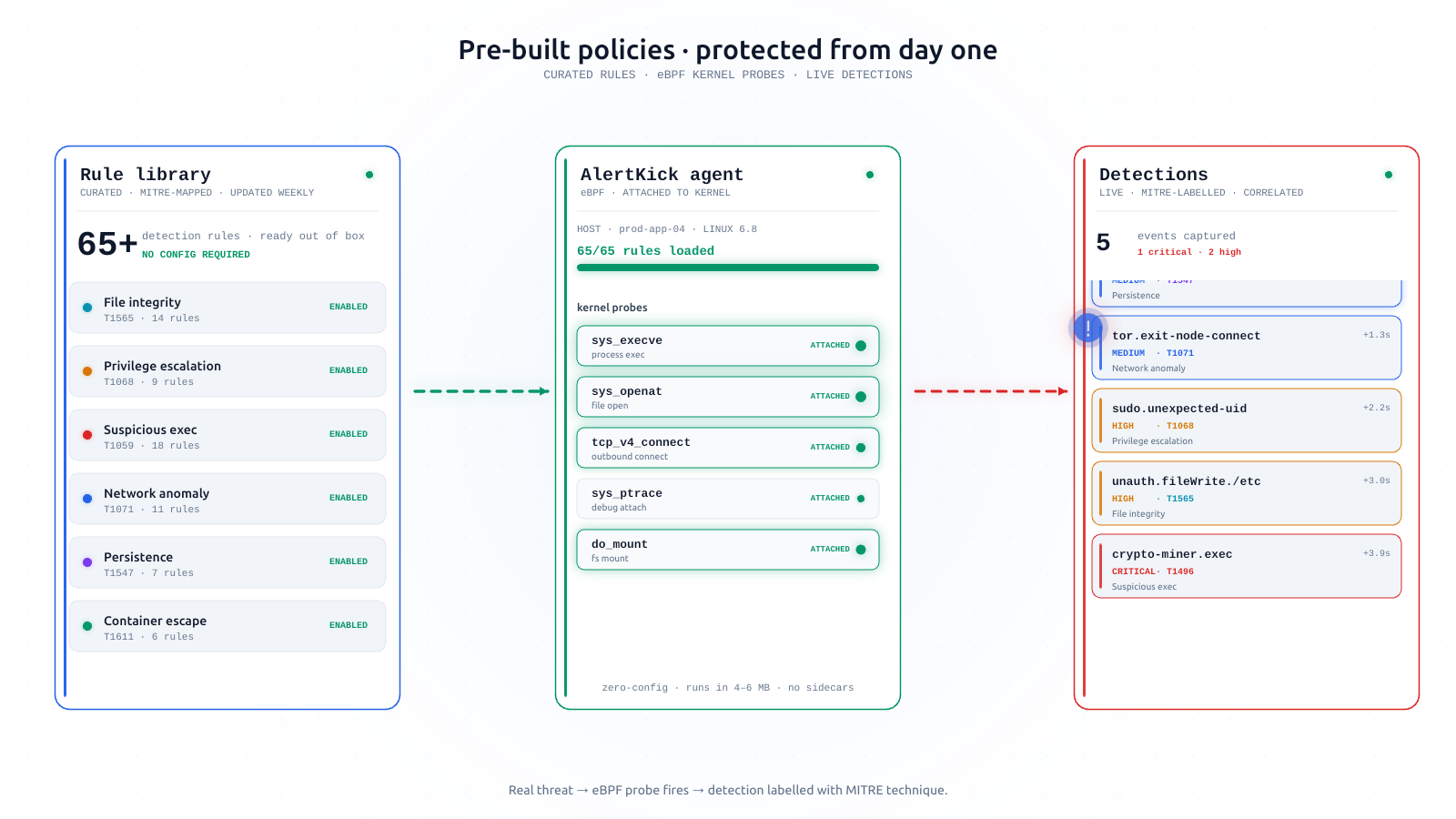
Some teams should absolutely build all that - it is good engineering, and full control of the rule set is worth real money to an org with a security function. If instead you got here because you want the outcome - kernel-level detection of shells in containers, credential file reads, reverse shells, and crypto miners, with the noise triaged before it reaches you - that pipeline already exists as a product. AlertKick’s eBPF security monitoring installs as one agent, maps events to MITRE ATT&CK, runs AI triage over the stream so a week of raw events becomes a handful of real alerts, and includes the paging. Start free and compare what it catches against your Falco install - they are watching the same syscalls.