How to configure auditd on Linux: rules that catch attackers instead of filling disk
A practical auditd guide for Ubuntu, Debian, and RHEL: install and enable it, understand auditd.conf and rules.d, write file-watch and syscall rules that auditors and incident responders actually use, query the log with ausearch and aureport, and keep the noise from eating your disk.

The AlertKick team
auditd is the piece of Linux security infrastructure everyone technically has and almost nobody configures: the kernel audit framework’s userspace daemon, sitting on every RHEL box and an apt install away on Debian and Ubuntu. Configured well, it answers the two questions that matter most after an incident - what ran, and who touched what - with a log an attacker cannot quietly edit. Configured badly, it either records nothing useful or fills a disk with noise until someone turns it off.
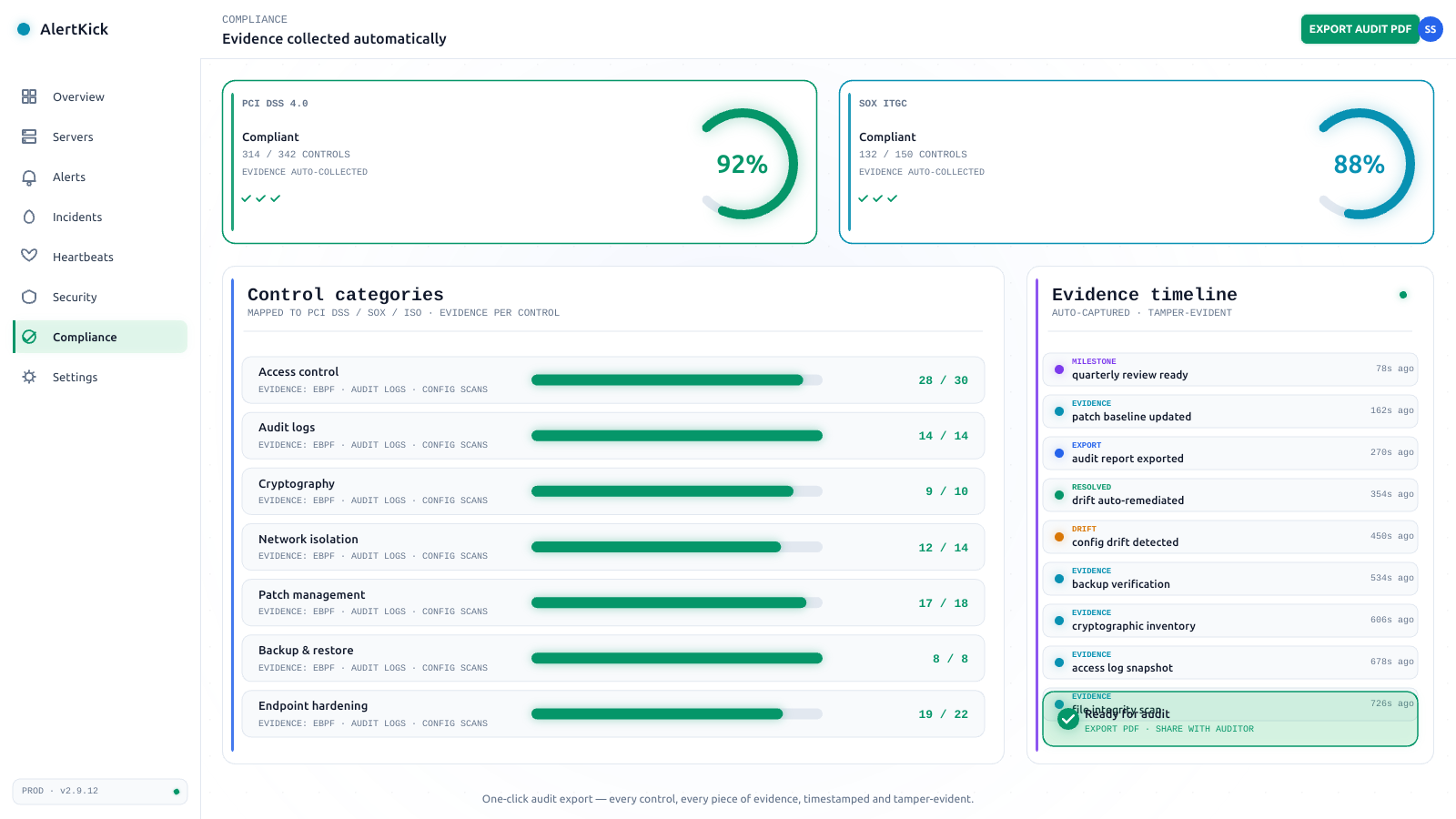
This guide is the configured-well version: a baseline that satisfies the common compliance asks (PCI DSS, SOX ITGC, CIS benchmarks) and genuinely helps in an investigation, without drowning the host.
Install and enable
# Debian / Ubuntu
sudo apt install -y auditd audispd-plugins

# RHEL / Alma / Rocky - already installed; just make sure it's on
sudo systemctl enable --now auditd

# verify the kernel side is listening
sudo auditctl -s
auditctl -s shows enabled 1 when auditing is active. If it shows enabled 2, the configuration is locked (immutable mode - more on that at the end) and rule changes need a reboot.
One platform note: on systems where journald and auditd both want the audit socket, the kernel forwards audit records to whichever is configured; keeping auditd as the consumer with its own /var/log/audit/audit.log is what the compliance tooling ecosystem (ausearch, aureport, aide integrations) expects.
The config layout
/etc/audit/auditd.conf      # the daemon: log size, rotation, full-disk behaviour
/etc/audit/rules.d/*.rules  # your rules - compiled by augenrules at start
/etc/audit/audit.rules      # GENERATED - do not edit by hand
/var/log/audit/audit.log    # the record
The mistake that costs people their rules: adding them with auditctl (live, gone at reboot) or editing audit.rules (regenerated from rules.d/ at service start). Persistent rules go in /etc/audit/rules.d/, in numbered files that concatenate alphabetically - 10-base.rules, 30-ident.rules, 99-finalize.rules.
auditd.conf: three decisions
The defaults are mostly fine. Decide these three deliberately:
max_log_file = 50          # MB per file
num_logs = 8               # keep 8 rotations - ~400MB ceiling
max_log_file_action = rotate
space_left_action = syslog # warn when disk gets tight
disk_full_action = syslog  # KEEP LOGGING BEST-EFFORT, don't halt
disk_full_action and admin_space_left_action can be set to halt - which literally powers off the machine rather than run unaudited. Some regulated environments genuinely require that; if yours does not, syslog (or suspend) keeps an outage from becoming a self-inflicted one. Decide with eyes open rather than inheriting whichever default your distro shipped.
The rule language in two shapes
Nearly every useful rule is one of two forms.
File watches - who touched this path:
-w /etc/sudoers -p wa -k identity
-w path, -p permissions to trip on (read, write, execute, attribute change), -k a key - the label you will search by later. Tag every rule with a key; an unlabelled audit log is write-only.
Syscall rules - record a class of action:
-a exit,always -F arch=b64 -S execve -F auid>=1000 -F auid!=unset -k user-exec
Read it as: on syscall exit, always record execve (64-bit ABI) when the audit UID is a real logged-in user. Two details carry most of the craft:
auidis the login identity, not the current one. It survivessudoandsu, which is the entire point: the record says which human’s session ran the command, no matter how many privilege changes happened in between.auid>=1000 -F auid!=unsetmeans “real users, not system daemons”.- Always pair
arch=b64andarch=b32rules for syscall auditing on x86_64. A 32-bit binary calls the 32-bit syscall table, and a rule for onlyb64misses it - an old, well-known evasion.
A baseline that earns its disk space
This is a deliberately compact set - the CIS benchmark’s greatest hits plus the investigation staples. Drop it in /etc/audit/rules.d/50-baseline.rules:
## Identity and privilege
-w /etc/passwd -p wa -k identity
-w /etc/shadow -p wa -k identity
-w /etc/group -p wa -k identity
-w /etc/sudoers -p wa -k identity
-w /etc/sudoers.d/ -p wa -k identity

## Login machinery and SSH trust
-w /etc/ssh/sshd_config -p wa -k sshd
-w /etc/ssh/sshd_config.d/ -p wa -k sshd
-w /root/.ssh/ -p wa -k rootkeys

## Every command run by a real user (the investigation goldmine)
-a exit,always -F arch=b64 -S execve -F auid>=1000 -F auid!=unset -k user-exec
-a exit,always -F arch=b32 -S execve -F auid>=1000 -F auid!=unset -k user-exec

## Privilege escalation attempts that FAILED (quiet and interesting)
-a exit,always -F arch=b64 -S setuid,setgid,setreuid,setregid -F exit=-EPERM -k priv-fail
-a exit,always -F arch=b32 -S setuid,setgid,setreuid,setregid -F exit=-EPERM -k priv-fail

## Scheduled-work tampering
-w /etc/crontab -p wa -k cron
-w /etc/cron.d/ -p wa -k cron
-w /var/spool/cron/ -p wa -k cron
-w /etc/systemd/system/ -p wa -k unitfiles

## Kernel module loading
-a exit,always -F arch=b64 -S init_module,finit_module,delete_module -k modules

## The audit system itself
-w /etc/audit/ -p wa -k auditconfig
-w /sbin/auditctl -p x -k audittools
Load and verify:
sudo augenrules --load
sudo auditctl -l | head
What is deliberately not here: blanket open/openat logging (gigabytes per hour on a busy host), watches on application data directories (that is file integrity monitoring’s job), and network syscall auditing (connect at audit volume is better served by other tools). The fastest way to kill an auditd deployment is a first week that fills /var/log.
Reading it back: ausearch and aureport
The log format is famously unreadable raw. You never read it raw:
# everything a specific user session ran today
sudo ausearch -k user-exec --start today -i | grep -A2 proctitle

# who changed identity files this week
sudo ausearch -k identity --start week-ago -i

# failed privilege escalations
sudo ausearch -k priv-fail -i

# summary volumes - run this weekly to catch noise growth
sudo aureport --summary
sudo aureport -x --summary    # executables by count
-i translates UIDs and syscall numbers to names. aureport -x --summary is your noise radar: when one binary dominates the counts (a monitoring agent, a build tool), exclude it explicitly rather than letting it drown the signal:
-a exit,never -F arch=b64 -S execve -F exe=/usr/bin/node -F auid=1001 -k noise
(exit,never rules must appear before the matching always rules in the concatenated set - name the file 40-exclusions.rules so it sorts first.)
Locking it: immutable mode
The last line of the last rules file (99-finalize.rules):
-e 2
After loading, the audit configuration is immutable until reboot - an attacker with root can stop new rules being useful going forward but cannot silently unload the existing ones or edit what was already recorded without leaving a reboot in the record. Compliance frameworks love it; operationally it means rule changes now require a scheduled reboot, so do your tuning weeks first.
What auditd will not do for you
Now the honest half. auditd writes a very good local record - and that is all it does:
- Nobody is told. There is no alerting. A recorded
sudoersedit at 03:00 is only discovered if someone searches for it. - The log lives with the attacker. Immutable mode raises the bar, but root on the box is still root; the copy that counts is the one shipped off-host, and shipping is your problem to build.
- No context. ausearch tells you
execve("/usr/bin/curl")with a UID and a timestamp. Whether that was a deploy script or exfiltration is an hour of correlation by hand. - Per-host, forever. Rules, exclusions, and disk care multiply by fleet size.
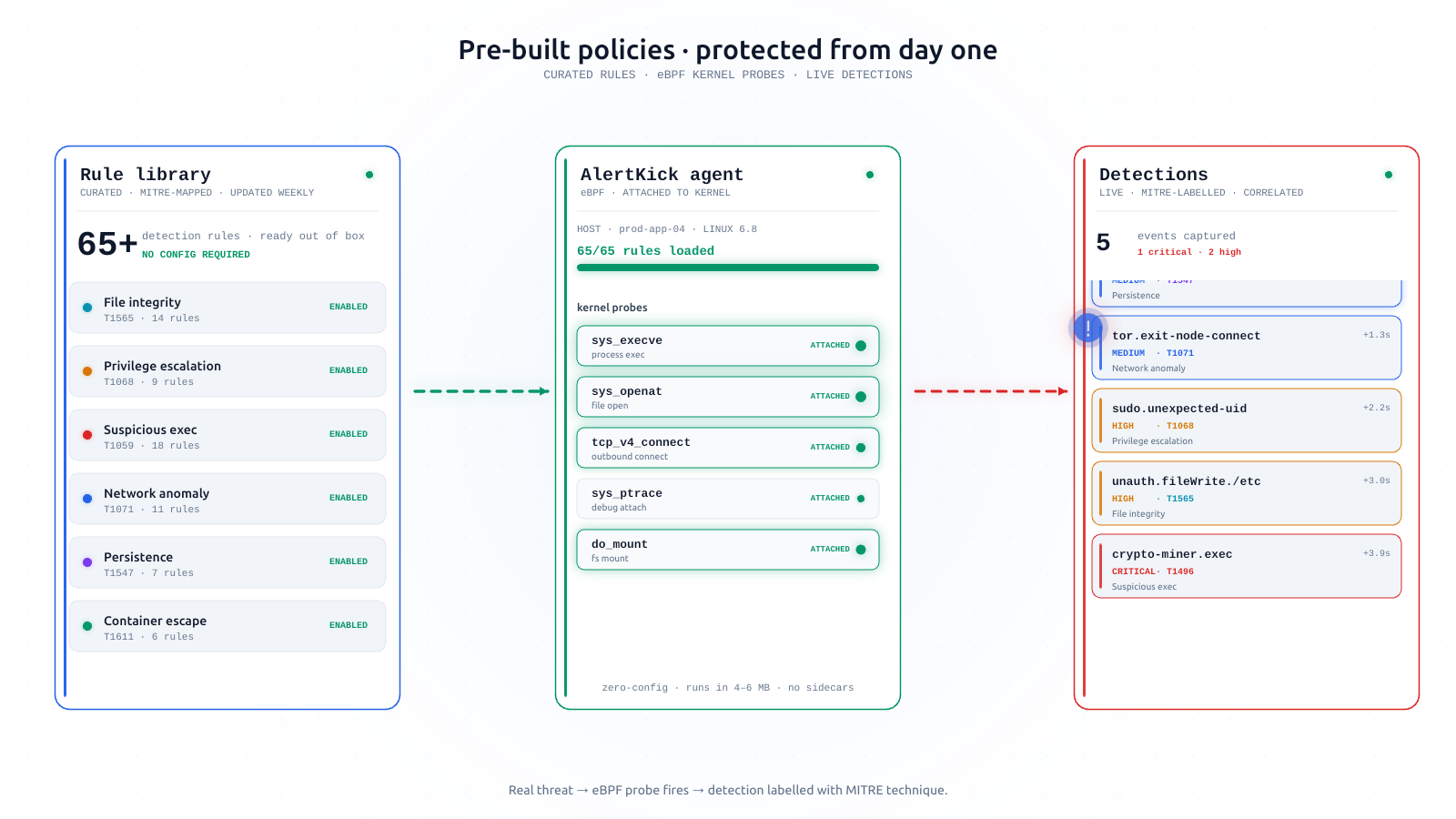
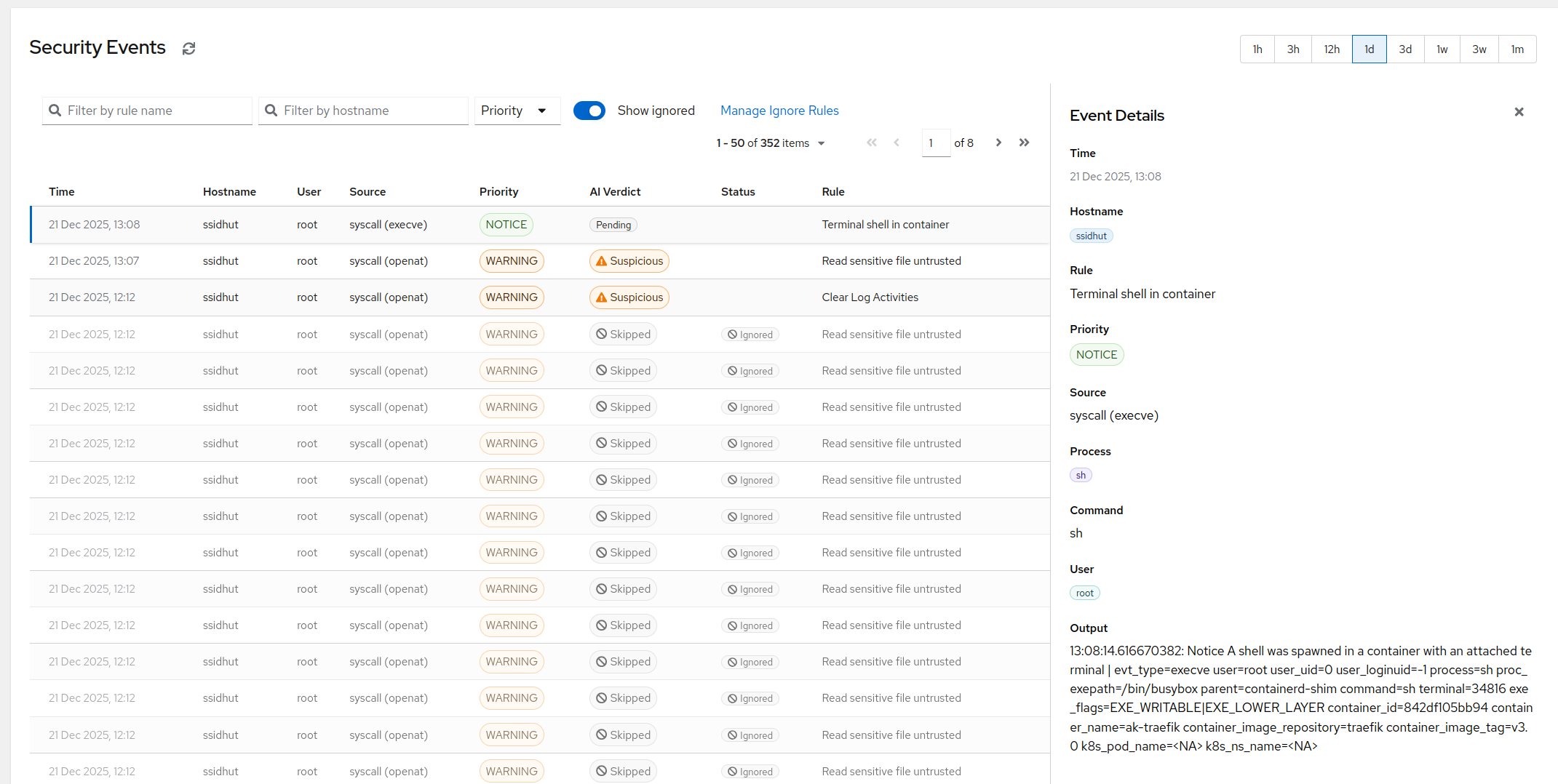
That gap - a record with nobody watching it - is where kernel-level detection earns its keep, and it is exactly what AlertKick’s eBPF security monitoring adds on top of the same events: process executions, credential-file reads, persistence attempts, and module loads watched live, correlated with process ancestry and threat intel, mapped to MITRE ATT&CK, triaged by AI so the 03:00 sudoers edit becomes a 03:00 page instead of a next-quarter finding. Keep auditd for the tamper-evident compliance trail - it is genuinely good at that - and let something that never sleeps read the stream.